
Jagged Alliance: Crossfire

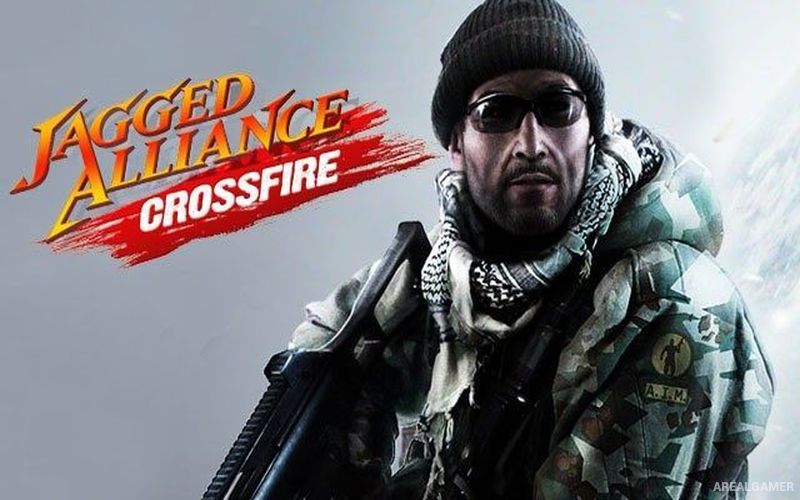
Jagged Alliance: Crossfire – Free Download – PC Game
Game Info:
Size: 749 MB
Genre: Strategy
Release Date: 24 Aug, 2012
Developer: Coreplay GmbH
Publisher: THQ Nordic
About This Game:
Jagged Alliance: Crossfire is a standalone expansion to Jagged Alliance: Back in Action that sends a team of mercenaries to the fictional Asian country of Khanpaa. The region is facing violence and oppression, and players are hired to confront the armed forces responsible while helping local people regain control of important territory.
The game retains the modernized tactical structure of Back in Action rather than returning to the traditional turn-based system of the older Jagged Alliance titles. Players recruit mercenaries, manage equipment, and coordinate several specialists across combat zones containing heavily armed opposition.
How the Gameplay Works
Combat occurs in real time but can be paused to issue detailed orders. Players can queue movements, attacks, stance changes, and other commands for several mercenaries before allowing the action to continue, making coordinated assaults possible without requiring constant rapid input.
Weapons, armor, ammunition, medical supplies, and other equipment must be distributed across the squad. Different mercenary skills influence shooting, healing, explosives, and technical tasks, encouraging players to build a balanced team for the campaign.
Main Gameplay Features
Standalone Jagged Alliance campaign
Khanpaa setting
Mercenary squad management
Real-time combat with tactical pause
Queued squad commands
Firearms and explosives
Different mercenary specialties
Inventory management
Armor and weapon equipment
Medical supplies
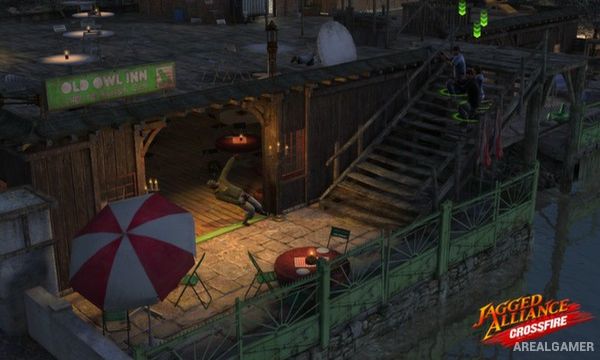
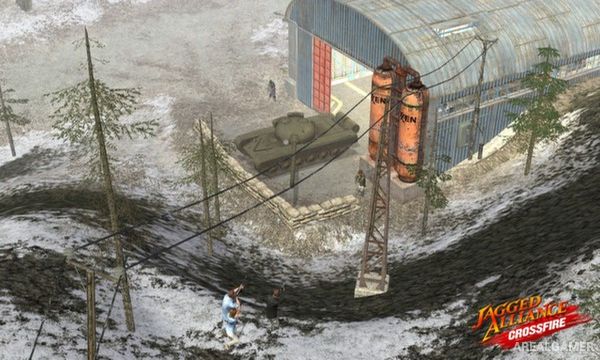
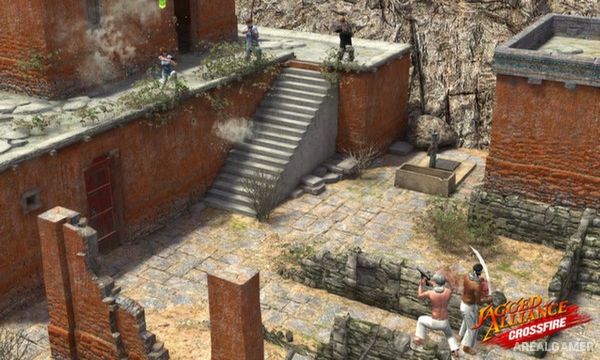
Multiple tactical battlefields
Mission-based progression
Screenshots:
Minimum System Requirements:
OS: Windows XP (SP2), Vista or Windows 7
CPU: Core 2 Duo Processor (1,8 GHz or better) or similar AMD
RAM: 2 GB
Video Card: Shader 3.0 compatible graphics card (Ati 2600, Geforce 8800 or similar) with 512 MB RAM
Space Required: 3 GB
DirectX: 9.0c
How to Install:
Extract the game using Winrar or 7zip.
Open “Jagged Alliance Crossfire” folder, Unzip “Jagged Alliance Crossfire” and install it.
After Unpak complete, go to the folder where you unpak the game.
Open “game” folder, double click on “GameJACrossfire” icon to play the game. Enjoy!
Click the Below Button to Proceed to Download Page
File Password: arealgamer