
Little Misfortune


Little Misfortune – Free Download – PC Game
Game Info:
Size: 2.01 GB
Genre: Adventure
Release Date: 18 Sep, 2019
Developer: Killmonday Games AB
Publisher: Killmonday Games AB
About This Game:
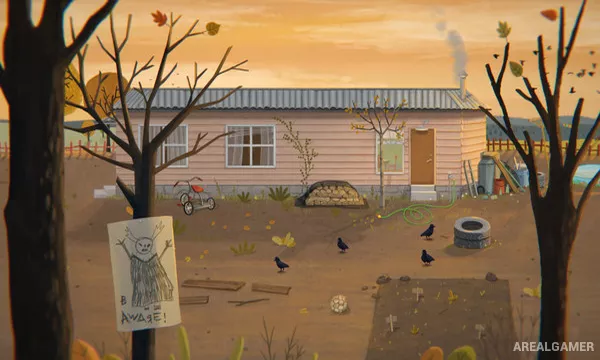
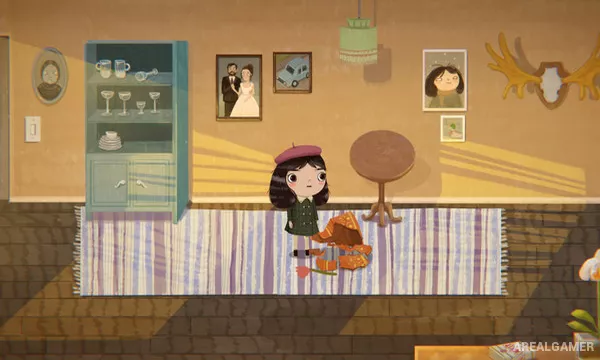
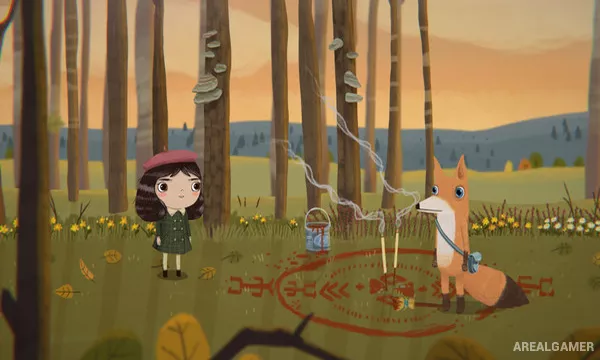
Little Misfortune is a dark narrative adventure about an imaginative eight-year-old girl who follows a mysterious voice promising her the prize of Eternal Happiness. Her journey through the neighborhood becomes increasingly strange as she encounters animals, supernatural events, and unsettling hints about what is really happening.
The game mixes childlike humor with disturbing themes, using Misfortune’s cheerful perspective to contrast with the darker world around her. Choices change small scenes and details without turning the experience into a traditional branching RPG.
How the Gameplay Works
Players guide Misfortune through side-view environments, examine objects, choose responses, and interact with characters. Some decisions involve whether to take, use, or leave particular objects, while others affect how Misfortune treats people and animals.
Glitter can be thrown onto selected objects for humorous interactions, and optional discoveries reveal more about the setting. The story is mostly linear but includes different consequences and ending details based on player choices.
Main Gameplay Features
Story-driven side-view adventure
Dark humor and fairy-tale horror
Choice-based interactions
Environmental exploration
Distinctive narrated presentation
Optional glitter interactions
Collectible and hidden story details
Multiple outcome variations
Screenshots:
Minimum System Requirements:
OS: Windows 7/8/10, 64-bit
CPU: Intel(R) Core(TM) i5-6300U CPU @ 2.5 GHz
RAM: 8 GB
Video Card: Intel(R) HD Graphics 520
Space Required: 8 GB
DirectX: 11
How to Install:
Extract the game using Winrar or 7zip.
Open “Little Misfortune” folder, double click on “Setup” and proceed install.
After installation complete, open “SKIDROW” folder.
Copy all files and paste it where you “Installed the Game”.
Double click on “Game” icon to play the game. Enjoy!
Click the Below Button to Proceed to Download Page
File Password: arealgamer