
Tales from the Borderlands


Tales from the Borderlands – Free Download – PC Game
Game Info:
Size: 2.9 GB
Genre: Adventure
Release Date: 17 Feb, 2021
Developer: Telltale Games
Publisher: 2K
About This Game:
Tales from the Borderlands is an episodic narrative adventure set in the Borderlands universe after the events of Borderlands 2. The story follows Hyperion employee Rhys and con artist Fiona as they recount a chaotic journey involving a Vault key, bandits, corporations, and a group of unlikely allies.
The game uses Borderlands humor and characters but replaces loot-driven shooting with dialogue choices, exploration, quick-time sequences, and relationship decisions. The two protagonists sometimes describe the same events differently, creating unreliable and comedic retellings.
How the Gameplay Works
Players choose dialogue responses, inspect locations, make decisions, and complete action scenes through timed inputs. Rhys can use his cybernetic eye to scan objects, while Fiona’s sections often involve con tricks and improvised problem solving.
Choices carry across all five episodes and affect relationships, later scenes, and some available options. The story includes returning Borderlands characters alongside a mostly original cast.
Main Gameplay Features
Five-episode narrative adventure
Dual protagonists Rhys and Fiona
Choice-driven dialogue
Quick-time action sequences
Rhys’s cybernetic scanning
Borderlands characters and humor
Decisions carried across episodes
Relationship and story consequences
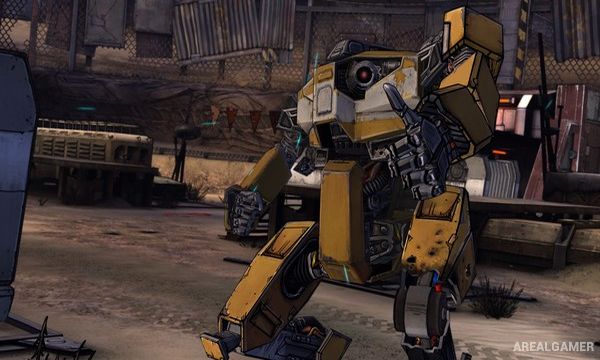
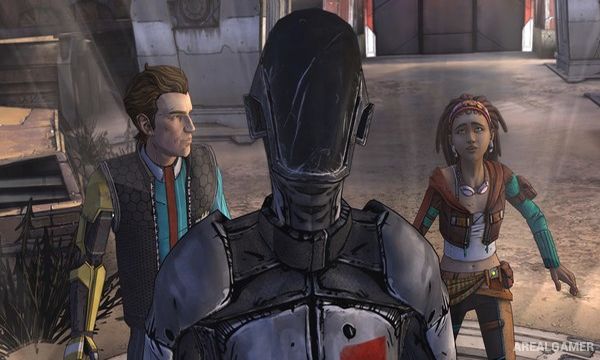
Screenshots:

Minimum System Requirements:
OS: Windows 7/8/10, 64-bits
CPU: Intel Dual Core 2,6 GHz or equivalent AMD
RAM: 3 GB
Video Card: ATI or NVIDIA card w/512 MB RAM
Space Required: 4 GB
DirectX: 9.0c
How to Install:
Extract the game using Winrar or 7zip.
Open “Tales from the Borderlands” folder, double click on “Setup” and proceed install.
After installation complete, open “CODEX” folder.
Copy all files and paste it where you “Installed the Game”.
Double click on “Borderlands” icon to play the game. Enjoy!
Click the Below Button to Proceed to Download Page
File Password: arealgamer