
MarZ: Tactical Base Defense

MarZ: Tactical Base Defense – Survival Update – Free Download – PC Game
Game Info:
Size: 2.51 GB
Genre: Strategy
Release Date: 4 Apr, 2019
Developer: Giant Grey
Publisher: Giant Grey
About This Game:
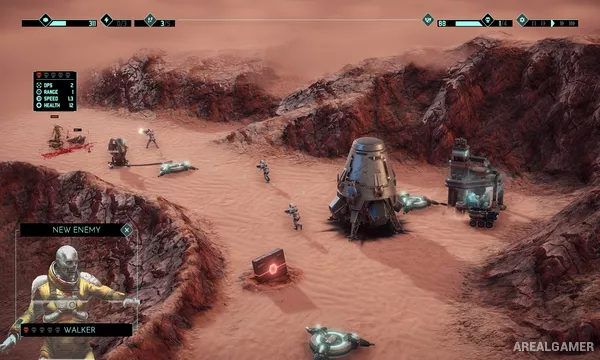
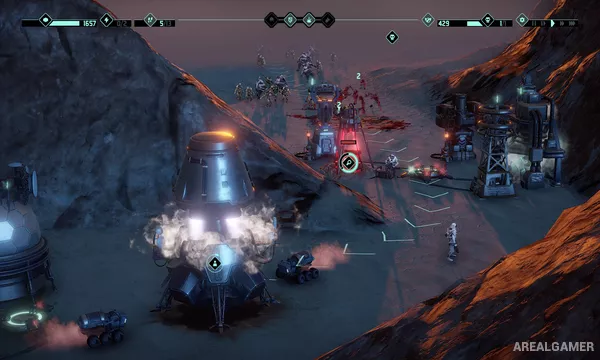
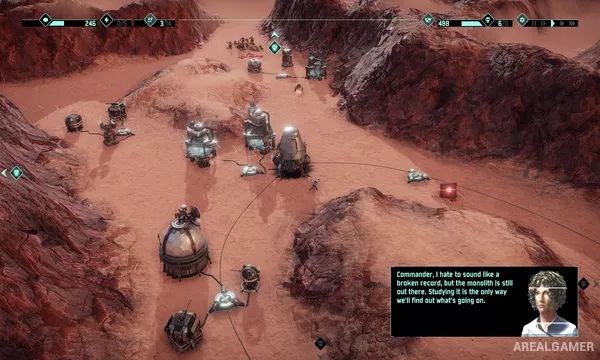
MarZ: Tactical Base Defense is a real-time strategy and tower-defense game set on Mars, where human colonies face waves of infected attackers. Players must build efficient defensive positions while managing power, workers, resources, and the limited space available around each base.
The game combines fixed defensive structures with active unit and economy management. A strong wall of towers is not enough by itself if power generation, repairs, or resource production cannot support it.
How the Gameplay Works
Players place power generators, mines, defensive towers, walls, and support structures, then assign workers where they are needed. Enemy waves approach through different routes, making tower placement and overlapping fire important.
Research and upgrades improve defensive options as missions become more demanding. The campaign introduces new enemy types and conditions, while skirmish-style challenges allow players to test different base layouts outside the story.
Main Gameplay Features
Real-time tactical base defense
Mars colony setting
Power and resource management
Defensive towers and walls
Worker assignment
Research and upgrades
Multiple infected enemy types
Campaign and challenge scenarios
Screenshots:
Minimum System Requirements:
OS: Windows 7/8/10, 64-bit
CPU: Intel Core i5
RAM: 4 GB
Video Card: DirectX 10 compliant graphics card with 2 GB dedicated memory
Space Required: 3 GB
DirectX: 10
How to Install:
Extract the game using Winrar or 7zip.
Open “MarZ Tactical Base Defense” folder, double click on “Setup” and proceed install.
After installation complete, open “CODEX” folder.
Copy all files and paste it where you “Installed the Game”.
Double click on “Game” icon to play the game. Enjoy!
Click the Below Button to Proceed to Download Page
File Password: arealgamer