
Megaquarium

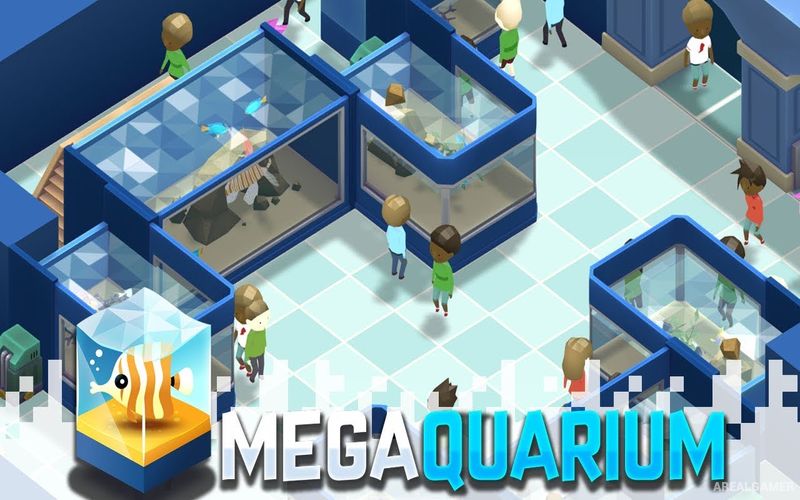
Megaquarium – With All DLC’s – Free Download – PC Game
Game Info:
Size: 354 MB
Genre: Strategy
Release Date: September 13, 2018
Developer: Twice Circled
Publisher: Twice Circled
About This Game:
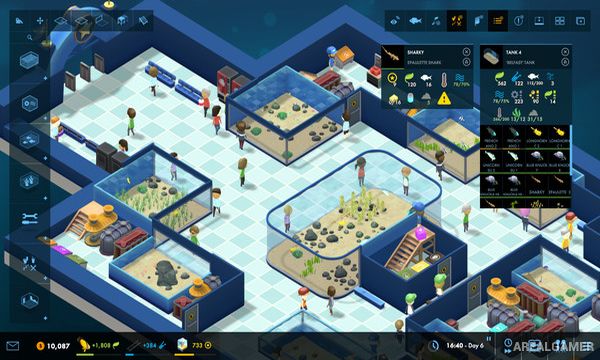
Megaquarium is a management simulation about designing and operating a public aquarium. Players create tanks, choose aquatic species, arrange viewing areas, employ staff, and expand facilities while attempting to keep both the animals and visitors satisfied.
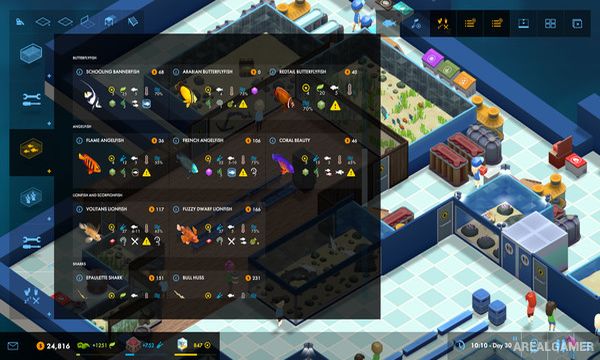
Different species have their own requirements involving tank size, water conditions, food, compatibility, and environmental features. As the aquarium gains reputation, new animals, equipment, decorations, and technologies become available for larger and more ambitious exhibits.
How the Gameplay Works
Players construct tanks and connect the equipment required to keep their inhabitants healthy. Fish and other animals must receive suitable food and living conditions, while incompatible species may create problems if placed together.
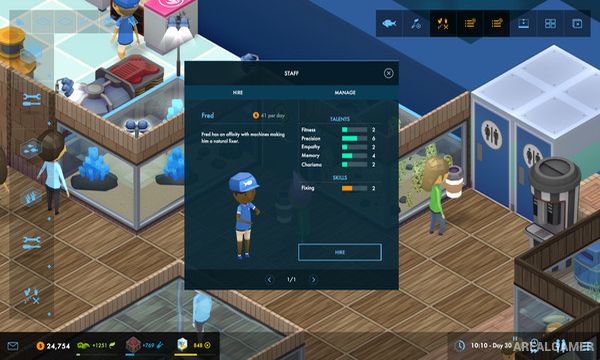
Staff members handle feeding, repairs, cleaning, and visitor services around the aquarium. Guests generate money and prestige while using facilities and viewing exhibits, allowing additional areas to be constructed as the business becomes more successful.
Main Gameplay Features
Public aquarium management
Custom tank construction
Large selection of aquatic species
Species compatibility requirements
Water and equipment management
Animal feeding
Staff hiring and assignment
Guest satisfaction
Aquarium prestige
Research and unlockable content
Campaign scenarios
Sandbox-style building
DLC’s Included:
Architect’s Collection – Freshwater Frenzy – Deluxe Expansion
Screenshots:
Minimum System Requirements:
OS: Windows 7/8/10, 64-bits
CPU: Intel Core i5-4690 or AMD Ryzen 7 2700U
RAM: 8 GB
Video Card: GeForce GTX 560 or AMD Radeon HD 7770
Space Required: 1 GB
DirectX: 10
How to Install:
Extract the game using Winrar or 7zip.
Open “Megaquarium” folder, double click on “Setup” and proceed install.
Now run “DLC Setups” to install DLC’s.
After installation complete, go to the “Installed Game” location.
Double click on “Game” icon to play the game. Enjoy!
Click the Below Button to Proceed to Download Page
File Password: arealgamer