
Potion Permit

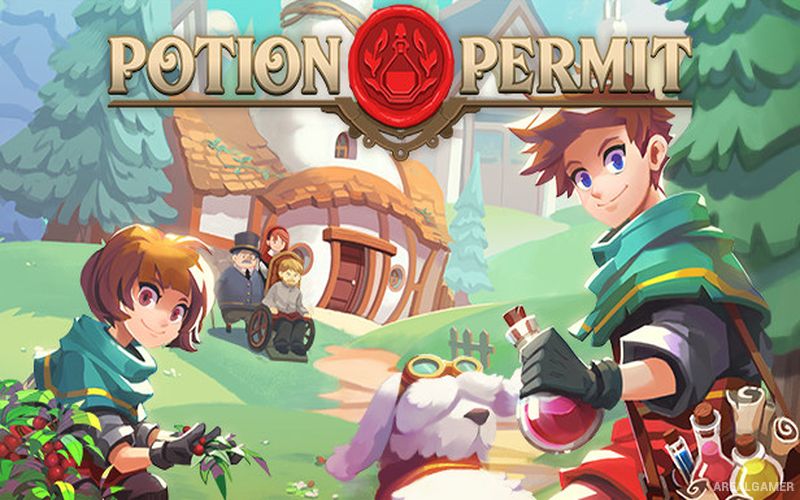
Potion Permit – With All DLC’s – Free Download – PC Game
Game Info:
Size: 363.6 MB
Genre: RPG
Release Date: 22 Sep, 2022
Developer: MassHive Media
Publisher: PQube
About This Game:
Potion Permit is a life simulation RPG where players become a chemist assigned to the remote town of Moonbury. The community is initially suspicious of outside medical methods, but the player gradually earns trust by diagnosing illnesses, gathering ingredients, and brewing treatments for sick residents.
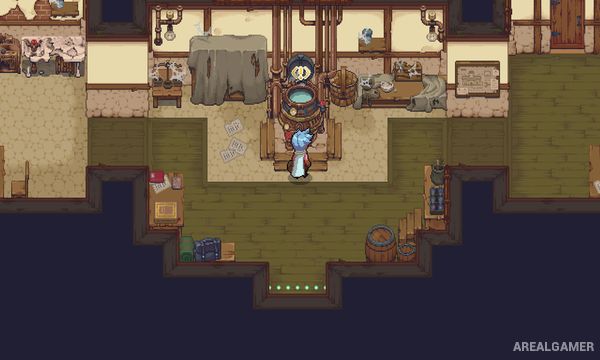
Life outside the clinic includes exploring the surrounding wilderness, improving relationships with townspeople, upgrading facilities, fishing, cooking, and spending time with a loyal dog companion. The town develops alongside the chemist’s reputation.
How the Gameplay Works
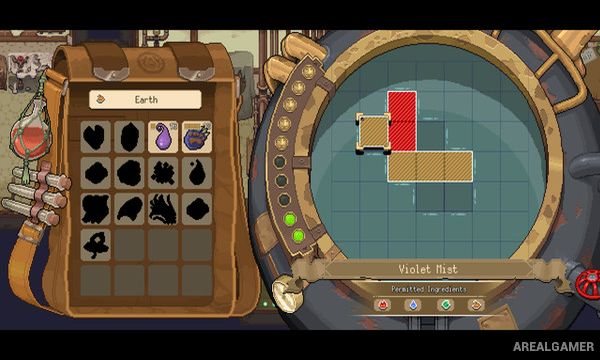
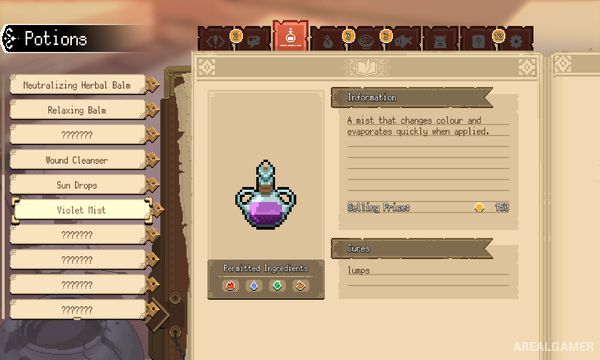
Patients arrive with symptoms that must first be diagnosed through examination mini-games. Once the illness is identified, the player gathers plants, minerals, and monster materials and arranges them inside a puzzle-shaped cauldron to create the required potion.
Exploration involves real-time combat against creatures while collecting resources from different regions. Better tools and town upgrades open new areas and ingredients, while regular conversations, gifts, and quests increase friendships and can develop into romantic relationships.
Main Gameplay Features
Chemist and potion-making gameplay
Patient diagnosis mini-games
Puzzle-based potion brewing
Ingredient gathering
Real-time wilderness combat
Tool and facility upgrades
Town relationship system
Romance options
Fishing and cooking
Dog companion
DLC’s Included:
Giant Noxe Plush Doll – Surfboard – Vending Machine – Capital Antique Clock – Seashell Lighting (Desk Lamp) – Animal Plushies – White Cat – Miniature Blimp – Seashell Lighting (Stand) – Capital Chemist Equipment – Pirate Ship Model – Small Fairy Spring – Wooden Bear Statue – Aquarium – Seashell Lighting (Wall)
Screenshots:
Minimum System Requirements:
OS: Windows 7/8/10
CPU: Intel Core i3-2100 or AMD Phenom II X4 965
RAM: 6 GB
Video Card: NVIDIA GeForce GTS 250, 1 GB or AMD Radeon R7 240, 2 GB
Space Required: 2 GB
DirectX: 10
How to Install:
Extract the game using Winrar or 7zip.
Open “Potion Permit” folder, double click on “Setup” and proceed install.
Now run “DLC Setups” to install DLC’s.
After installation complete, go to the “Installed Game” location.
Double click on “Game” icon to play the game. Enjoy!
Click the Below Button to Proceed to Download Page
File Password: arealgamer