
Project 5: Sightseer

Project 5: Sightseer – Free Download – PC Game
Game Info:
Size: 611 MB
Genre: Adventure
Release Date: 16 Aug, 2019
Developer: Tasharen Entertainment Inc.
Publisher: Tasharen Entertainment Inc.
About This Game:
Project 5: Sightseer is an open-world science-fiction sandbox combining exploration, resource gathering, base construction, vehicle customization, research, and combat. Players enter a large procedurally generated world with only basic equipment before searching for resources and choosing where to establish their first outpost.
Progression gradually expands from basic survival and mining into advanced technology, automated resource production, heavily defended bases, and specialized vehicles. The sandbox supports both cooperative and competitive multiplayer alongside solo exploration.
How the Gameplay Works
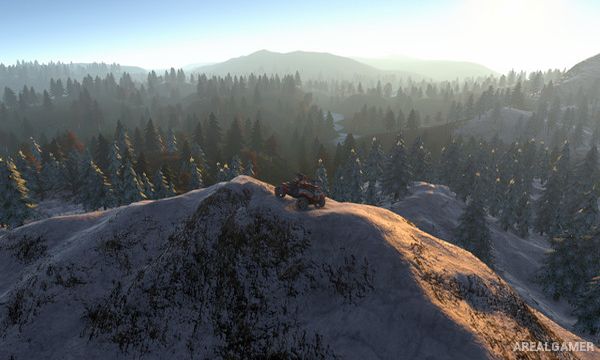
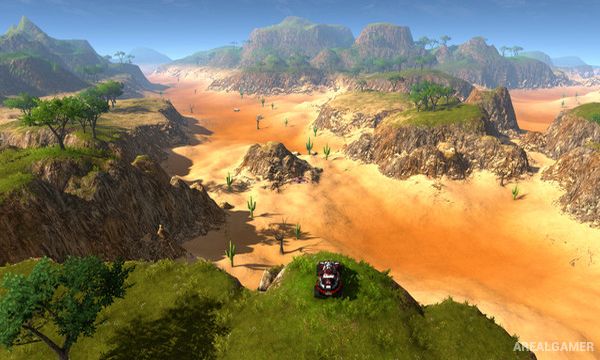
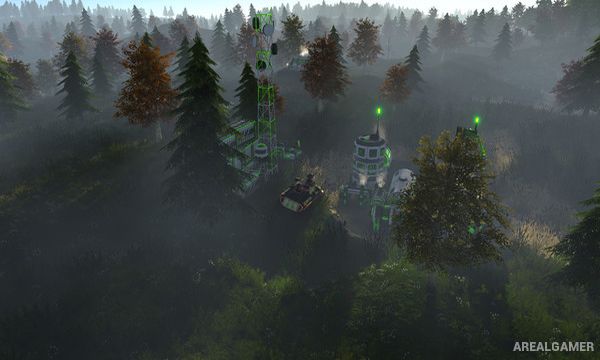
Players use scanners and mining equipment to locate resources while traveling through numerous biomes. Once a suitable location is found, outposts can be constructed to extract materials and conduct research that unlocks additional buildings, weapons, components, and vehicles.
Vehicles can be customized for different roles using armor, shields, weapons, engines, and utility modules. Combat may involve hostile forces or other players depending on the chosen world settings, while exploration can reveal artifacts that provide access to additional technologies.
Main Gameplay Features
Procedurally generated open world
Resource scanning and mining
Outpost construction
Technology research
Customizable vehicles
Automated resource extraction
Multiple weapon types
Cooperative and competitive multiplayer
Artifacts and advanced technologies
Large biome variety
Screenshots:
Minimum System Requirements:
OS: Windows 7/8/10, 64-bits
CPU: Dual-core Intel i3
RAM: 8 GB
Video Card: NVIDIA GTX 560
Space Required: 2 GB
DirectX: 11
How to Install:
Extract the game using Winrar or 7zip.
Open “Project 5: Sightseer” folder, double click on “Setup” and proceed install.
After installation complete, open “PLAZA” folder.
Copy all files and paste it where you “Installed the Game”.
Double click on “Sightseer” icon to play the game. Enjoy!
Click the Below Button to Proceed to Download Page
File Password: arealgamer