
RDS – The Official Drift Videogame

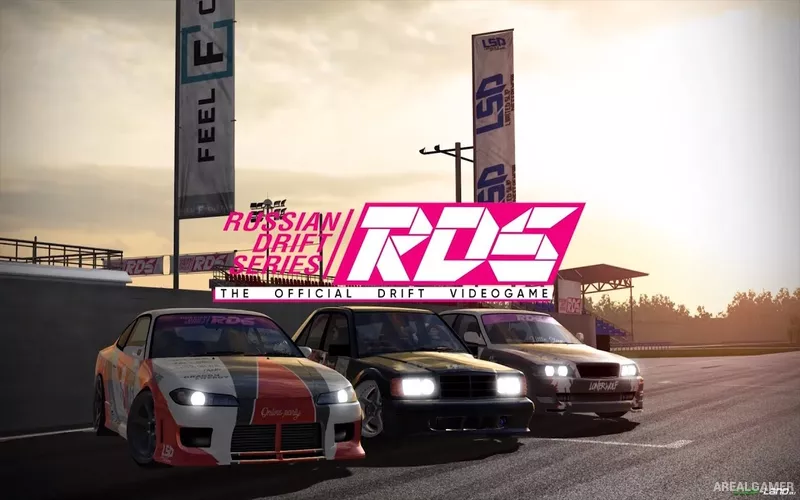
RDS – The Official Drift Videogame – With DLC’s – Free Download – PC Game
Game Info:
Size: 3.51 GB
Genre: Racing, Sports
Release Date: 6 Jun, 2019
Developer: Drift Physics Crew
Publisher: Drift Physics Crew
About This Game:
RDS – The Official Drift Videogame is a driving simulation focused specifically on professional-style drifting. It recreates drift events on dedicated circuits and training areas, with an emphasis on car control, tandem runs, tuning, qualifying performance, and online competition rather than conventional lap racing.
Cars can be adjusted in detail to change how they behave while sliding, and track conditions can vary with weather, time of day, temperature, and grip. The game supports several control setups, including keyboard, gamepad, steering wheels, and compatible VR equipment.
How the Gameplay Works
Drifting requires balancing throttle, steering angle, countersteer, speed, and weight transfer while following the intended line through a course. Practice modes allow players to work on individual tracks, while ghost runs provide a reference for improving consistency and scoring.
Online multiplayer supports tandem drifting and competitive sessions with other players. Vehicle setup options cover areas such as suspension, wheel alignment, tires, transmission, power, engine changes, and weight, letting players tune cars around different tracks and driving preferences.
Main Gameplay Features
Physics-focused professional drifting simulation
Single-player practice and ghost runs
Real-time online tandem drifting
Competitive rankings and organized event structure
Detailed suspension, tire, engine, transmission, and weight tuning
Multiple track layouts and drift parks
Weather, time-of-day, and temperature effects
Steering wheel, gamepad, keyboard, and VR support
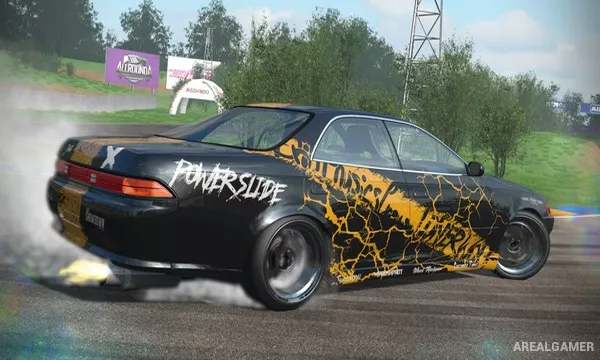
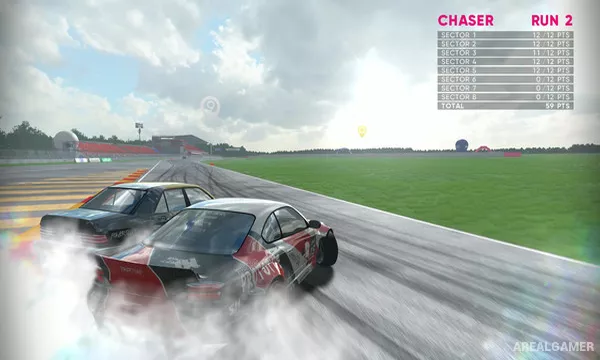
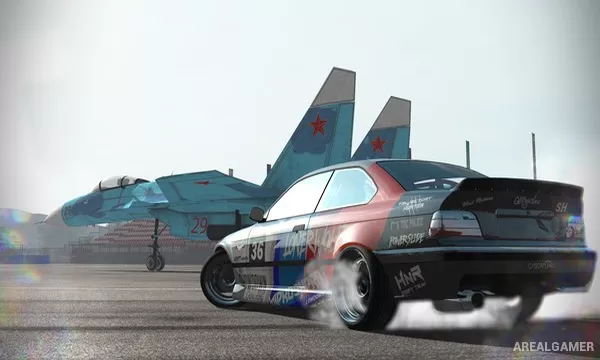
Screenshots:
Minimum System Requirements:
OS: Windows 7/8/10
CPU: 2.0 GHz
RAM: 2 GB
Video Card: Nvidia GT610 or AMD HD5450 or Intel HD Graphics 530 with 1 GB of VRAM
Space Required: 10 GB
DirectX: 10
How to Install:
Extract the game using Winrar or 7zip.
Open “RDS – The Official Drift Videogame” folder, double click on “Setup” and proceed install.
After installation complete, open “CODEX” folder.
Copy all files and paste it where you “Installed the Game”.
Double click on “Game” icon to play the game. Enjoy!
Click the Below Button to Proceed to Download Page
File Password: arealgamer