
Rescue HQ – The Tycoon

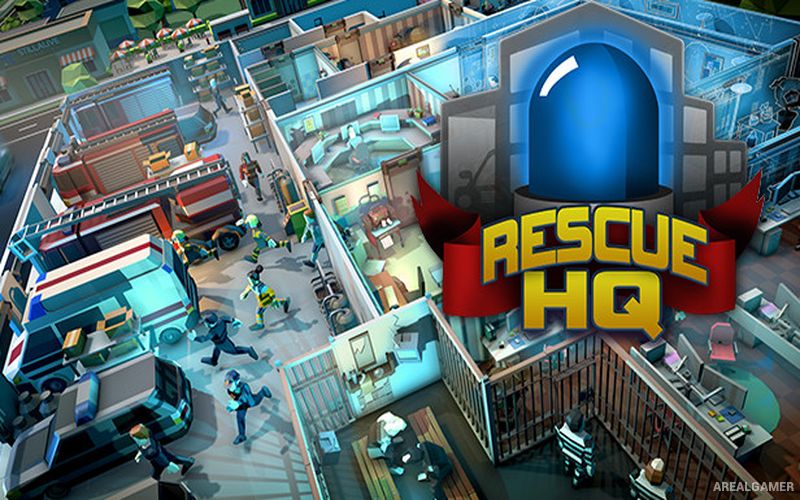
Rescue HQ – The Tycoon – With All DLC – Free Download – PC Game
Game Info:
Size: 277 MB
Genre: Simulation, Strategy
Release Date: 28 May, 2019
Developer: stillalive studios
Publisher: Aerosoft GmbH
About This Game:
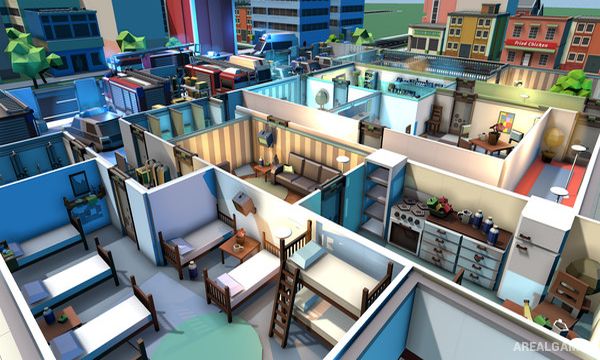
Rescue HQ – The Tycoon is an emergency-service management game where players build and operate a combined headquarters for police, firefighters, and medical teams. The facility must be designed to support staff, vehicles, equipment, and the growing number of emergencies appearing around the city.
Each service has different requirements, so expanding too quickly without enough personnel or equipment can leave the headquarters unable to handle major incidents.
How the Gameplay Works
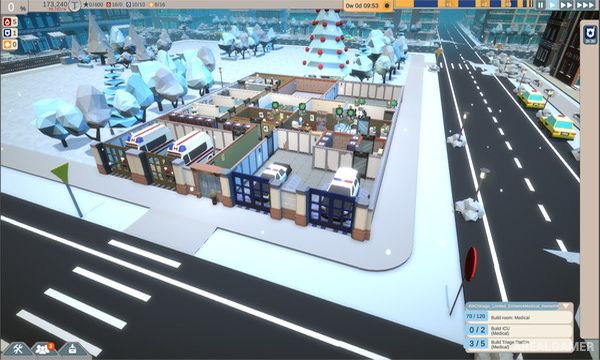
Players construct rooms, purchase emergency vehicles, hire employees, and equip response teams. Incoming incidents indicate what kind of personnel and equipment are needed before a unit can be dispatched.
Successful missions provide money and experience for further expansion. Staff also need training and facilities inside the headquarters, creating a balance between investing in field operations and keeping the base itself functional.
Main Gameplay Features
Police, fire, and medical services
Custom headquarters construction
Emergency vehicle management
Staff hiring and training
Equipment preparation
Incident dispatch system
Different emergency requirements
Building expansion
Budget management
Scenario and management challenges
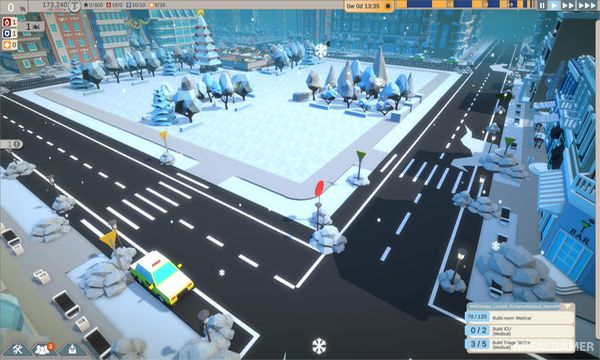
Screenshots:
Minimum System Requirements:
OS: Windows 7/8/10, 64-bits
CPU: AMD / Intel dual-core (with hyper-threading) CPU, running at 3 GHz (AMD FX 4100 series or Intel Core i3-2000 series or newer architectures are recommended)
RAM: 4 GB
Video Card: AMD/NVIDIA dedicated graphic card, with at least 2048MB of dedicated VRAM and Shader Model 5.1
Space Required: 1 GB
DirectX: 11
How to Install:
Extract the game using Winrar or 7zip.
Open “Rescue HQ – The Tycoon” folder, double click on “Setup” and proceed install.
After installation complete, go to the “Installed Game” location.
Double click on “Game” icon to play the game. Enjoy!
Click the Below Button to Proceed to Download Page
File Password: arealgamer