
Tunnel Rats: 1968


Tunnel Rats: 1968 – Free Download – PC Game
Game Info:
Size: 437 MB
Genre: Action, Shooter
Release Date: 15 May, 2009
Developer: Replay Studios
Publisher: Boll AG
About This Game:
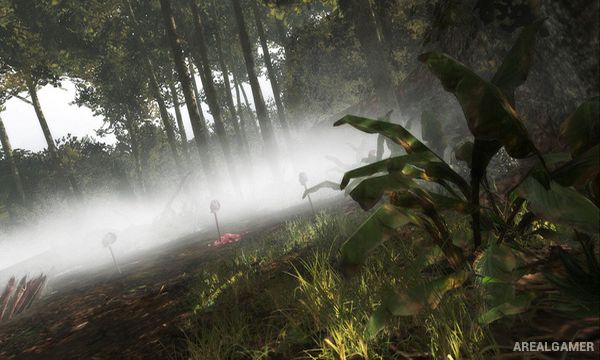
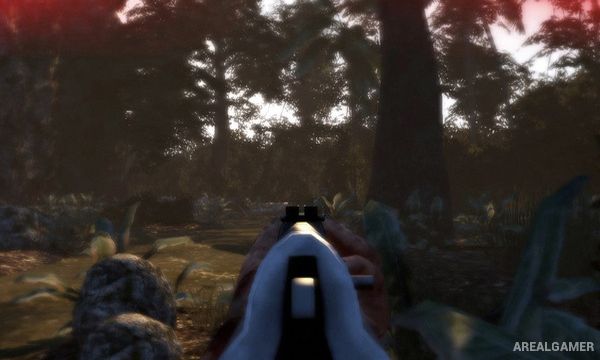
Tunnel Rats: 1968 is a first-person shooter set during the Vietnam War and connected to the film 1968 Tunnel Rats. Players take the role of an American soldier who becomes isolated after his unit is lost, leaving him to survive hostile jungle territory and the underground tunnel systems used by opposing forces.
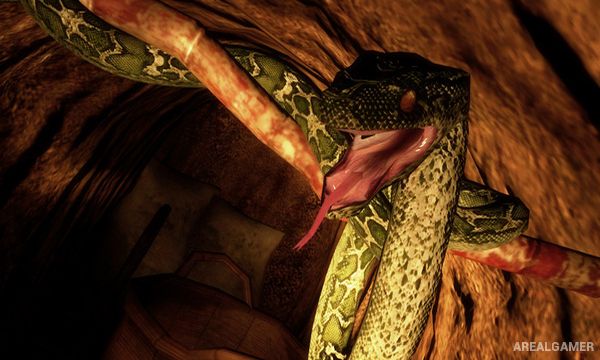
The game combines conventional jungle firefights with claustrophobic exploration beneath the ground. Narrow passages, darkness, hidden traps, and limited visibility make the tunnel sections considerably different from fighting across the surface.
How the Gameplay Works
Players use period firearms while moving through jungles, camps, and underground passages filled with hostile soldiers. Booby traps are placed throughout the environments and must be noticed before the player walks directly into them.
Certain traps can be disarmed through interactive sequences, while collectibles found during exploration can provide additional benefits. The campaign remains focused on surviving each dangerous section and pushing forward through enemy-controlled territory.
Main Gameplay Features
Vietnam War first-person shooter
Single-player story campaign
Jungle environments
Underground tunnel systems
Period military firearms
Close-range firefights
Booby traps
Trap-disarming mechanics
Hidden areas
Limited visibility underground
Atmospheric war-horror elements
Mission-based progression
Screenshots:
Minimum System Requirements:
OS: Windows XP/Vista/7
CPU: Singlecore CPU with 2 GHz
RAM: 512 MB
Video Card: Pixel Shader 3 Graphics card with 256MB VRAM (Geforce 6800 or Ati X1600)
Space Required: 2 GB
DirectX: 9.0c
How to Install:
Extract the game using Winrar or 7zip.
Open “Tunnel Rats” folder, double click on “Setup” and proceed install.
After installation complete, go to the “Installed Game” location.
Double click on “Launcher” icon to play the game. Enjoy!
Click the Below Button to Proceed to Download Page
File Password: arealgamer