
Super Meat Boy Forever


Super Meat Boy Forever – Free Download – PC Game
Game Info:
Size: 2.36 GB
Genre: Action, Platform
Release Date: December 23, 2020
Developer: Team Meat
Publisher: Team Meat
About This Game:
Super Meat Boy Forever continues the brutally difficult platforming style of Super Meat Boy while changing the movement system into an automatic runner. Meat Boy and Bandage Girl set out to rescue their child Nugget, racing through dangerous environments filled with saw blades, spikes, enemies, and other hazards.
Levels are constructed from numerous designed sections that can be arranged into different combinations, creating variation between playthroughs. The game retains the fast restarts and demanding precision associated with the series while requiring players to react to hazards without manually controlling forward movement.
How the Gameplay Works
The character runs automatically, leaving players responsible for jumping, sliding, diving, punching, and timing each action correctly. Attacks can also propel the character through the air, making offensive moves useful for traversal as well as defeating enemies.
Stages become increasingly demanding as hazards are placed closer together and new mechanics are introduced. Death is frequent, but rapid restarts allow another attempt almost immediately. Boss battles provide larger encounters outside normal obstacle courses.
Main Gameplay Features
Automatic running platformer
Extremely challenging stages
Jumping and sliding
Air attacks and punching
Wall-based movement
Saw blades and deadly hazards
Procedurally arranged level sequences
Fast checkpoint restarts
Multiple playable characters
Boss battles
Colorful animated presentation
Precision-focused gameplay
Screenshots:
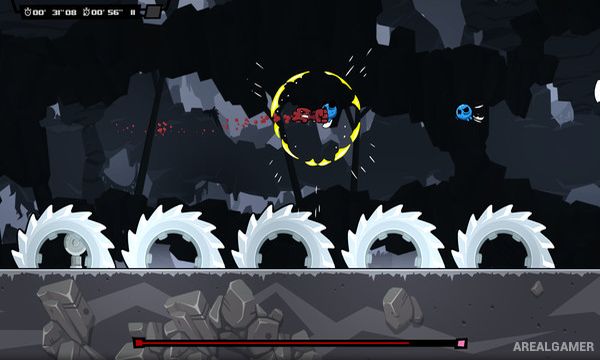
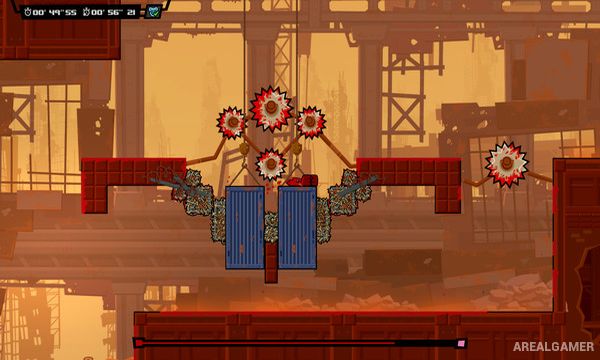
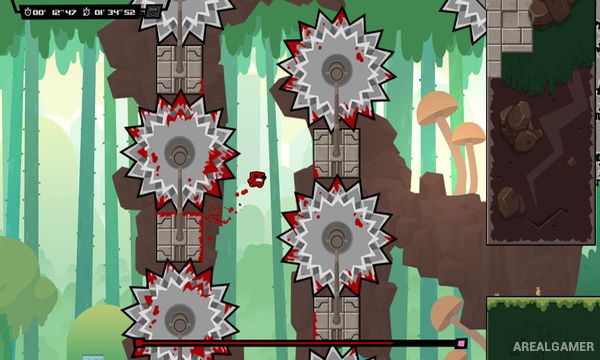
Minimum System Requirements:
OS: Windows 7/8/10, 64-bits
CPU: Core i3 or AMD equivalent
RAM: 4 GB
Video Card: NVidia, AMD, or integrated chip (within the last 5 years)
Space Required: 5 GB
DirectX: 11
How to Install:
Extract the game using Winrar or 7zip.
Open “Super Meat Boy Forever” folder, double click on “Setup” and proceed install.
After installation complete, open “CODEX” folder.
Copy all files and paste it where you “Installed the Game”.
Double click on “Game” icon to play the game. Enjoy!
Click the Below Button to Proceed to Download Page
File Password: arealgamer