
Retro Classix: Joe & Mac Returns

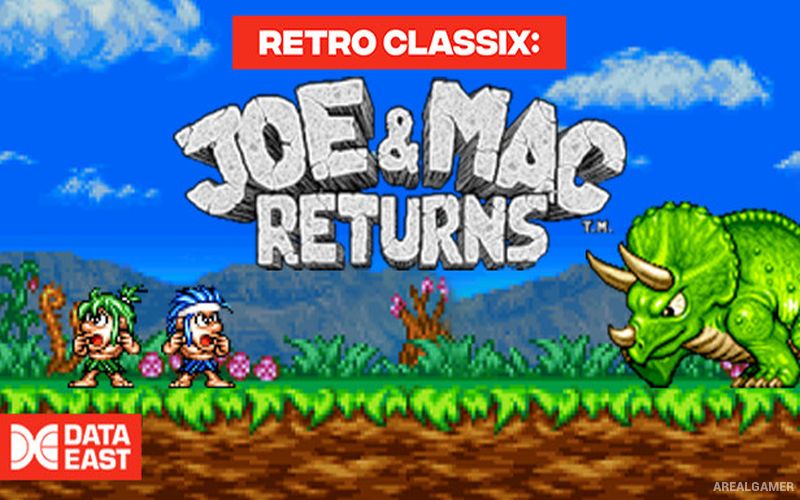
Retro Classix: Joe & Mac Returns – Free Download – PC Game
Game Info:
Size: 77.3 MB
Genre: Arcade
Release Date: 24 Jun, 2021
Developer: Data East
Publisher: Ziggurat, 612 Games
About This Game:
Retro Classix: Joe & Mac Returns brings Data East’s prehistoric arcade action game to modern PC systems. Joe and Mac return as cavemen fighting through colorful stages filled with dinosaurs, rival cavemen, strange creatures, and oversized bosses while trying to rescue kidnapped villagers.
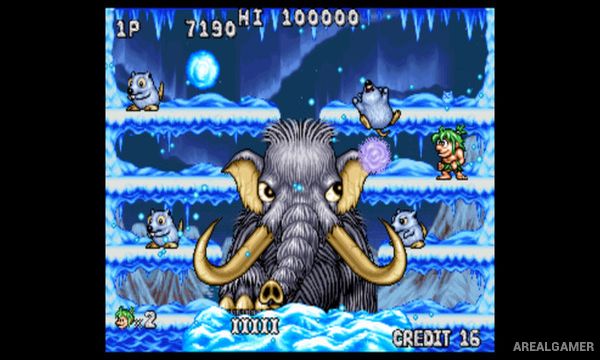
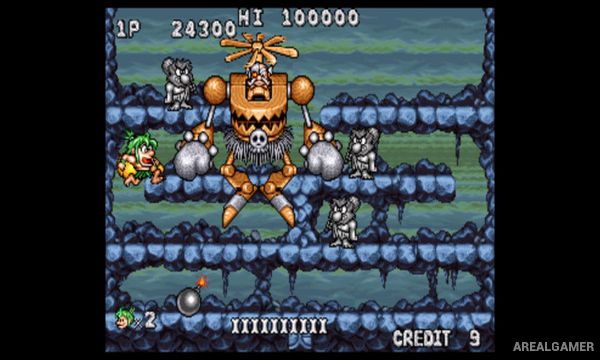
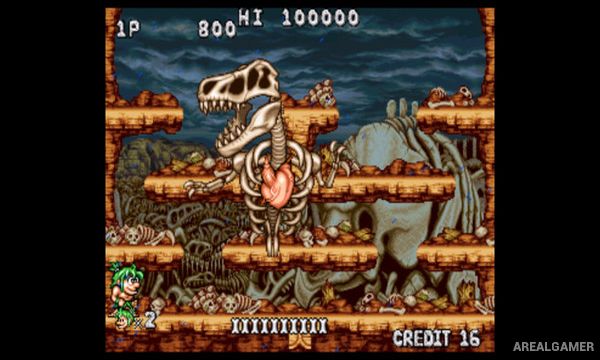
The game keeps the lighthearted prehistoric theme of the earlier Joe & Mac titles while using a more arcade-focused structure. Bright pixel graphics, exaggerated enemies, food items, and short action-packed stages give it the feel of a traditional coin-operated game.
How the Gameplay Works
Players move through compact stages while attacking enemies with prehistoric weapons and collecting useful items. Enemies can appear from several directions, making movement and quick attacks important when the screen becomes crowded. Food and other pickups provide assistance during the journey.
Stages introduce different enemy formations and hazards before ending in battles against larger creatures or other powerful opponents. The straightforward arcade controls make the game easy to begin, while later sections require faster reactions and better knowledge of enemy patterns.
Main Gameplay Features
Classic prehistoric arcade action
Joe and Mac protagonists
Side-scrolling combat
Colorful pixel graphics
Dinosaurs and rival cavemen
Weapon-based attacks
Food and bonus pickups
Multiple short arcade stages
Environmental hazards
Large enemy groups
Boss encounters
Increasing difficulty
Score-focused progression
Retro Data East presentation
Classic arcade gameplay
Screenshots:
Minimum System Requirements:
OS: Windows 7/8/10, 64-bits
CPU: 2.0 GHz
RAM: 4 GB
Video Card: DirectX 11 Compatible Graphics Device
Space Required: 200 MB
DirectX: 11
How to Install:
Extract the game using Winrar or 7zip.
Open “Retro Classix: Joe & Mac Returns” folder, double click on “Setup” and proceed install.
After installation complete, go to the “Installed Game” location.
Double click on “Game” icon to play the game. Enjoy!
Click the Below Button to Proceed to Download Page
File Password: arealgamer