
Roadwarden

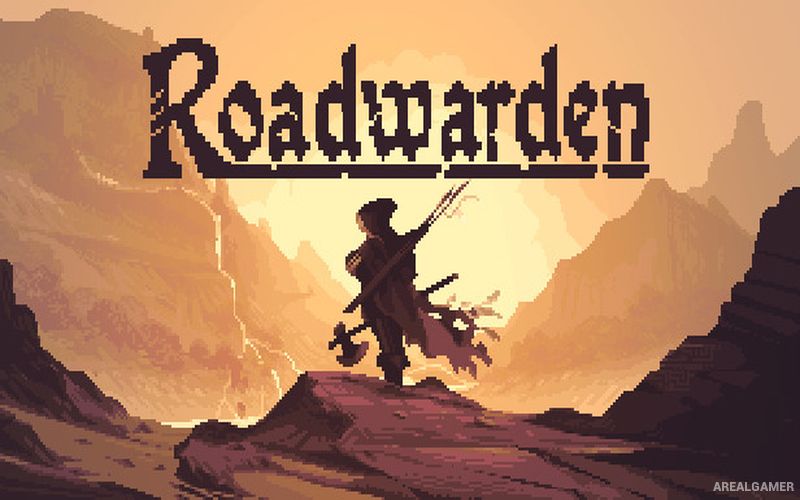
Roadwarden – Free Download – PC Game
Game Info:
Size: 886.3 MB
Genre: RPG
Release Date: 12 Sep, 2022
Developer: Moral Anxiety Studio
Publisher: Assemble Entertainment
About This Game:
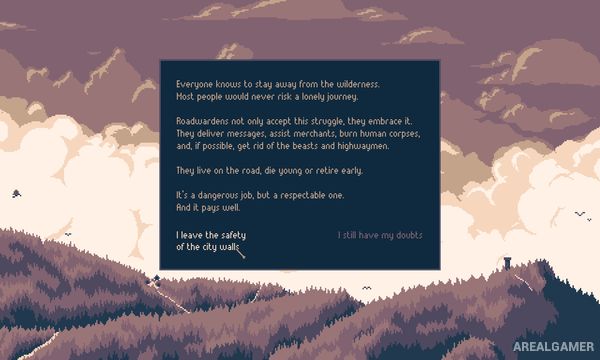
Roadwarden is an illustrated text-based role-playing game set in a harsh low-fantasy frontier. Players become a roadwarden sent into a remote peninsula to investigate the region, protect travelers, establish connections between settlements, and determine what happened to the previous person assigned to the area.
The game emphasizes reading, dialogue, exploration, and consequential choices rather than conventional action. Villages and individuals remember the player’s behavior, making reputation, information, and relationships as important as equipment or combat ability.
How the Gameplay Works
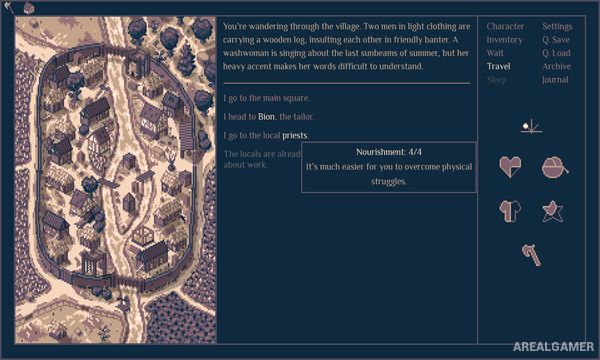
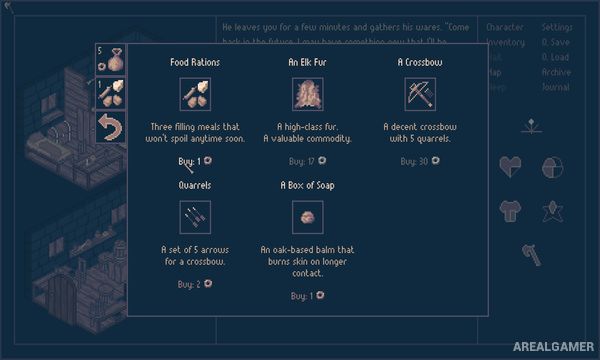
Players travel between locations using a map while managing time, health, food, appearance, and other practical concerns. Encounters are presented through illustrated text scenes where dialogue choices and character abilities determine available responses.
Different character backgrounds provide distinct strengths when handling problems. Information gathered in one settlement can affect events elsewhere, while quests frequently allow several solutions based on negotiation, investigation, preparation, or violence. Decisions eventually shape the future of the peninsula.
Main Gameplay Features
Text-driven role-playing adventure
Low-fantasy open exploration
Meaningful dialogue choices
Multiple character backgrounds
Reputation and relationship systems
Time and resource management
Investigation and information gathering
Quests with multiple solutions
Illustrated locations and encounters
Multiple possible outcomes
Screenshots:
Minimum System Requirements:
OS: Windows XP/Vista/7/8/10
CPU: 2.4ghz Intel Core 2 Duo or equivalent
RAM: 2 GB
Video Card: Nvidia 260 GTS or Radeon HD 4850 – 512 MB of VRAM or equivalent
Space Required: 2 GB
DirectX: 9.0c
How to Install:
Extract the game using Winrar or 7zip.
Open “Roadwarden” folder, double click on “Setup” and proceed install.
After installation complete, go to the “Installed Game” location.
Double click on “Game” icon to play the game. Enjoy!
Click the Below Button to Proceed to Download Page
File Password: arealgamer