
Store Wars: Multiplayer Shop Simulator

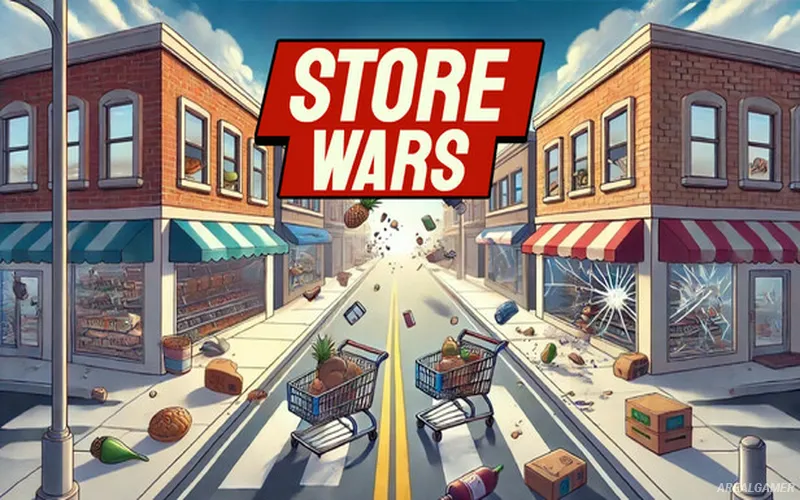
Store Wars: Multiplayer Shop Simulator – Free Download – PC Game
Game Info:
Size: 3.97 GB
Genre: Simulation
Release Date: 10 Nov, 2025
Developer: Noham Games
Publisher: Noham Games
About This Game:
Store Wars: Multiplayer Shop Simulator turns grocery management into a competitive multiplayer battle. Up to sixteen players can occupy a town containing four rival stores, with each group attempting to build the most successful supermarket while interfering with competitors whenever an opportunity appears.
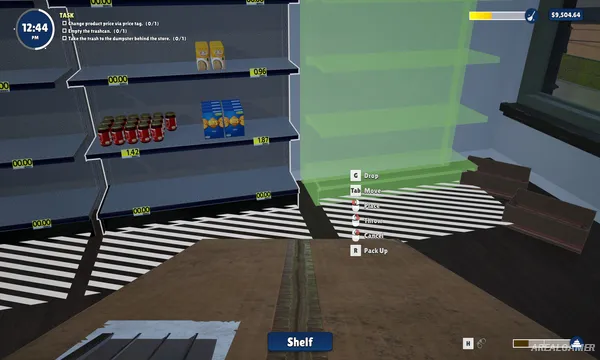
The core business still involves familiar shop duties such as expanding floor space, placing shelves, stocking products, serving customers, and improving the store. The difference is that rival owners are nearby doing exactly the same thing and can actively create problems for one another.
How the Gameplay Works
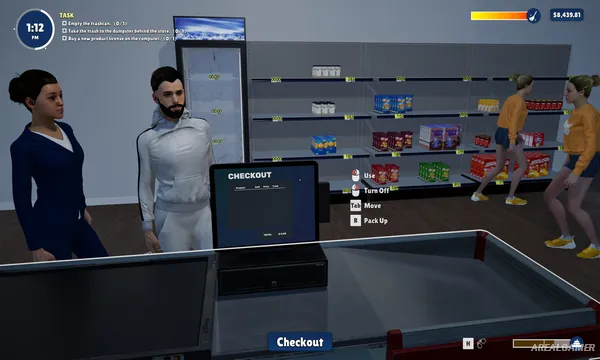
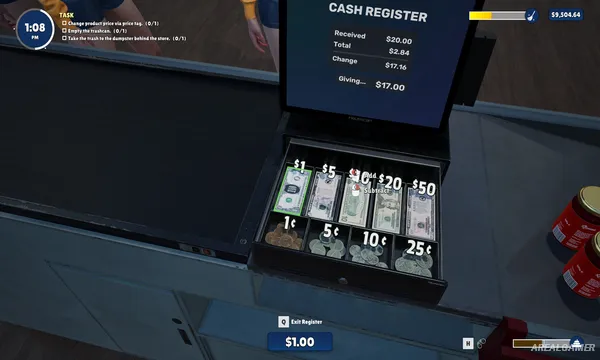
Players stock merchandise, operate checkouts, expand the store, and upgrade the business to attract more customers. Efficient daily operation generates the income required to make the supermarket larger and more competitive.
Multiplayer supports both cooperative and competitive approaches, including PvE and PvP play. Rival stores can be disrupted through lighthearted sabotage, making awareness of what competing players are doing almost as important as managing your own shelves.
Main Gameplay Features
Multiplayer grocery simulation
Up to 16 players
Four competing stores
Single-player option
Online cooperative play
Online PvP
Store expansion
Shelf stocking
Customer checkout
Business upgrades
Store customization
Competitive economy
Rival sabotage
First-person gameplay
Chaotic party simulation
Screenshots:
Minimum System Requirements:
OS: Windows 10, 64-bit
CPU: Core i5
RAM: 8 GB
Video Card: Nvidia 1070
Space Required: 7 GB
DirectX: 12
How to Install:
Extract the game using Winrar or 7zip.
Open “Store Wars: Multiplayer Shop Simulator” folder, double click on “Setup” and proceed install.
After installation complete, open “Crack” folder.
Copy all files and paste it where you “Installed the Game”.
Double click on “Game” icon to play the game. Enjoy!
Click the Below Button to Proceed to Download Page
File Password: arealgamer