
Streets of Rogue


Streets of Rogue – Free Download – PC Game
Game Info:
Size: 2.94 GB
Genre: Action, RPG
Release Date: 12 Jul, 2019
Developer: Matt Dabrowski
Publisher: tinyBuild
About This Game:
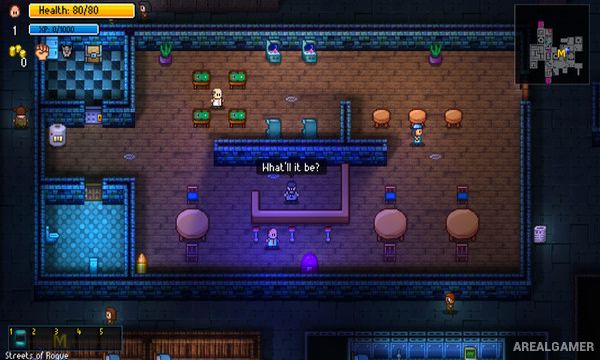
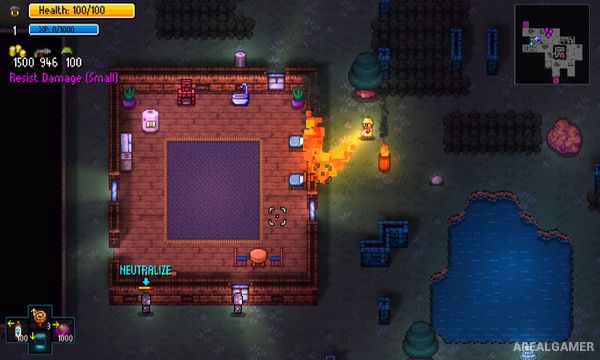
Streets of Rogue is a chaotic roguelite that combines action, stealth, role-playing, and immersive-sim style problem solving inside procedurally generated city districts. Players work their way upward through a heavily controlled city while completing missions and eventually attempting to overthrow its leadership.
A large roster of character classes changes how objectives can be approached. A soldier can rely on heavy weapons, a hacker can manipulate electronics, a doctor can use medical abilities, and stranger characters introduce entirely different rules and interactions.
How the Gameplay Works
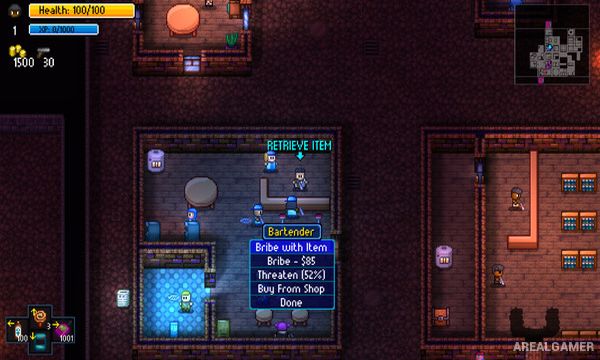
Each floor contains randomized buildings, NPCs, missions, items, and hazards. Objectives might involve stealing an object, freeing someone, neutralizing a target, or interacting with a specific location, but players are usually free to choose whether they fight, sneak, bribe, hack, manipulate, or improvise.
Completing missions awards experience and resources before the player moves to the next district. Weapons, traits, consumables, environmental destruction, and NPC relationships create unpredictable combinations, especially when multiple players join through cooperative multiplayer.
Main Gameplay Features
Procedurally generated city levels
Large selection of playable character classes
Multiple solutions for most objectives
Melee, firearms, stealth, hacking, and social interaction
Destructible environments
Random items and character traits
Local and online cooperative multiplayer
Roguelite progression and unlockable content
Screenshots:
Minimum System Requirements:
OS: Windows 7/8/10
CPU: Dual-Core Intel or AMD processor
RAM: 4 GB
Video Card: DX9 (shader model 3.0) or DX11 with feature level 9.3 capabilities
Space Required: 500 MB
DirectX: 9.0c
How to Install:
Extract the game using Winrar or 7zip.
Open “Streets of Rogue” folder, double click on “Setup” and proceed install.
After installation complete, go to the “Installed Game” location.
Double click on “Game” icon to play the game. Enjoy!
Click the Below Button to Proceed to Download Page
File Password: arealgamer