
Sudden Strike 2


Sudden Strike 2 – Free Download – PC Game
Game Info:
Size: 594.2 MB
Genre: Strategy
Release Date: August 30, 2002
Developer: Fireglow
Publisher: Kalypso Media Digital
About This Game:
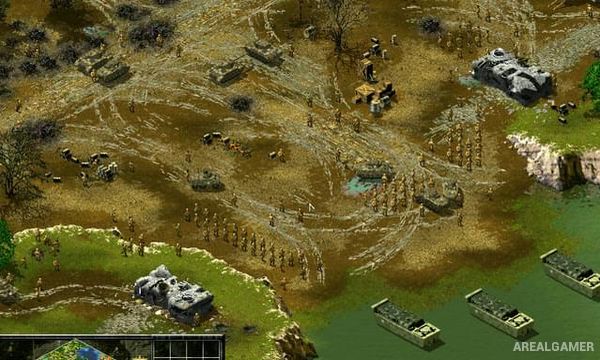
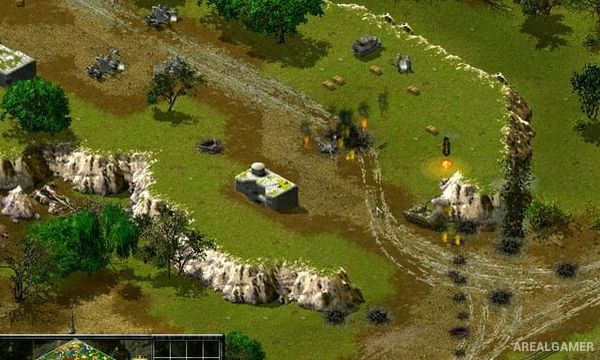
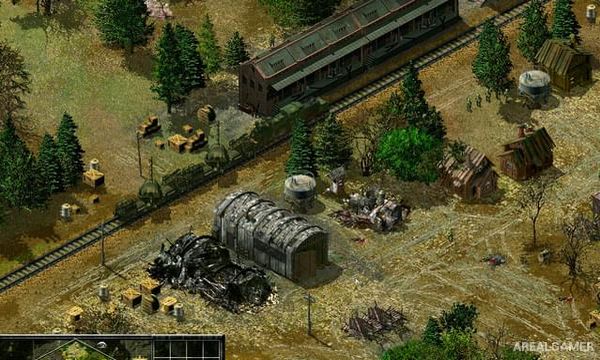
Sudden Strike 2 is a real-time tactics game set during World War II, expanding the large battlefield combat of the original with additional nations, units, campaigns, and strategic possibilities. Players command infantry, tanks, artillery, aircraft, and support vehicles without constructing traditional RTS bases.
The focus remains on using the forces already available and capturing useful equipment or supply positions when possible. Terrain, ammunition, fuel, line of sight, and individual unit strengths make careful planning more important than simply producing a larger army.
How the Gameplay Works
Players select units in real time and order them to move, attack, hold fire, enter buildings, crew abandoned equipment, or change formation. Infantry can hide in forests and structures while scouts help reveal targets for artillery.
Tanks need protection from anti-armor weapons, artillery works best from safe positions, and supply trucks replenish ammunition or repair capabilities. Campaigns represent several major World War II forces and battlefields.
Main Gameplay Features
World War II real-time tactics
No traditional base building
Multiple playable nations
Infantry squads
Tanks and armored vehicles
Artillery
Aircraft
Supply vehicles
Fuel and ammunition concerns
Building occupation
Forest concealment
Capture abandoned equipment
Large tactical maps
Historical-style campaigns
Multiplayer battles
Screenshots:
Minimum System Requirements:
OS: Windows 7/8/10
CPU: 2.0 GHz
RAM: 1 GB
Video Card: Graphics card compatible with DirectX 9
Space Required: 1 GB
DirectX: 9.0c
How to Install:
Extract the game using Winrar or 7zip.
Open “Sudden Strike 2” folder, double click on “Setup” and proceed install.
After installation complete, go to the “Installed Game” location.
Double click on “Game” icon to play the game. Enjoy!
Click the Below Button to Proceed to Download Page
File Password: arealgamer