
SunAge: Battle for Elysium

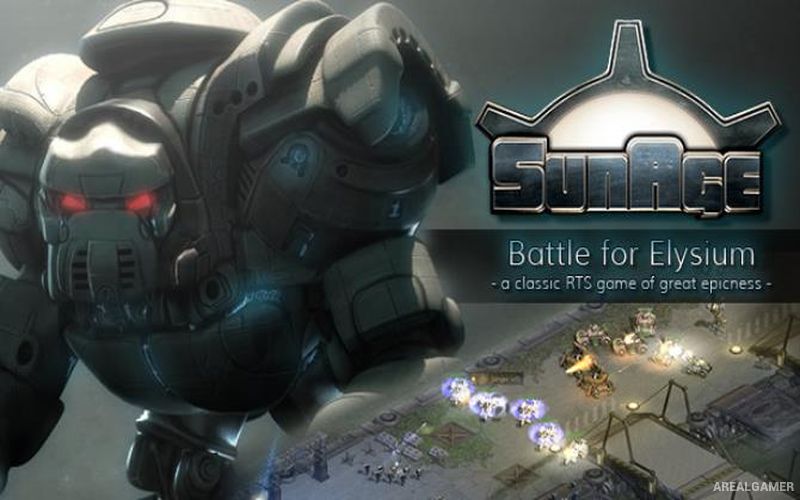
SunAge: Battle for Elysium – Free Download – PC Game
Game Info:
Size: 445 MB
Genre: Strategy
Release Date: 15 Dec, 2014
Developer: vertex4 entertainment GmbH
Publisher: vertex4 entertainment GmbH
About This Game:
SunAge: Battle for Elysium is a science-fiction real-time strategy game designed in the style of classic 2D RTS titles. Several factions struggle for survival and control in a war-torn future, each bringing its own units, buildings, technologies, and battlefield strengths.
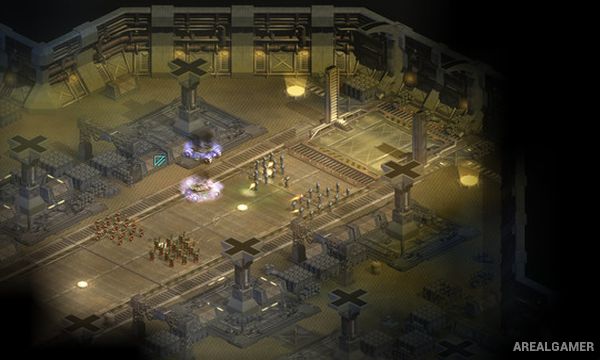
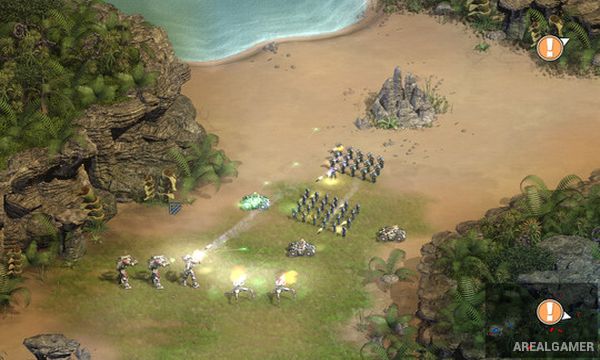
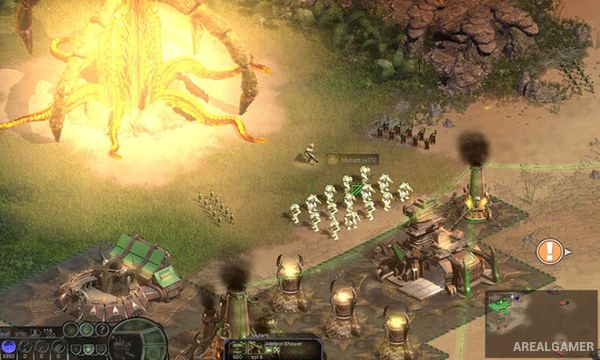
The remastered Battle for Elysium release improves and expands the original game while retaining its traditional focus on base construction, resource gathering, army production, and large battles. Detailed 2D artwork gives the futuristic environments a distinctive visual identity.
How the Gameplay Works
Players establish bases, gather resources, construct production buildings, and train military units before pushing into enemy territory. Infantry, vehicles, and specialized troops can be combined into armies suited to the current mission or opposing faction.
Research and upgrades improve the available forces, while careful control of resources determines how quickly destroyed units can be replaced. Campaign missions and skirmish battles provide different ways to experience the faction-based warfare.
Main Gameplay Features
Classic real-time strategy
Science-fiction warfare
Multiple playable factions
Detailed 2D graphics
Base construction
Resource gathering
Infantry and vehicles
Technology upgrades
Large army battles
Faction-specific units
Campaign missions
Skirmish gameplay
Screenshots:
Minimum System Requirements:
OS: Windows 2000/XP/Vista/7
CPU: 1.8 GHz
RAM: 512 MB
Video Card: 3D graphics card compatible with DirectX 9
Space Required: 1 GB
DirectX: 9.0c
How to Install:
Extract the game using Winrar or 7zip.
Open “SunAge: Battle for Elysium” folder, double click on “Setup” and proceed install.
After installation complete, go to the “Installed Game” location.
Double click on “sunage_win7_steam” icon to play the game. Enjoy!
Click the Below Button to Proceed to Download Page
File Password: arealgamer