
Tainted Grail: Conquest

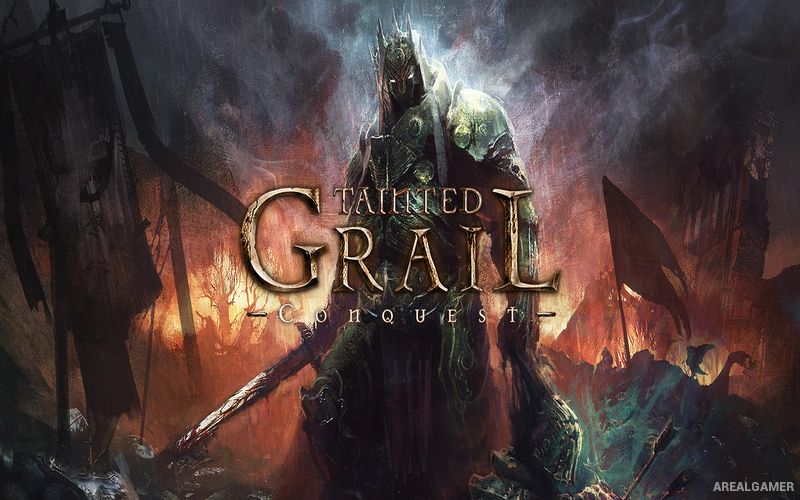
Tainted Grail: Conquest – Free Download – PC Game
Game Info:
Size: 4.37 GB
Genre: RPG
Release Date: 27 May, 2021
Developer: Awaken Realms Digital
Publisher: Awaken Realms
About This Game:
Tainted Grail: Conquest is a dark fantasy roguelike that mixes deck-building combat with RPG progression in a corrupted world inspired by Arthurian legends. Players venture into the twisted land of Avalon, where strange creatures, supernatural forces, and remnants of a fallen civilization stand between them and the truth behind the spreading darkness.
Multiple character classes provide dramatically different approaches to battle, with each using its own cards, passive abilities, and progression systems. Repeated expeditions gradually open additional characters, equipment, quests, and permanent improvements that make later journeys through Avalon more flexible.
How the Gameplay Works
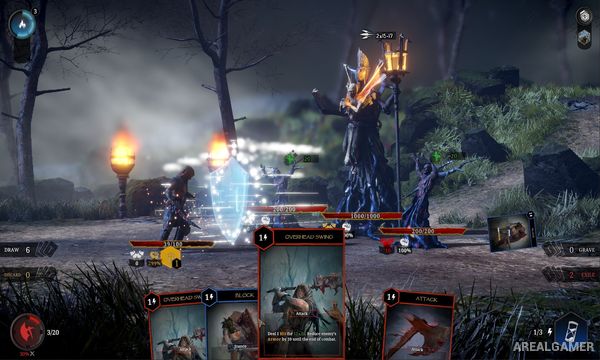
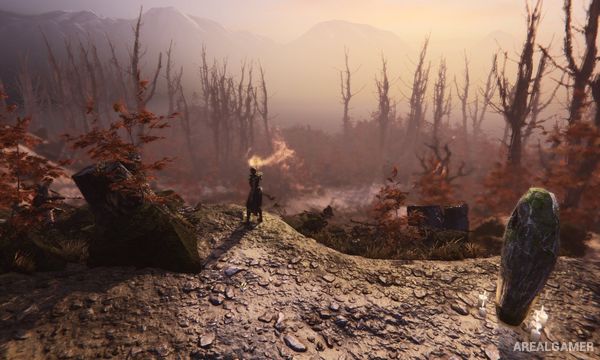
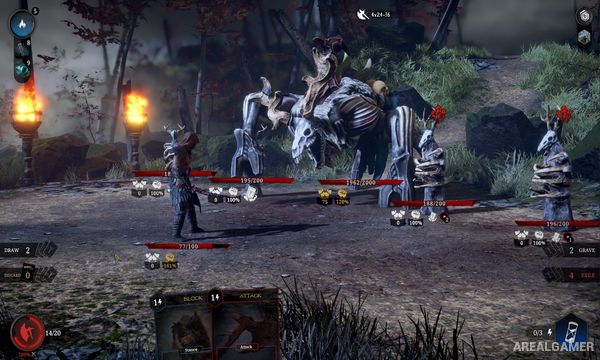
Exploration takes place across procedurally arranged areas filled with encounters, NPCs, merchants, events, and enemies. Combat is turn-based and handled through cards representing attacks, defenses, summons, status effects, and class-specific abilities.
Players build and refine a deck while collecting passive traits, items, runestones, and new cards during each run. Death ends the current expedition but contributes to broader progression, allowing new options and story elements to appear on later attempts.
Main Gameplay Features
Turn-based deck-building battles
Multiple playable classes with distinct mechanics
Roguelike runs through a changing version of Avalon
Large selection of cards and passive abilities
Runestones and equipment customization
Boss encounters and random events
Persistent progression between runs
Dark Arthurian-inspired setting and story
Screenshots:
Minimum System Requirements:
OS: Windows 7/8/10, 64-bits
CPU: 3.2 GHz Dual Core Processor
RAM: 8 GB
Video Card: GTX 750 2GB / equivalent Radeon
Space Required: 8 GB
DirectX: 11
How to Install:
Extract the game using Winrar or 7zip.
Open “Tainted Grail: Conquest” folder, double click on “Setup” and proceed install.
After installation complete, go to the “Installed Game” location.
Double click on “Game” icon to play the game. Enjoy!
Click the Below Button to Proceed to Download Page
File Password: arealgamer