
The Room 4: Old Sins


The Room 4: Old Sins – Free Download – PC Game
Game Info:
Size: 5.27 GB
Genre: Adventure, Puzzle
Release Date: 11 Feb, 2021
Developer: Fireproof Games
Publisher: Fireproof Games
About This Game:
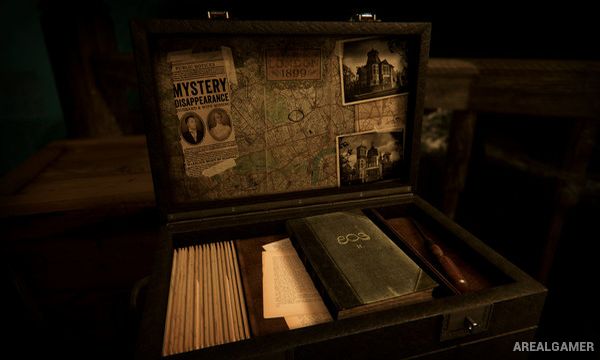
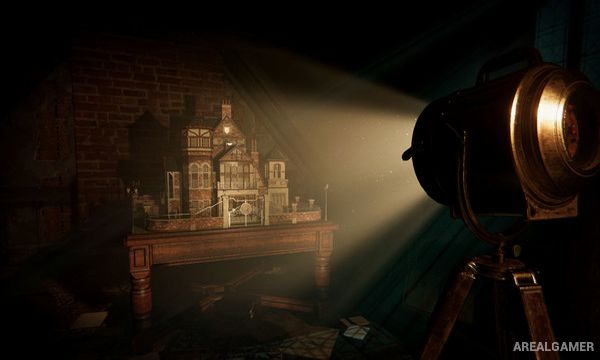
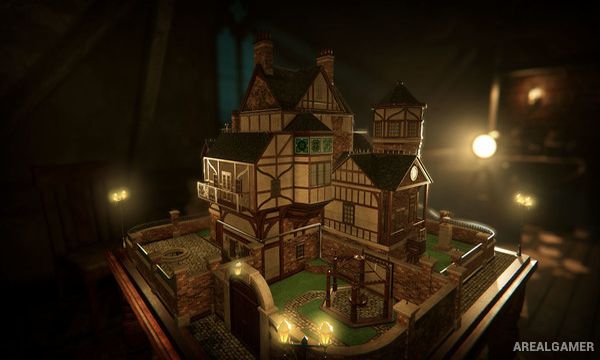
The Room 4: Old Sins is a tactile puzzle adventure centered on the mysterious disappearance of an engineer and his wife. The investigation leads to the attic of Waldegrave Manor, where an elaborate dollhouse becomes the gateway into a series of interconnected rooms filled with mechanisms, secrets, and traces of the strange force known as Null.
The game continues the series’ focus on detailed mechanical objects rather than conventional character movement. Every drawer, switch, lock, lens, dial, and hidden compartment can potentially be part of a larger chain of puzzles.
How the Gameplay Works
Players rotate and examine the dollhouse and its individual rooms, zooming in on suspicious objects and manipulating them directly. Keys, mechanical components, symbols, and other items found in one location may solve puzzles elsewhere, creating connections across the entire structure.
A special eyepiece reveals hidden markings and allows players to see mechanisms that are invisible normally. Progress depends on careful observation and understanding how multiple devices fit together rather than reacting quickly or fighting enemies.
Main Gameplay Features
Detailed mechanical puzzle solving
Central interactive dollhouse
Interconnected rooms and puzzle chains
Inventory-based item use
Hidden compartments and mechanisms
Special eyepiece for concealed clues
Atmospheric mystery story
Touch-inspired object manipulation
Screenshots:
Minimum System Requirements:
OS: Windows 7/8/10
CPU: 2.8 GHz Dual Core Processor
RAM: 4 GB
Video Card: Video card with 1024MB of VRAM
Space Required: 10 GB
DirectX: 11
How to Install:
Extract the game using Winrar or 7zip.
Open “The Room 4: Old Sins” folder, double click on “Setup” and proceed install.
After installation complete, open “CODEX” folder.
Copy all files and paste it where you “Installed the Game”.
Double click on “Game” icon to play the game. Enjoy!
Click the Below Button to Proceed to Download Page
File Password: arealgamer