
The Sims Life Stories

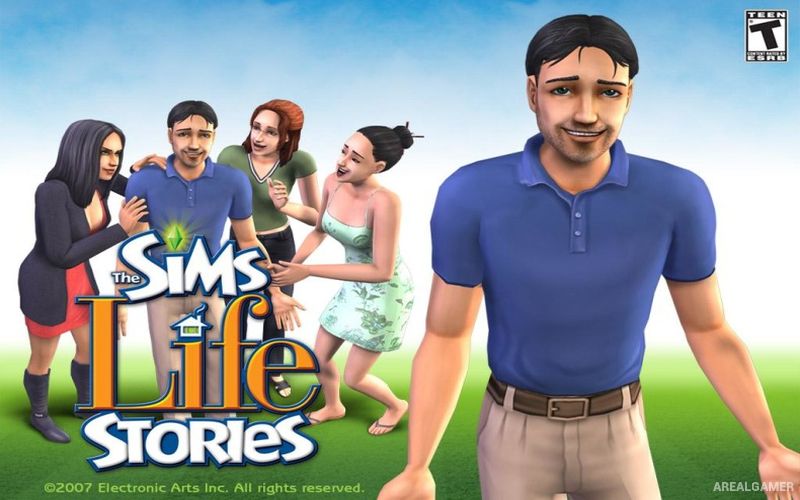
The Sims Life Stories – Free Download – PC Game
Game Info:
Size: 2.15 GB
Genre: Simulation
Release Date: June 19, 2007
Developer: Maxis Redwood
Publisher: Electronic Arts
About This Game:
The Sims Life Stories is the first entry in the standalone Sims Stories series and combines traditional life simulation with two structured character-driven campaigns. The main stories follow Riley Harlow as she begins a new life in Four Corners and Vincent Moore as the successful businessman tries to solve problems surrounding his romantic life.
The game was designed to run comfortably on laptops and uses a modified version of The Sims 2 technology. Alongside its guided stories, it includes a Classic Mode where players can create Sims and manage their daily lives without following predefined narrative objectives.
How the Gameplay Works
Story Mode gives players specific goals involving relationships, careers, social situations, objects, and household activities. Completing objectives moves the story into new scenes and unlocks rewards that become available as each character’s life develops.
Classic Mode operates more like standard Sims gameplay, allowing players to manage needs, build relationships, purchase household objects, develop careers, and decide how their Sims spend their lives without following the scripted campaigns.
Main Gameplay Features
Story-driven life simulation
Two separate character stories
Riley Harlow storyline
Vincent Moore storyline
Goal-based Story Mode
Traditional Sim needs
Friendships and romance
Careers and daily activities
Unlockable story rewards
Classic open-ended mode
Standalone Sims experience
Laptop-friendly design
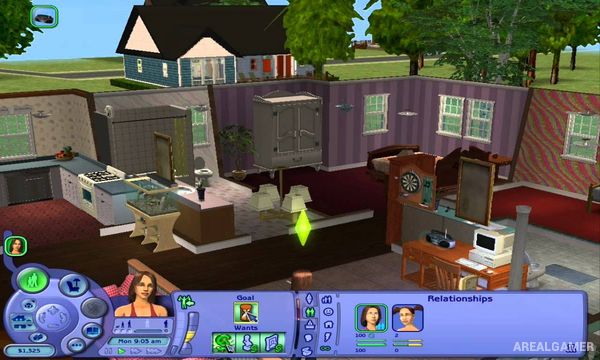
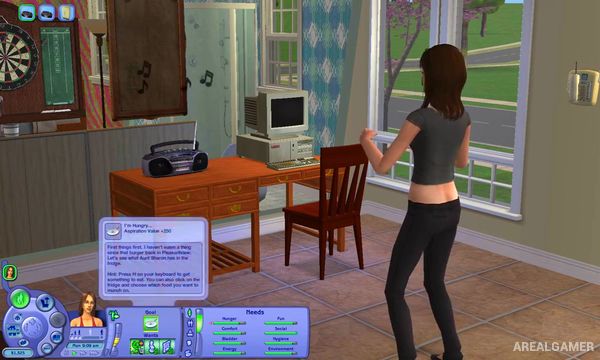
Screenshots:

Minimum System Requirements:
OS: Windows XP/Vista
CPU: 1.8 GHz
RAM: 1 GB
Video Card: 128 MB, (NVIDIA Quadro series / ATI Radeon 7500 or greater)
Space Required: 3 GB
DirectX: 9.0c
How to Install:
Extract the game using Winrar or 7zip.
Open “The Sims Life Stories” folder, double click on “AutoRun” and proceed install.
When they want serial key type this: NZ33-TZCW-J9WD-LJ9N-GRLD
After installation complete, open “Crack” folder.
Copy all files and paste it where you “Installed the Game”.
Go to “TSBin” folder, Double click on “SimsLS” icon to play the game. Enjoy!
Click the Below Button to Proceed to Download Page
File Password: arealgamer