
The Sims Pet Stories


The Sims Pet Stories – Free Download – PC Game
Game Info:
Size: 2.13 GB
Genre: Simulation
Release Date: June 19, 2007
Developer: Maxis Redwood
Publisher: Electronic Arts
About This Game:
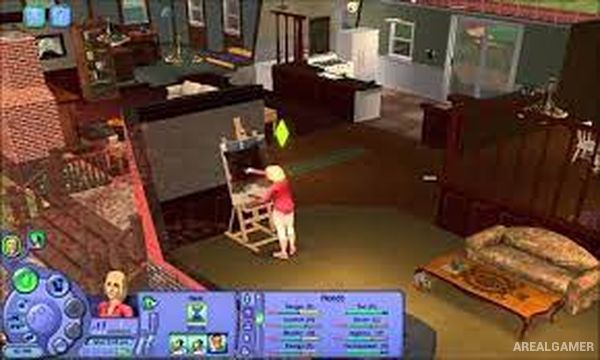
The Sims Pet Stories is a standalone entry in The Sims Stories series that combines familiar Sims life simulation with structured stories centered on pets. Players manage Sims, homes, relationships, and everyday needs while also caring for dogs and cats that become important parts of the main scenarios.
Designed with lower-specification and laptop computers in mind, the game provides both guided storytelling and a more traditional open-ended mode. The story campaigns introduce specific characters and objectives, while Classic Mode allows players to manage Sims and pets with greater freedom.
How the Gameplay Works
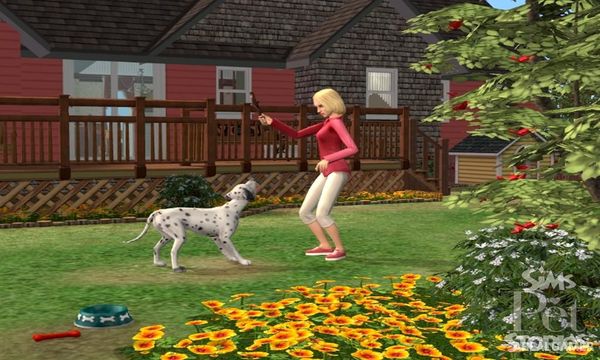
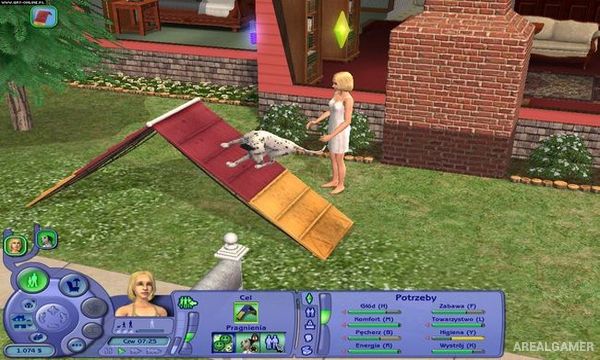
Players direct Sims through everyday activities while feeding, training, playing with, and caring for their pets. Animals develop behaviors that can be encouraged or corrected, while relationships between Sims and pets improve through regular interaction.
Story Mode presents goals that must be completed to advance through each narrative, with one storyline including pet competition challenges. Classic Mode removes much of the structured progression and provides a more traditional Sims-style sandbox experience.
Main Gameplay Features
Standalone Sims life simulation
Dogs and cats
Pet care
Pet training
Sim relationships
Household needs
Structured Story Mode
Two story scenarios
Goal-based progression
Pet competition elements
Classic open-ended mode
Laptop-friendly design
Screenshots:
Minimum System Requirements:
OS: Windows XP/Vista
CPU: 1.8 GHz
RAM: 1 GB
Video Card: 128 MB, (NVIDIA Quadro series / ATI Radeon 7500 or greater)
Space Required: 3 GB
DirectX: 9.0c
How to Install:
Extract the game using Winrar or 7zip.
Open “The Sims Pet Stories” folder, double click on “AutoRun” and proceed install.
When they want serial key type this: 8VDD-2TCR-17ML-C7F4-IVTY
After installation complete, open “Crack” folder.
Copy all files and paste it where you “Installed the Game”.
Go to “TSBin” folder, Double click on “SimsPS” icon to play the game. Enjoy!
Click the Below Button to Proceed to Download Page
File Password: arealgamer