
The Sims Medieval


The Sims Medieval – Free Download – PC Game
Game Info:
Size: 4.60 GB
Genre: Simulation
Release Date: March 22, 2011
Developer: Maxis Redwood Shores
Publisher: Electronic Arts
About This Game:
The Sims Medieval takes the life-simulation ideas of The Sims into a fantasy-inspired medieval kingdom. Instead of concentrating mainly on ordinary households, players develop an entire realm by creating important Hero Sims such as monarchs, knights, merchants, physicians, priests, spies, and other specialists.
The game places stronger emphasis on quests and role-playing than the main Sims series. Each kingdom begins with an overall ambition, and completing quests gradually expands the realm while revealing stories involving politics, romance, adventure, religion, conflict, and everyday medieval life.
How the Gameplay Works
Players construct major kingdom buildings that unlock new Hero professions and additional quest opportunities. A selected quest is then completed by controlling one or more Hero Sims and fulfilling objectives connected to their responsibilities and abilities.
Heroes have daily needs, relationships, equipment, traits, and profession levels, but gameplay is more directed than a traditional Sims household. Successful quests improve the kingdom and help satisfy the chosen ambition, eventually unlocking additional ways to play future kingdoms.
Main Gameplay Features
Medieval life simulation
Build and expand a kingdom
Quest-driven progression
Multiple Hero professions
Playable monarchs and knights
Merchants, spies, priests, and physicians
Character creation
Relationships and social interaction
Hero leveling
Weapons and equipment
Kingdom ambitions
Fantasy and medieval story events
Screenshots:
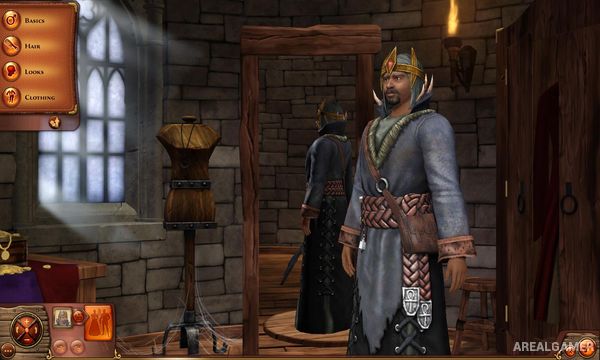
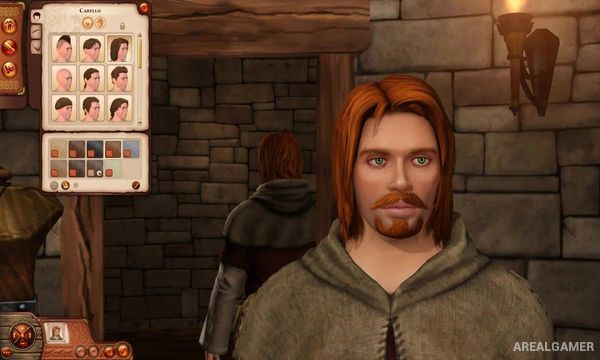
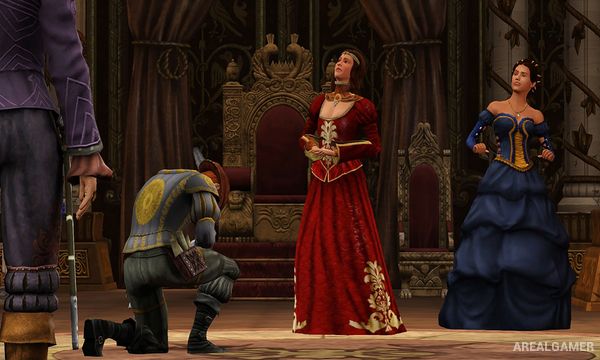
Minimum System Requirements:
OS: Windows XP/Vista/7/ Service Pack
CPU: 2.0 GHz P4 processor or equivalent for Windows XP; 2.4 GHz P4 processor or equivalent for Windows Vista or Windows 7
RAM: 1 GB
Video Card: 256 MB Video Card with support for Pixel Shader 2.0
Space Required: 5 GB
DirectX: 9.0c
How to Install:
Extract the game using Winrar or 7zip.
Open “The Sims Medieval” folder, double click on “Setup” and proceed install.
When asked for serial key, write this: T9PP-6DVX-54RY-3544-7RLD
After installation complete, open “Crack” folder.
Copy all files and paste it where you “Installed the Game”.
Double click on “SimsMedievalLauncher” icon to play the game. Enjoy!
Click the Below Button to Proceed to Download Page
File Password: arealgamer
You need to rename TSM.ex_ to TSM.exe pal to get it work
a senha do arquivo nao funciona