
Tin Can: Escape Pod Simulator

Tin Can: Escape Pod Simulator – Free Download – PC Game
Game Info:
Size: 2.1 GB
Genre: Simulation, Survival
Release Date: October 30, 2020
Developer: Tin Can Studio
Publisher: Tin Can Studio
About This Game:
Tin Can is a detailed space survival simulation where the player barely escapes the destruction of a spacecraft only to become trapped inside an aging emergency pod. There is no rescue team immediately available, leaving survival dependent on understanding the machinery keeping oxygen, power, temperature, and other essential systems operational.
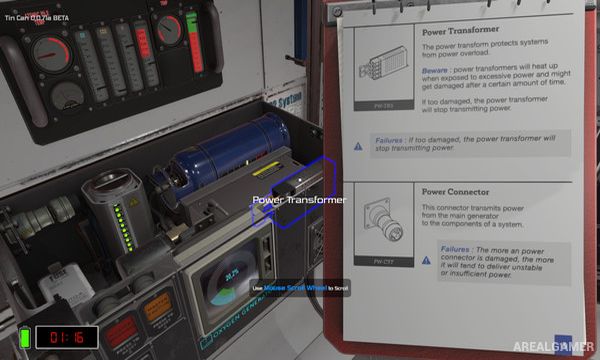
Instead of treating the escape pod as a simple vehicle with a few meters, the game models its equipment through individual components. Problems can develop in different places, forcing players to diagnose failures and work out which damaged part is responsible before the situation becomes fatal.
How the Gameplay Works
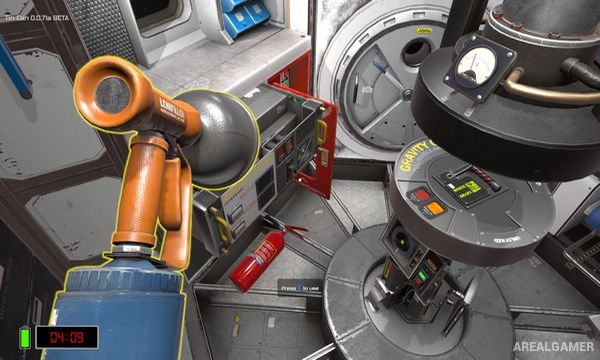
Players inspect systems, remove panels, swap components, replace fuses, install filters, and use a technical manual to understand how equipment is connected. Individual parts can fail independently, meaning fixing the visible symptom may not solve the underlying problem.
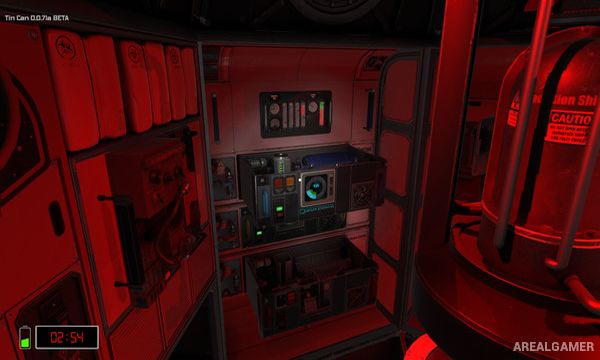
Oxygen, carbon dioxide, temperature, radiation, and electrical power must all remain within survivable limits while random events place additional strain on the pod. Staying alive requires prioritizing the most dangerous failures and sometimes sacrificing one system to keep another functioning.
Main Gameplay Features
Detailed escape-pod survival simulation
Interactive life-support systems
Replaceable machine components
Fuses, filters, and electrical parts
Oxygen management
Carbon dioxide management
Temperature control
Power management
Technical survival manual
Random system failures
Hands-on repair mechanics
Space emergency scenarios
Screenshots:
Minimum System Requirements:
OS: Windows 7/8/10
CPU: Core I5
RAM: 8 GB
Video Card: GTX 960 or equivalent
Space Required: 2 GB
DirectX: 11
How to Install:
Extract the game using Winrar or 7zip.
Open “Tin Can: Escape Pod Simulator” folder, double click on “Setup” and proceed install.
After installation complete, go to the “Installed Game” location.
Double click on “Game” icon to play the game. Enjoy!
Click the Below Button to Proceed to Download Page
File Password: arealgamer