
Dawn of the Monsters

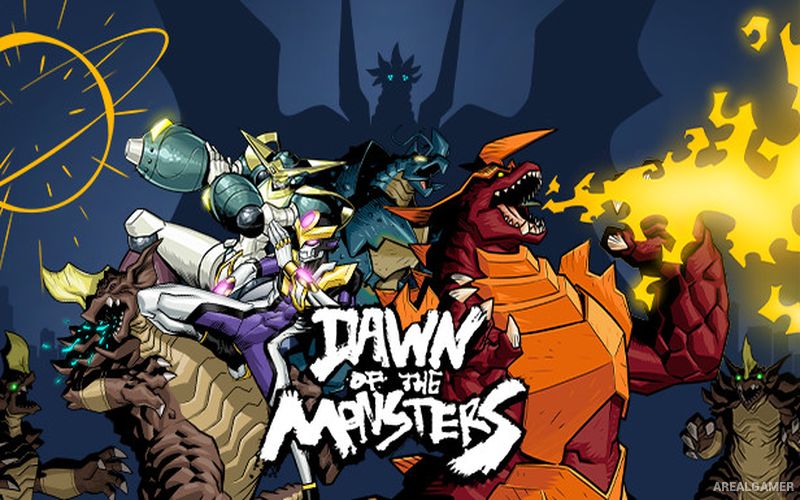
Dawn of the Monsters – Free Download – PC Game
Game Info:
Size: 1.9 GB
Genre: Action, Adventure
Release Date: 15 Mar, 2022
Developer: 13AM Games, WayForward
Publisher: WayForward
About This Game:
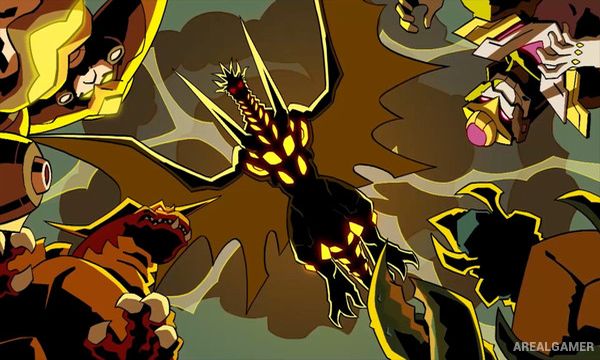
Dawn of the Monsters is a side-scrolling kaiju beat-’em-up where gigantic creatures battle across cities threatened by an invasion of monsters known as the Nephilim. Humanity’s defense organization, DAWN, deploys its own enormous combatants in an attempt to stop the destruction and prevent civilization from being wiped out.
Players can choose between four massive heroes, including monsters and giant armored warriors with different fighting styles. The campaign moves through destructible urban environments and delivers the kind of exaggerated battles normally associated with giant-monster movies and manga.
How the Gameplay Works
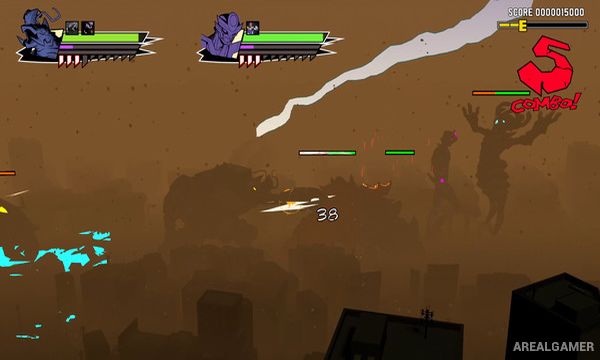
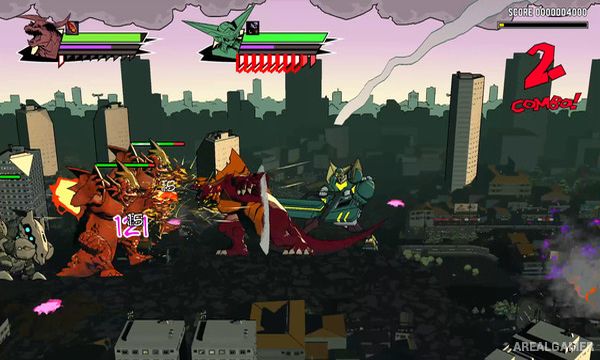
Players move through side-scrolling stages while punching, throwing, crushing, and using special abilities against groups of monsters. Each character has unique attacks, powerful Rage techniques, and brutal finishing moves that can be used against weakened enemies.
DNA augments collected during progression modify combat abilities and provide ways to strengthen a preferred character. The entire campaign can also be played with another player, allowing two colossal fighters to battle the invading creatures together.
Main Gameplay Features
Side-scrolling kaiju beat-’em-up
Four playable giant combatants
Distinct character abilities
Destructible environments
More than 35 missions
Rage special attacks
Powerful finishing moves
DNA augment upgrades
Large monster battles
Manga-inspired presentation
Single-player campaign
Two-player cooperative gameplay
Screenshots:
Minimum System Requirements:
OS: Windows 7/8/10, 64-bits
CPU: Intel(R) Core(TM)2 Quad CPU Q8200 @ 2.33GHz
RAM: 8 GB
Video Card: AMD Radeon HD 5700 Series or equivalent
Space Required: 10 GB
DirectX: 11
How to Install:
Extract the game using Winrar or 7zip.
Open “Dawn of the Monsters” folder, double click on “Setup” and proceed install.
After installation complete, go to the “Installed Game” location.
Double click on “Game” icon to play the game. Enjoy!
Click the Below Button to Proceed to Download Page
File Password: arealgamer