
Eastshade

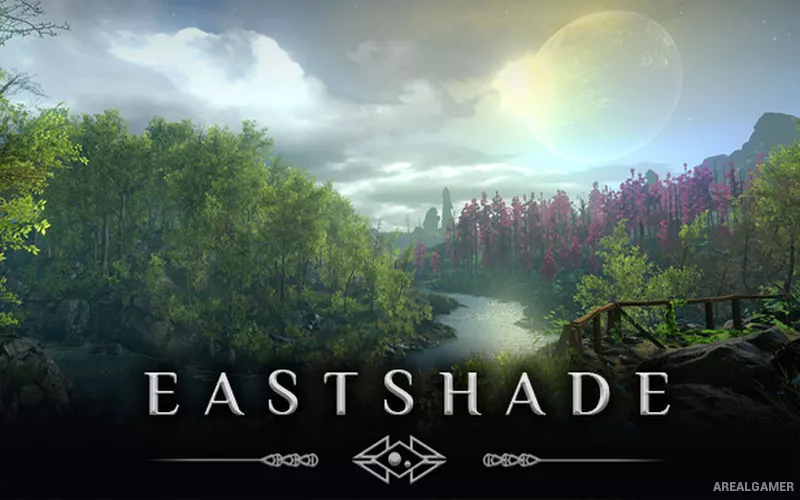
Eastshade – Free Download – PC Game
Game Info:
Size: 1.10 GB
Genre: Adventure, Open World
Release Date: 13 Feb, 2019
Developer: Eastshade Studios
Publisher: Eastshade Studios
About This Game:
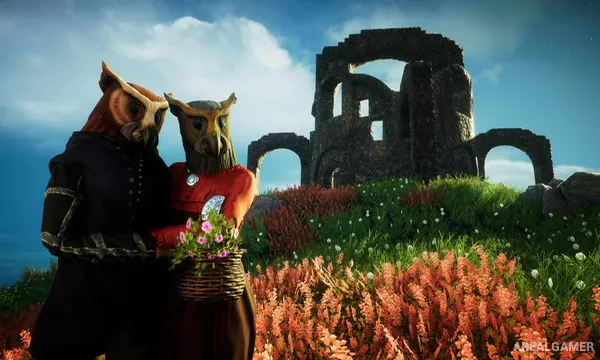
Eastshade is a peaceful first-person exploration game set on a beautiful island populated by anthropomorphic residents. The player is a traveling painter who visits Eastshade to fulfill a final wish and gradually becomes involved with the people, landscapes, and small problems found across the island.
There is no traditional combat system. Progress comes from exploration, conversations, helping residents, crafting useful items, and creating paintings of places that characters request or that the player personally wants to remember.
How the Gameplay Works
Players walk, travel, gather materials, speak with NPCs, and use an easel to capture selected views as paintings. Some quests require finding a particular landmark or composing a scene that matches a resident’s description.
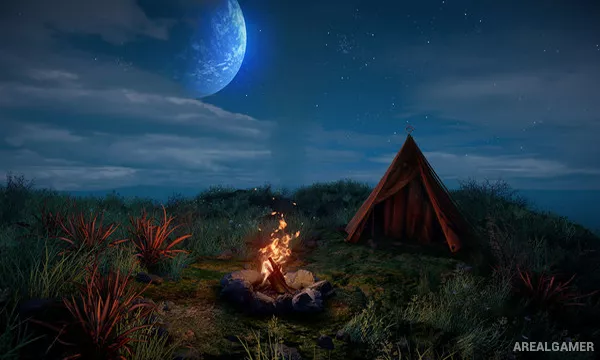
Crafting provides items such as tents and transportation that make longer journeys easier. Time of day changes the appearance of landscapes, giving players reasons to revisit locations under different lighting conditions.
Main Gameplay Features
First-person peaceful exploration
Landscape painting mechanic
No traditional combat
Character quests and conversations
Material gathering and light crafting
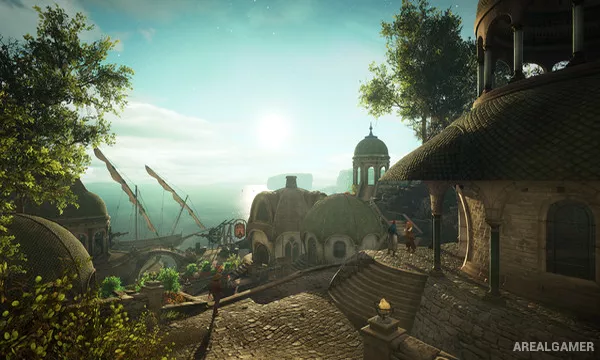
Large island with varied natural environments
Day-and-night visual changes
Travel and exploration upgrades
Screenshots:
Minimum System Requirements:
OS: Windows 7/8/10, 64-bit
CPU: Intel i5-750/AMD Phenom II X4-945
RAM: 6 GB
Video Card: Nvidia GTX 560 Ti/Radeon HD 6950
Space Required: 3 GB
DirectX: 11
How to Install:
Extract the game using Winrar or 7zip.
Open “Eastshade” folder, double click on “Setup” and proceed install.
After installation complete, open “DARKSiDERS” folder.
Copy all files and paste it where you “Installed the Game”.
Double click on “Game” icon to play the game. Enjoy!
Click the Below Button to Proceed to Download Page
File Password: arealgamer