
GUN

GUN – Free Download – PC Game
Game Info:
Size: 1.48 GB
Genre: Action, Open World, Shooter
Release Date: 17 Nov, 2005
Developer: Neversoft
Publisher: Activision
About This Game:
GUN is an open-world Western action game following Colton White, a gunslinger whose life changes after a violent attack reveals that his past is not what he believed. His search for answers takes him through frontier towns, wilderness, mines, forts, and Native territories while bringing him into conflict with outlaws, soldiers, lawmen, and other dangerous figures.
The game combines a cinematic story with free exploration between missions. Players can ride horses across the frontier, take optional jobs, hunt animals, play poker, and assist local residents while earning money and improving Colton’s combat abilities.
How the Gameplay Works
Combat includes revolvers, rifles, shotguns, bows, explosives, and melee weapons. Quickdraw mode slows the action and allows Colton to rapidly target several enemies, making it useful when surrounded. Horseback combat also plays a major role, allowing players to shoot while traveling quickly across the open environment.
Story missions include gunfights, chases, escort sequences, duels, and large battles. Side activities reward money and improve different statistics, while weapons can be purchased or upgraded. Players are generally free to move between settlements and explore the wilderness when not involved in a mission.
Main Gameplay Features
Open-world Western setting
Third-person gunfights
Revolvers, rifles, and shotguns
Quickdraw slow-motion targeting
Horse riding
Horseback combat
Main story missions
Optional side jobs
Bounty hunting
Hunting activities
Poker mini-game
Weapon upgrades
Character stat progression
Frontier towns and wilderness
Large boss encounters
Screenshots:
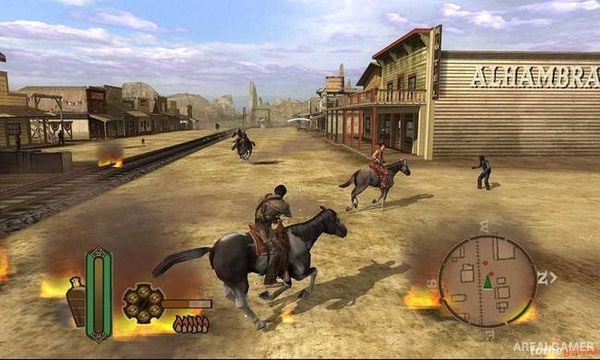
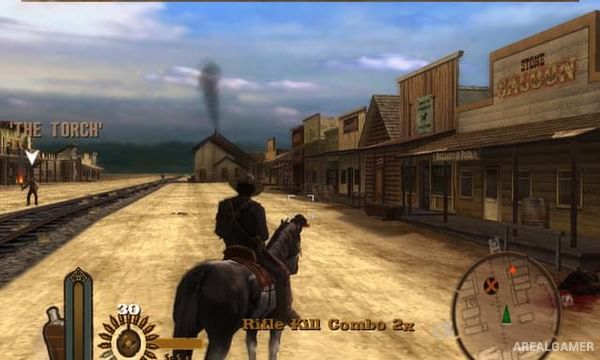
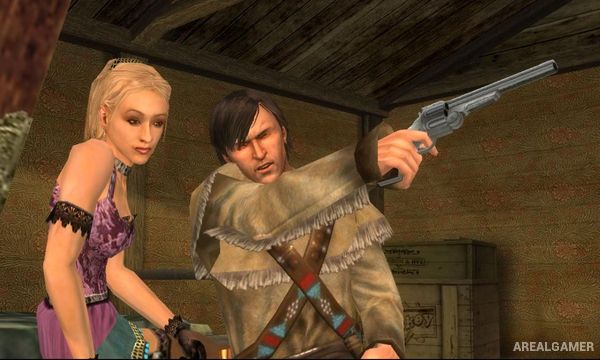
Minimum System Requirements:
OS: Windows 98/ME/2000/XP
CPU: Pentium 4 @ 1.8 GHz Processor
RAM: 256 MB
Video Card: 32 MB
Space Required: 3 GB
DirectX: 8.0c
How to Install:
Extract the game using Winrar or 7zip.
Open “GUN” folder, double click on “Setup” and proceed install.
After installation complete, go to the “Installed Game” location.
Double click on “Game” icon to play the game. Enjoy!
Click the Below Button to Proceed to Download Page
File Password: arealgamer