
Need for Speed: Underground

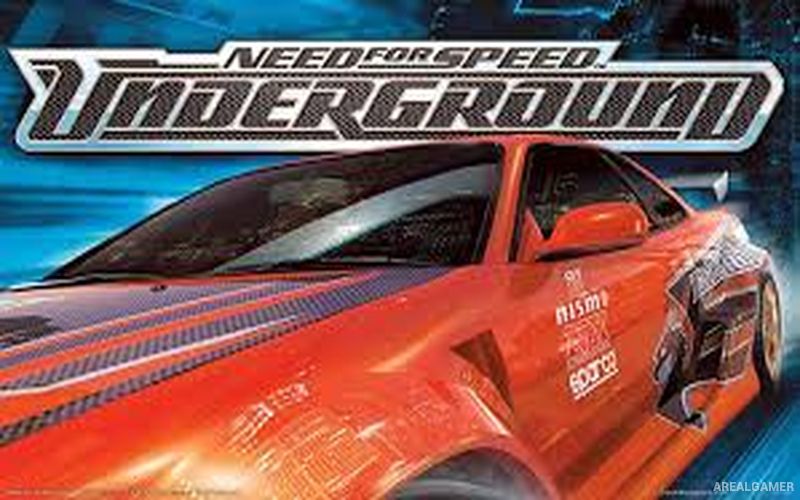
Need for Speed: Underground – Free Download – PC Game
Game Info:
Size: 179 MB
Genre: Racing, Sports
Release Date: November 28, 2003
Developer: EA Black Box
Publisher: EA Games
About This Game:
Need for Speed: Underground shifts the series toward nighttime street racing and heavily modified tuner cars. Players enter an underground racing scene where winning events increases their reputation and unlocks faster vehicles, new performance parts, and an increasingly large selection of visual customization options.
The game’s neon-lit city environments and strong focus on car modification helped establish a distinct identity for the Underground series. Rather than an open world, events are selected through structured progression, with each victory moving the player further through the underground racing scene.
How the Gameplay Works
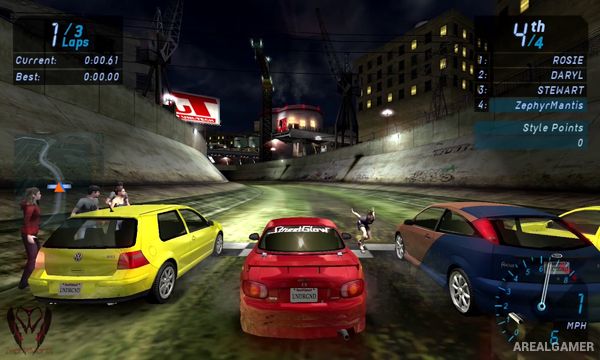
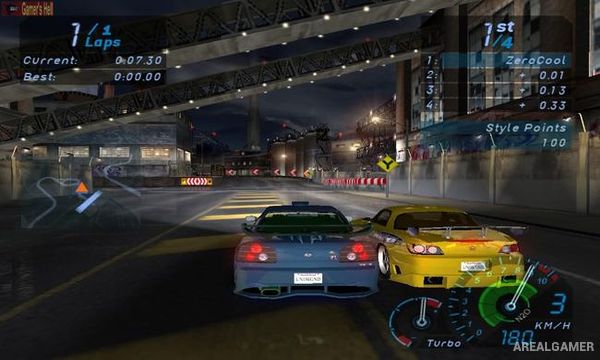
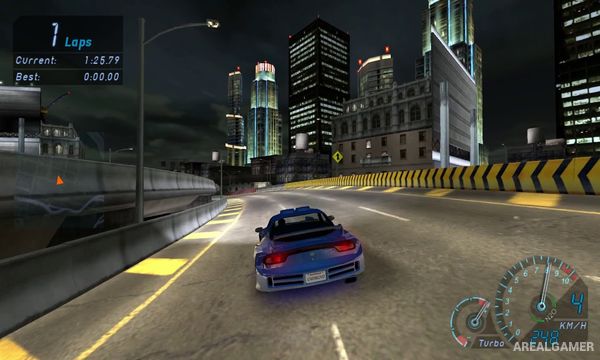
Players compete in Circuit, Sprint, Drag, Drift, and other race types. Standard races emphasize speed and cornering, while Drag events require precise gear changes and traffic avoidance. Drift competitions award points for maintaining controlled slides through specially designed courses.
Money and progression unlock engine upgrades, nitrous systems, suspension improvements, tires, body parts, rims, paint, vinyls, and other customization options. Players continually improve a chosen car while unlocking additional vehicles and facing faster opponents deeper into the campaign.
Main Gameplay Features
Nighttime street racing
Circuit and Sprint events
Drag racing
Drift competitions
Tuner-focused car roster
Engine and performance upgrades
Nitrous oxide
Body kits and spoilers
Rims, paint, and vinyl customization
Structured career progression
Increasingly difficult opponents
Arcade-style racing controls
Screenshots:
Minimum System Requirements:
OS: Windows 98/ME/2000/XP
CPU: Pentium 3 @ 700 MHz
RAM: 256 MB
Video Card: 32 MB
Space Required: 1 GB
DirectX: 9.0c
How to Install:
Extract the game using Winrar or 7zip.
Open “Need for Speed Underground” folder, double click on “Setup” and proceed install.
After installation complete, go to the “Installed Game” location.
Double click on “Speed” icon to play the game. Enjoy!
Click the Below Button to Proceed to Download Page
File Password: arealgamer