
TMNT: Out of the Shadows

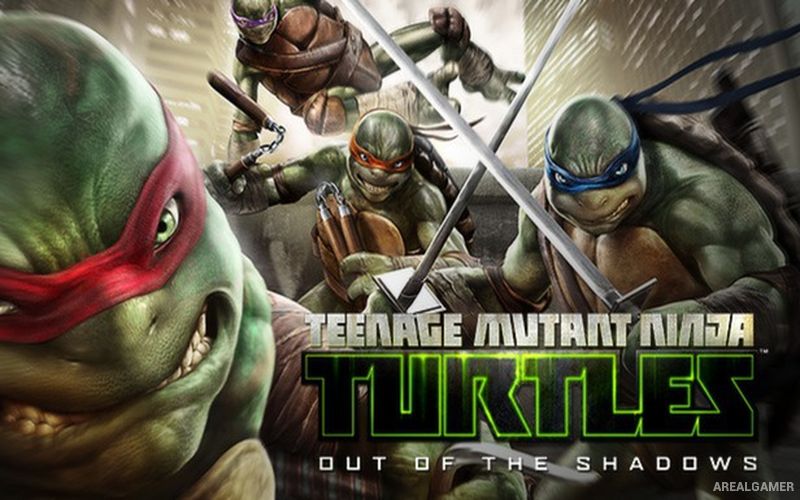
TMNT: Out of the Shadows – Teenage Mutant Ninja Turtles – Free Download – PC Game
Game Info:
Size: 2.31 GB
Genre: Action
Release Date: 28 Aug, 2013
Developer: Activision
Publisher: Activision
About This Game:
Teenage Mutant Ninja Turtles: Out of the Shadows is a third-person action game starring Leonardo, Donatello, Michelangelo, and Raphael. The four brothers fight through New York City as they confront members of the Foot Clan, mutants, and familiar enemies connected to the wider TMNT universe.
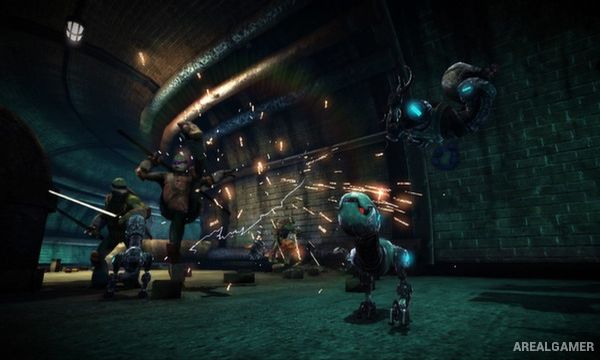
Each Turtle has a different weapon and combat personality, giving players reasons to switch between characters depending on the situation. The game places heavy emphasis on cooperative fighting, counters, combinations, and coordinated attacks between the brothers.
How the Gameplay Works
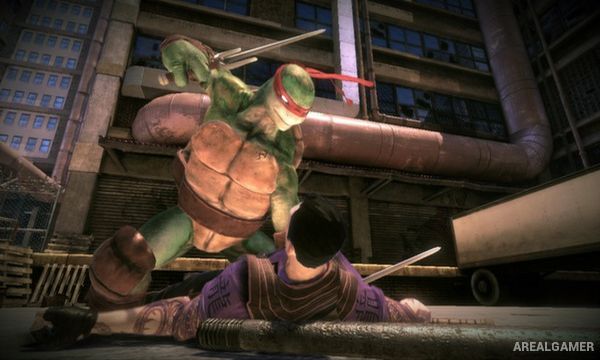
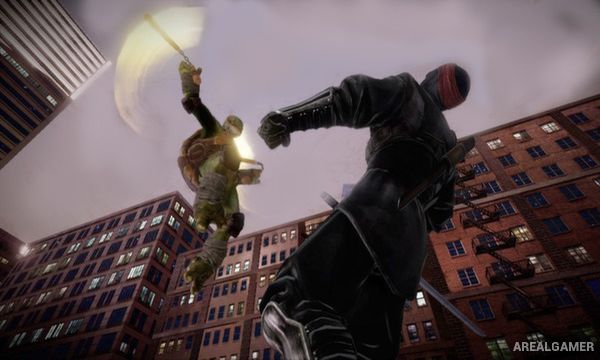
Players attack enemies using light and heavy strikes, dodges, counters, special techniques, and character-specific weapons. In single-player, control can be switched between available Turtles while the remaining brothers are handled by AI.
Experience gained through combat unlocks new techniques and improves each character’s capabilities. Cooperative multiplayer allows several players to control the Turtles together, making team attacks and crowd management easier during larger fights.
Main Gameplay Features
Playable Leonardo, Raphael, Donatello, and Michelangelo
Third-person melee combat
Character-specific weapons
Counters and defensive moves
Combo attacks
Special techniques
Character progression
Switch between Turtles
AI-controlled teammates
Foot Clan enemies
Cooperative multiplayer
New York City environments
Screenshots:
Minimum System Requirements:
OS: Windows XP/Vista/7/8
CPU: Intel Core 2 Duo @ 2.4 Ghz / AMD Phenom II X3 @ 2.4 GHz
RAM: 2 GB
Video Card: 512 MB, nVidia GeForce 8800 / ATI Radeon HD 3850
Space Required: 5 GB
DirectX: 9.0c
How to Install:
Extract the game using Winrar or 7zip.
Open “TMNT: Out of the Shadows” folder, double click on “Setup” and proceed install.
After installation complete, open “Fairlight” >> “Binaries”>> “Win32” >>“CRACK” folder.
Copy all files and paste it where you “Installed the Game”.
Open “Binaries”>> “Win32” folder, double click on “TMNT-OotS” icon to play the game. Enjoy!
Click the Below Button to Proceed to Download Page
File Password: arealgamer
A senha tá errada