
TY the Tasmanian Tiger 3


TY the Tasmanian Tiger 3 – Free Download – PC Game
Game Info:
Size: 963 MB
Genre: Platform
Release Date: 18 Dec, 2018
Developer: Krome Studios
Publisher: Krome Studios
About This Game:
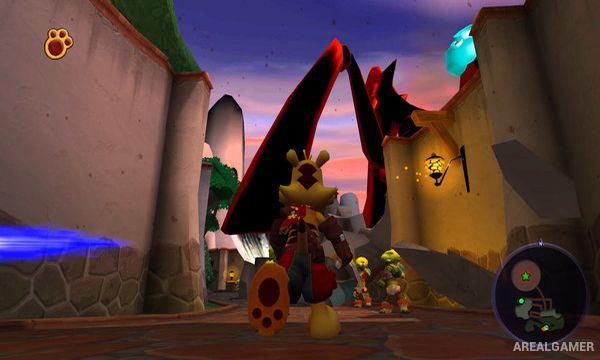
TY the Tasmanian Tiger 3: Night of the Quinkan continues Ty’s adventures when dangerous creatures known as the Quinkan invade Southern Rivers. With familiar allies scattered and the region under attack, Ty joins the effort to push back the invasion and restore safety to the Australian-inspired world.
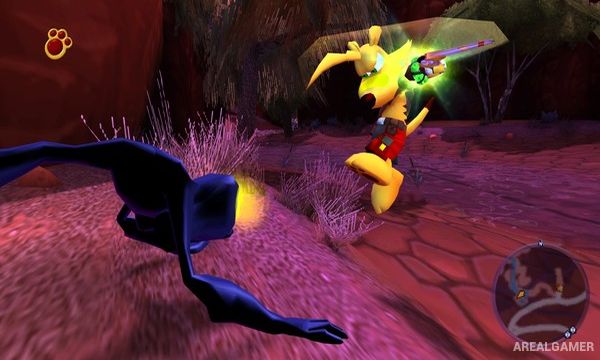
The third game expands combat and customization while retaining the platforming, boomerangs, vehicles, and exploration associated with the series. Ty can equip different stones to modify his boomerangs, creating more specialized tools for fighting enemies and interacting with the environment.
How the Gameplay Works
Players explore connected regions while completing missions involving combat, platforming, rescues, vehicle sections, and environmental challenges. Ty can use his bite attack alongside a selection of boomerangs whose properties can be altered with different elemental and ability stones.
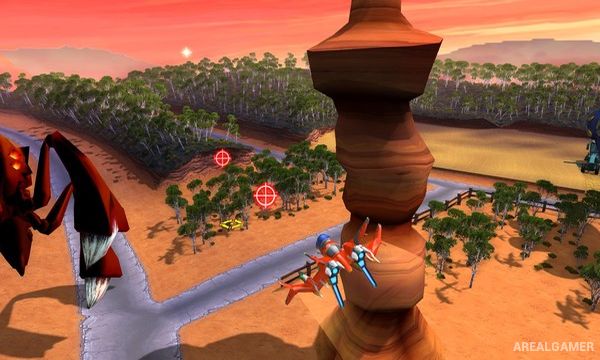
Vehicles and mechanical equipment provide additional ways to travel and fight during certain missions. Quinkan enemies become increasingly dangerous as the story develops, requiring players to make better use of upgraded boomerangs and Ty’s expanding collection of abilities.
Main Gameplay Features
3D action platforming
Quinkan invasion storyline
Australian-inspired environments
Boomerang combat
Customizable boomerang stones
Elemental weapon effects
Platforming and exploration
Vehicle-based missions
Mechanical combat equipment
Collectibles and side objectives
Large enemy encounters
Story continuing Ty’s previous adventures
Screenshots:
Minimum System Requirements:
OS: Windows 7/8/10, 64-bits
CPU: Intel Core i3/i5/i7 1.8 GHz CPU dual-core. AMD 2.0 GHz dual-core.
RAM: 4 GB
Video Card: NVIDIA GeForce 260 / Radeon HD 4000 Series / Intel HD Graphics 4000 with OpenGL 3.3 minimum.
Space Required: 3 GB
DirectX: 9.0c
How to Install:
Extract the game using Winrar or 7zip.
Open “TY the Tasmanian Tiger 3″ folder, double click on “Setup” and proceed install.
After installation complete, open “CODEX” folder.
Copy all files and paste it where you “Installed the Game”.
Double click on “Game” icon to play the game. Enjoy!
Click the Below Button to Proceed to Download Page
File Password: arealgamer