
WWE 2K Battlegrounds

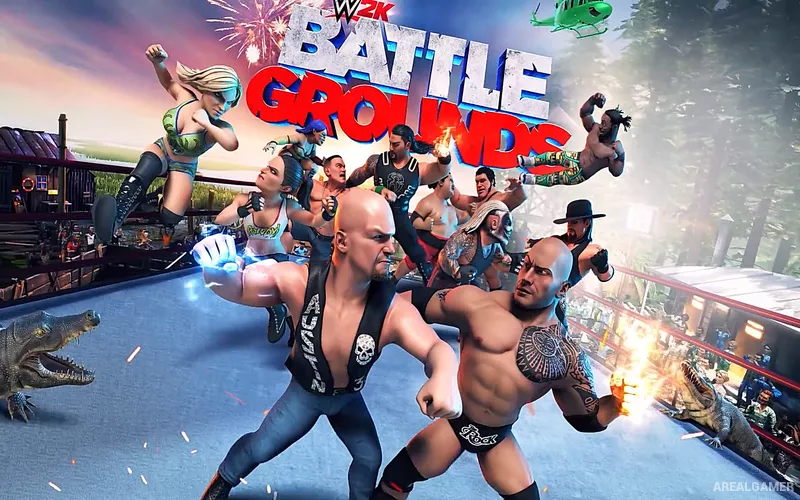
WWE 2K Battlegrounds – Free Download – PC Game
Game Info:
Size: 7.22 GB
Genre: Action, Fighting
Release Date: 18 Sep, 2020
Developer: Saber Interactive
Publisher: 2K
About This Game:
WWE 2K Battlegrounds is an arcade-style wrestling game that exaggerates WWE action with oversized character designs, powerful attacks, interactive arenas, and simplified controls. Instead of aiming for a realistic simulation, matches are designed around quick action, dramatic special moves, and chaotic multiplayer situations.
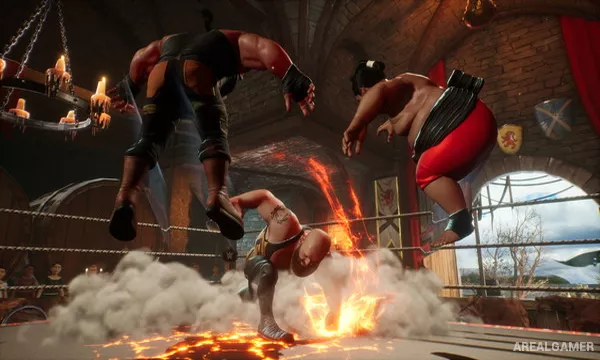
The roster includes current WWE stars and legends represented through distinct classes and signature moves. Arenas can contain environmental interactions that turn ringside objects, barriers, and unusual hazards into part of the match.
How the Gameplay Works
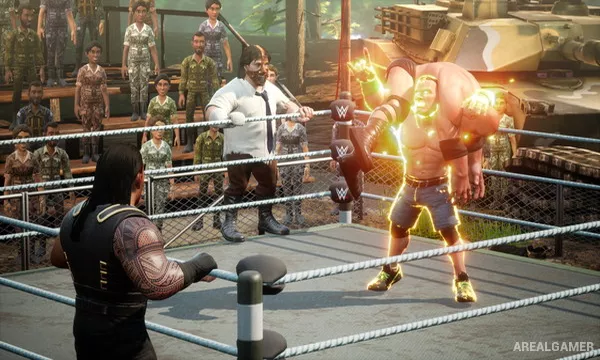
Players use strikes, grapples, throws, counters, taunts, and special attacks while building energy for stronger moves. Different wrestler classes influence speed, power, durability, and move options, making heavy characters feel different from agile or technical competitors.
Modes include story-style progression, exhibition matches, tournaments, and multiplayer competition. Character and arena customization provide additional visual options, while unlockable wrestlers and content expand the available roster over time.
Main Gameplay Features
Arcade-style WWE wrestling
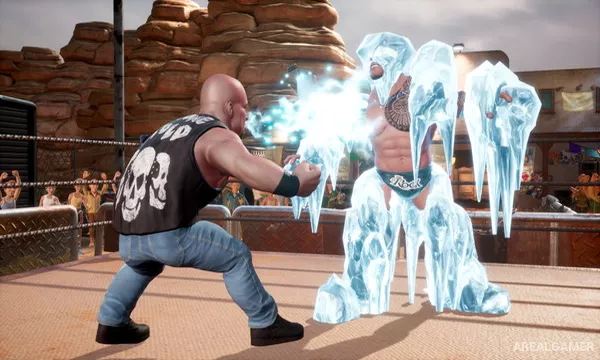
Exaggerated character designs and special moves
Current WWE stars and legendary wrestlers
Multiple wrestler classes with different strengths
Interactive arenas and environmental attacks
Story and exhibition modes
Character and arena customization
Local and online multiplayer
Screenshots:
Minimum System Requirements:
OS: Windows 7/8/10, 64-bits
CPU: Intel Core i3-540 3.06GHz
RAM: 4 GB
Video Card: NVIDIA GeForce GT 710
Space Required: 9 GB
DirectX: 11
How to Install:
Extract the game using Winrar or 7zip.
Open “WWE 2K Battlegrounds” folder, double click on “Setup” and proceed install.
After installation complete, open “CODEX” folder.
Copy all files and paste it where you “Installed the Game”.
Double click on “Game” icon to play the game. Enjoy!
Click the Below Button to Proceed to Download Page
File Password: arealgamer