
18 Wheels of Steel: Hard Truck


18 Wheels of Steel: Hard Truck – Free Download – PC Game
Game Info:
Size: 216 MB
Genre: Simulation
Release Date: August 31, 2002
Developer: Cosmi ValuSoft
Publisher: Cosmi ValuSoft
About This Game:
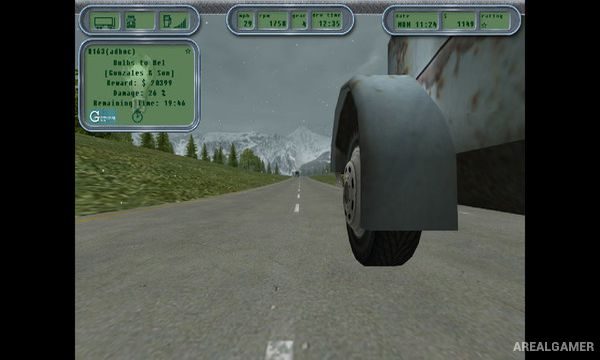
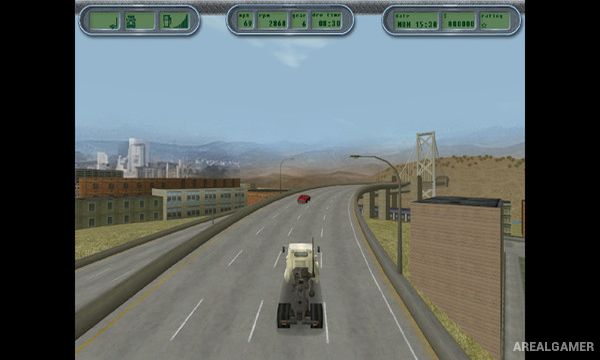
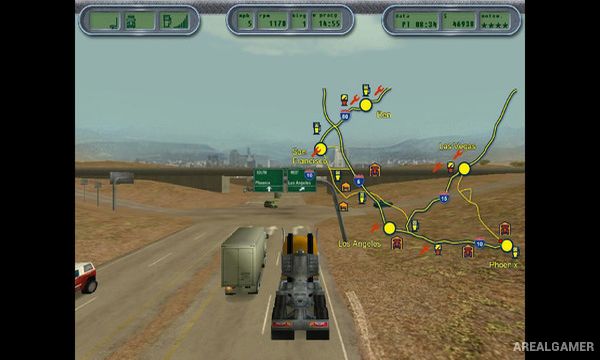
Hard Truck: 18 Wheels of Steel is an early American trucking simulator from SCS Software and the first entry in what became the 18 Wheels of Steel series. Players work as a commercial truck driver, hauling freight between destinations while dealing with long highways, traffic, fuel use, cargo deadlines, and the practical challenges of keeping a heavy truck moving.
The game combines open-road driving with basic business progression. Instead of racing toward every destination, players must consider the condition of the truck and cargo while building enough income to improve their position and take on more valuable work.
How the Gameplay Works
Players accept cargo assignments and attach the required trailer before beginning the journey. Routes cover long stretches of American highways, with towns and service locations appearing along the way. Careless driving can damage the truck or cargo and reduce the value of a delivery.
Fuel, repairs, rest, and transportation costs all contribute to the trucking experience. Successful deliveries provide money that can be used to continue developing the player’s career. Police and road rules also discourage treating the highways like a normal racing game, placing greater emphasis on controlled driving.
Main Gameplay Features
Early 18 Wheels of Steel trucking simulation
Long-distance freight deliveries
American highway setting
Tractor and trailer driving
Cargo deadlines
Fuel management
Truck repairs
Traffic and road hazards
Police enforcement
Career progression
Earn money from deliveries
Heavy-truck driving physics
Screenshots:
Minimum System Requirements:
OS: Windows 7/8/10
CPU: 2.0 GHz
RAM: 1 GB
Video Card: 128 MB
Space Required: 500 MB
DirectX: 9.0c
How to Install:
Extract the game using Winrar or 7zip.
Open “18 Wheels of Steel: Hard Truck” folder, double click on “Setup” and proceed install.
After installation complete, go to the “Installed Game” location.
Double click on “Game” icon to play the game. Enjoy!
Click the Below Button to Proceed to Download Page
File Password: arealgamer