
1976: Back to Midway


1976: Back to Midway – Free Download – PC Game
Game Info:
Size: 830 MB
Genre: Action
Release Date: 10 Dec, 2020
Developer: Ivanovich Games
Publisher: Ivanovich Games
About This Game:
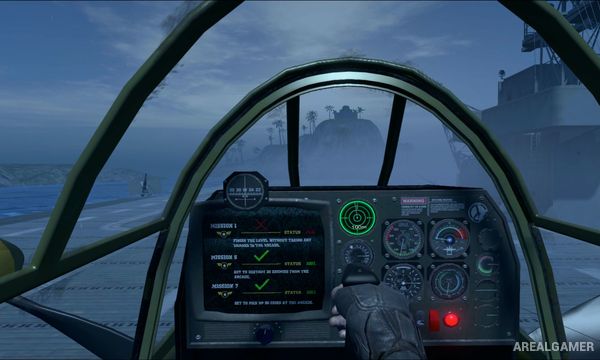
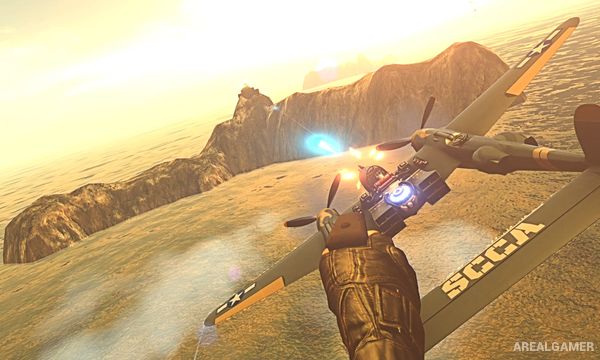
1976: Back to Midway is a VR arcade shooter that imagines an alternate version of World War II involving experimental technology and time travel. It deliberately draws inspiration from classic shoot-’em-ups while presenting their action through a combination of virtual reality cockpit sequences and miniature battlefield perspectives.
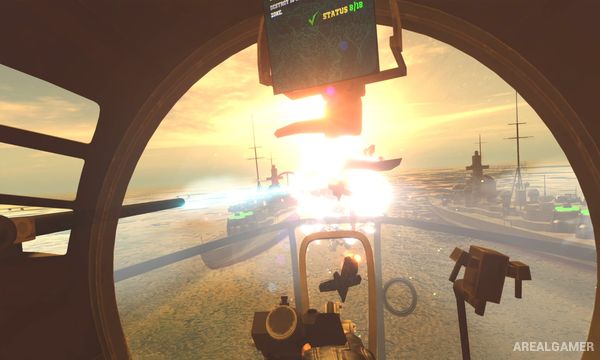
Aircraft, warships, armored units, defensive installations, and exaggerated bosses fill its stages. The game favors fast arcade action over realistic flight simulation, making enemy patterns, weapon use, and score chasing more important than authentic aircraft procedures.
How the Gameplay Works
Players pilot combat aircraft through enemy-heavy missions, firing guns and special weapons while dodging incoming attacks. Some sequences present the battlefield like a traditional scrolling shooter, while VR effects make it feel as though the miniature war zone is unfolding around the player.
Stages contain enemy formations, ground targets, larger vehicles, and bosses that require sustained fire and careful avoidance. Improving scores and surviving heavier attack patterns encourages replaying missions after learning where major threats appear.
Main Gameplay Features
VR arcade shoot-’em-up action
World War II-inspired alternate setting
Aircraft combat
Large enemy formations
Ground and naval targets
Boss encounters
Score-focused replayability
Retro arcade influences
Screenshots:
Minimum System Requirements:
OS: Windows 7/8/10, 64-bits
CPU: Intel Core i5 4590 or AMD FX 8350 or greater
RAM: 4 GB
Video Card: Nvidia GeForce GTX 970/AMD Radeon R9 290 equivalent or greater
Space Required: 2 GB
DirectX: 11
How to Install:
Extract the game using Winrar or 7zip.
Open “1976: Back to Midway” >> “Game” folder.
Double click on “1976” icon to play the game. Enjoy!
Click the Below Button to Proceed to Download Page
File Password: arealgamer