
A Normal Lost Phone


A Normal Lost Phone – Free Download – PC Game
Game Info:
Size: 62 MB
Genre: Adventure, Puzzle
Release Date: January 26, 2017
Developer: Accidental Queens
Publisher: Plug In Digital
About This Game:
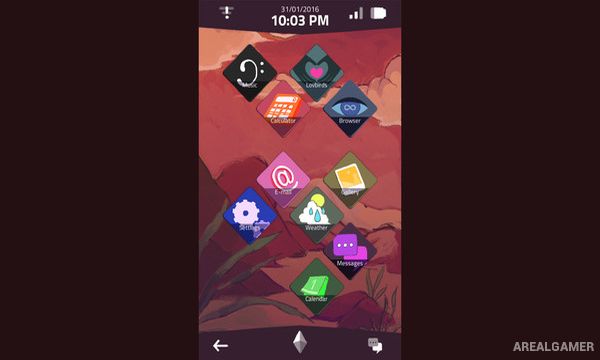
A Normal Lost Phone is a narrative investigation game where the player discovers an unfamiliar smartphone and begins exploring the private life of its owner. Messages, photographs, applications, contacts, and other personal information gradually reveal who the missing person is and what was happening before the phone was found.
The story is presented entirely through the device instead of showing the owner directly. This turns an ordinary phone interface into the game’s world, with seemingly unimportant conversations and application data becoming clues to a much more personal mystery.
How the Gameplay Works
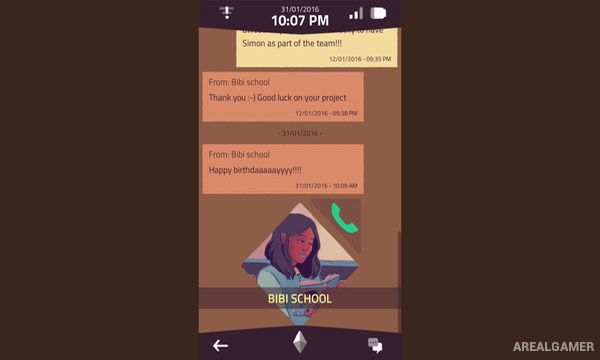
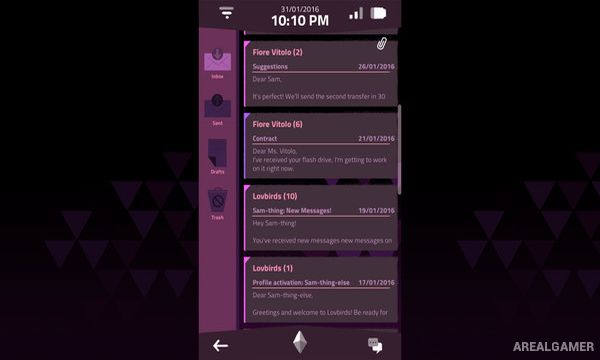
Players navigate through simulated phone applications and read conversations, emails, photographs, and other stored information. Some areas or accounts require passwords, encouraging players to search existing messages for personal details that may reveal the correct answer.
New information gradually changes the meaning of earlier discoveries, making careful reading important. There is no traditional combat or character movement, with progression coming entirely from understanding the phone’s owner and unlocking additional pieces of their digital life.
Main Gameplay Features
Smartphone-based narrative investigation
Explore another person’s digital life
Read text conversations
Browse photographs
Investigate applications
Password puzzles
Environmental storytelling through a phone
No traditional combat
Story revealed through personal information
Compact narrative experience
Point-and-click interaction
Single-player mystery
Screenshots:
Minimum System Requirements:
OS: Windows 7/8/10
CPU: 1.8 GHz
RAM: 4 GB
Video Card: 3D graphics card compatible with DirectX 9
Space Required: 200 MB
DirectX: 9.0c
How to Install:
Extract the game using Winrar or 7zip.
Open “A Normal Lost Phone” folder, double click on “Setup” and proceed install.
After installation complete, go to the “Installed Game” location.
Double click on “Game” icon to play the game. Enjoy!
Click the Below Button to Proceed to Download Page
File Password: arealgamer