
Airport CEO

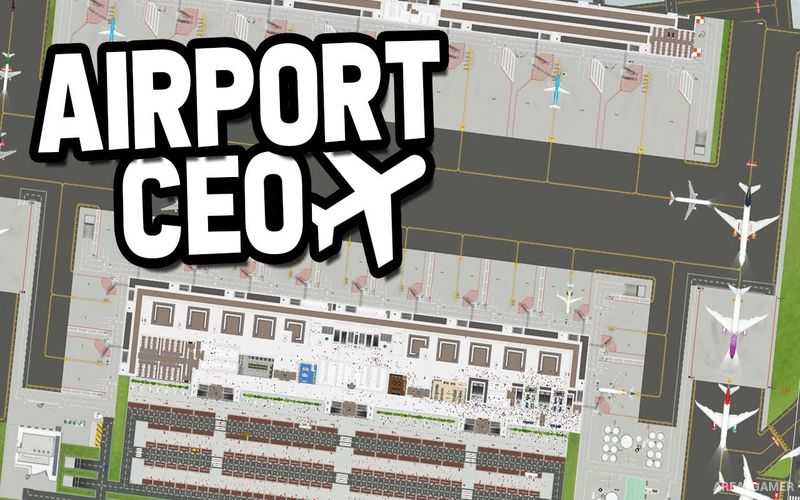
Airport CEO – With All DLC’s – Free Download – PC Game
Game Info:
Size: 951 MB
Genre: Simulation, Strategy
Release Date: March 4, 2021
Developer: Apog Labs
Publisher: Apog Labs
About This Game:
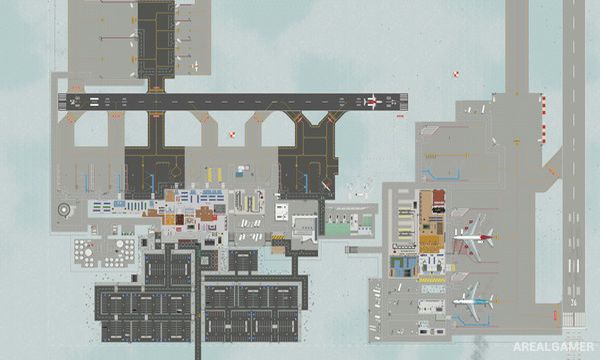
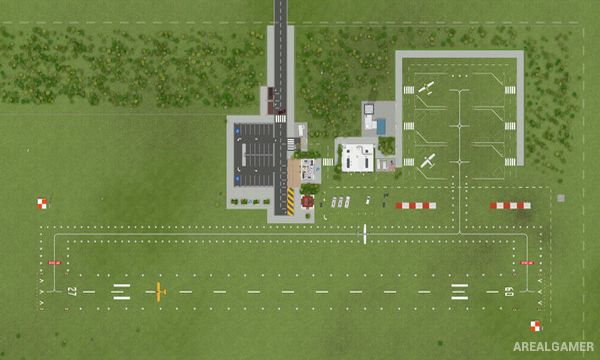
Airport CEO is a detailed management simulation where players design, construct, and operate an entire airport. Beginning with an undeveloped piece of land, the airport can grow to include runways, taxiways, aprons, terminals, security areas, baggage systems, restaurants, shops, and the many other facilities needed to handle passengers and aircraft.
Running the airport also requires dealing with employees, airline contracts, passenger satisfaction, finances, and daily operational problems. As traffic increases, poorly designed layouts can create delays and bottlenecks, making efficient planning increasingly important.
How the Gameplay Works
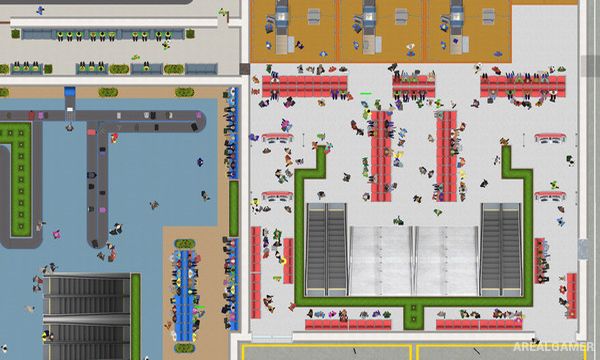
Players construct runways and taxiways before connecting aircraft stands to terminals and passenger facilities. Check-in desks, security checkpoints, baggage handling, boarding gates, and service areas must be positioned so travelers and employees can move efficiently through the airport.
Airline contracts bring scheduled flights, while employees perform jobs ranging from security and cleaning to aircraft handling and administration. Profits can be reinvested into larger terminals, additional runways, and improved services as the airport grows into a major transportation hub.
Main Gameplay Features
Build and manage a complete airport
Runway and taxiway construction
Passenger terminals
Aircraft gates and aprons
Check-in and security systems
Baggage handling
Airline contracts
Employee hiring
Restaurants and retail shops
Passenger satisfaction
Airport finances
Large-scale expansion
DLC’s Included:
Supersonic – Beasts of the East – Vintage
Screenshots:
Minimum System Requirements:
OS: Windows 10, 64-bits
CPU: Intel Core 2 Duo 2.4 GHz | AMD: 3 GHz
RAM: 4 GB
Video Card: Any (minimum 2 GB dedicated VRAM)
Space Required: 2 GB
DirectX: Version 10
How to Install:
Extract the game using Winrar or 7zip.
Open “Airport CEO” folder, double click on “Setup” and proceed install.
Now run “DLC Setups” to install DLC’s.
After installation complete, go to the “Installed Game” location.
Double click on “Game” icon to play the game. Enjoy!
Click the Below Button to Proceed to Download Page
File Password: arealgamer