
Ascension to the Throne

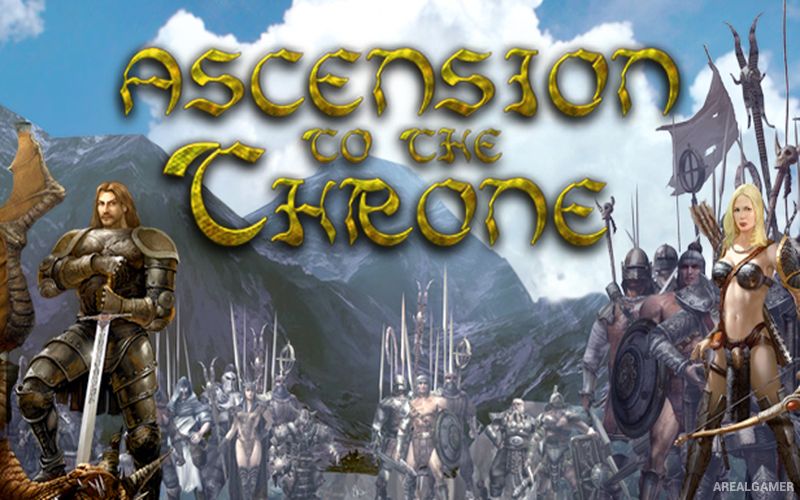
Ascension to the Throne – Free Download – PC Game
Game Info:
Size: 1.15 GB
Genre: Strategy
Release Date: 26 January 2007
Developer: DVS
Publisher: 1C Publishing
About This Game:
Ascension to the Throne is a fantasy strategy RPG following Alexander, a ruler who is magically transported far from his kingdom after enemies attack his lands. Stripped of his army and position, he must rebuild his strength, gather followers, and find a path back to reclaim his throne.
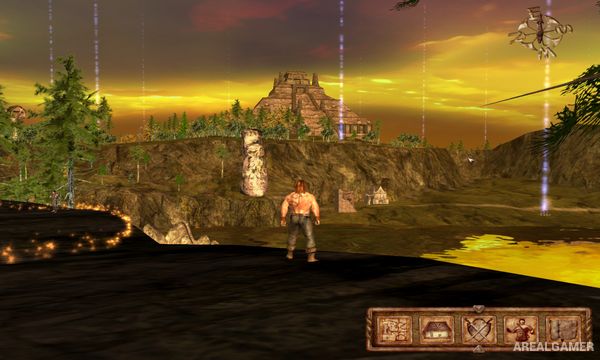
The game blends third-person exploration and character interaction with turn-based battles involving groups of troops. Quests, recruitable units, equipment, and story decisions gradually transform Alexander from a lone survivor into a commander again.
How the Gameplay Works
Players move through towns, wilderness areas, and quest locations while speaking with characters and acquiring new objectives. Alexander can improve his equipment and personal abilities, but much of his strength comes from the soldiers recruited into his army.
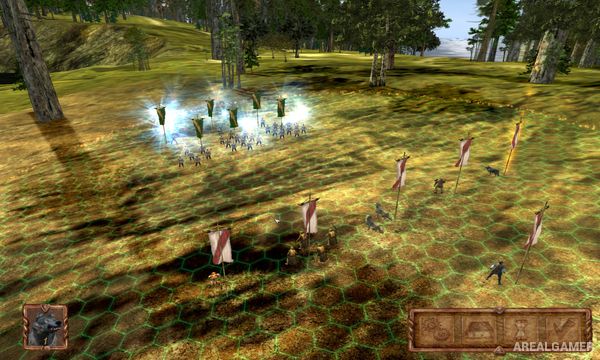
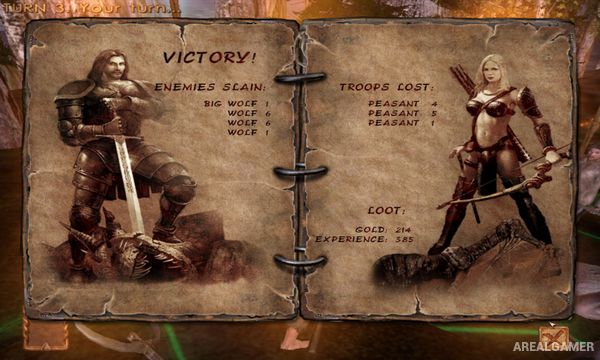
Combat moves to a hex-based battlefield where individual units act in turns. Positioning, unit types, ranged attacks, magic, and Alexander’s own abilities determine how effectively the army can defeat increasingly powerful groups.
Main Gameplay Features
Fantasy strategy RPG
Third-person world exploration
Turn-based hex-grid battles
Army recruitment
Different troop types
Character equipment and progression
Quest-driven campaign
Tactical positioning and magic
Screenshots:
Minimum System Requirements:
OS: Windows 7/8/10
CPU: Pentium IV 2.4GHz
RAM: 512 MB
Video Card: GeForce 6600 or higher graphic card with 128 MB
Space Required: 2 GB
DirectX: 9.0c
How to Install:
Extract the game using Winrar or 7zip.
Open “Ascension to the Throne” folder, double click on “Setup” and proceed install.
After installation complete, go to the “Installed Game” location.
Double click on “Game” icon to play the game. Enjoy!
Click the Below Button to Proceed to Download Page
File Password: arealgamer