
Beyond Good and Evil


Beyond Good and Evil – Free Download – PC Game
Game Info:
Size: 1.58 GB
Genre: Action, Adventure, Stealth
Release Date: 11 Nov, 2003
Developer: Ubisoft
Publisher: Ubisoft
About This Game:
Beyond Good and Evil is an action-adventure game centered on Jade, a reporter living on the planet Hillys during an ongoing alien conflict. After discovering that the official story surrounding the invasion may not be truthful, she begins investigating a conspiracy while working with an underground resistance movement.
The adventure mixes combat, stealth, exploration, puzzles, photography, and vehicle travel rather than focusing on a single style of play. Jade is frequently joined by companions who can assist during fights and help solve environmental obstacles.
How the Gameplay Works
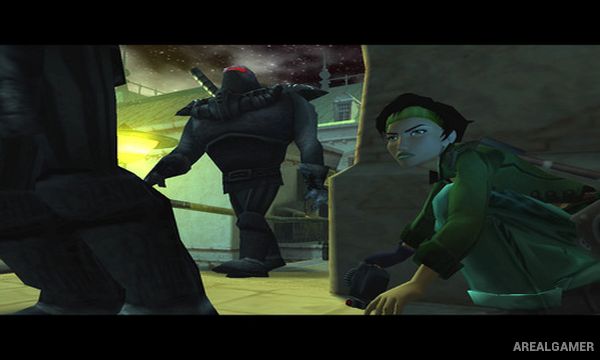
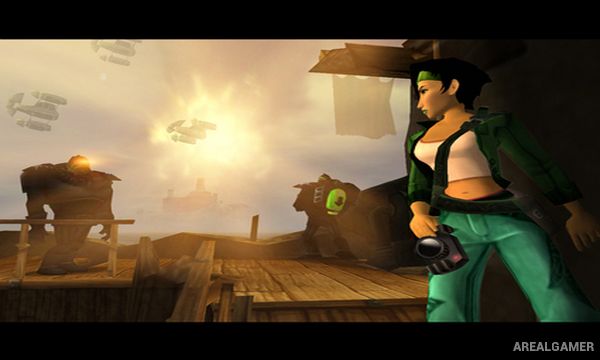
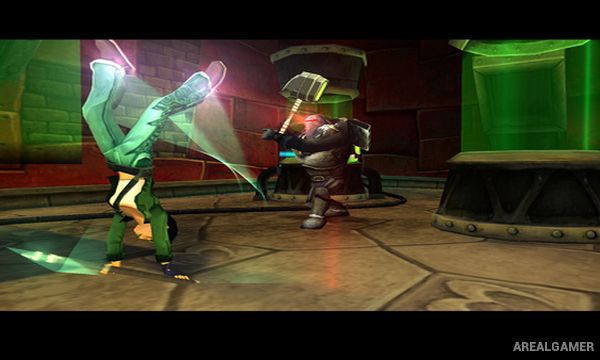
Players explore interconnected locations, photograph creatures and important evidence, sneak past guards, solve puzzles, and fight enemies using Jade’s staff. Some areas require cooperation with a companion, including activating mechanisms or combining attacks to reach otherwise inaccessible targets.
Photography is tied directly to progression, with valuable pictures providing money and investigative evidence. Jade also travels across Hillys using a hovercraft that can be upgraded, opening access to additional locations as the story develops.
Main Gameplay Features
Story-driven action-adventure gameplay
Photography used for investigation and earning currency
Melee combat with Jade’s staff
Stealth-focused infiltration sections
Environmental puzzles and companion interactions
Hovercraft travel and upgrades
Optional wildlife photography
Screenshots:
Minimum System Requirements:
OS: Windows XP/Vista/7/8/10
CPU: 1.8 GHz
RAM: 512 MB
Video Card: 3D graphics card compatible with DirectX 9
Space Required: 2 GB
DirectX: 9.0c
How to Install:
Extract the game using Winrar or 7zip.
Open “Beyond Good and Evil” folder, double click on “Setup” and proceed install.
After installation complete, go to the “Installed Game” location.
Double click on “BGE” icon to play the game. Enjoy!
Click the Below Button to Proceed to Download Page
File Password: arealgamer