
Botanicula

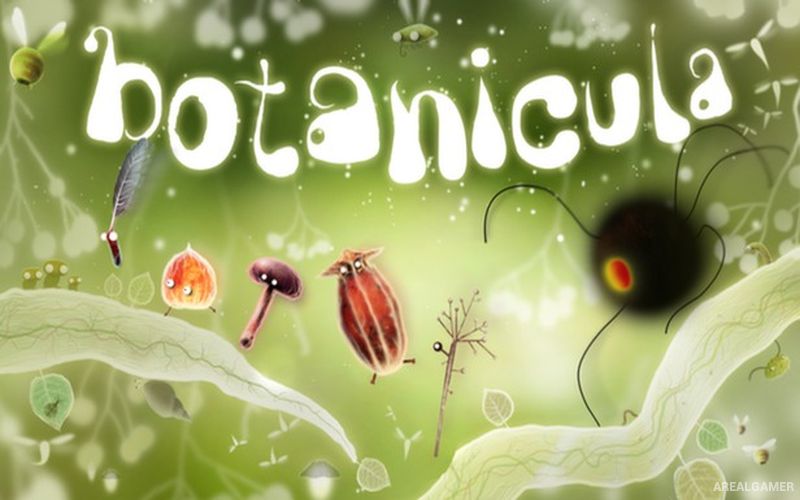
Botanicula – Free Download – PC Game
Game Info:
Size: 797.1 MB
Genre: Casual
Release Date: 7 May, 2012
Developer: Amanita Design
Publisher: Amanita Design
About This Game:
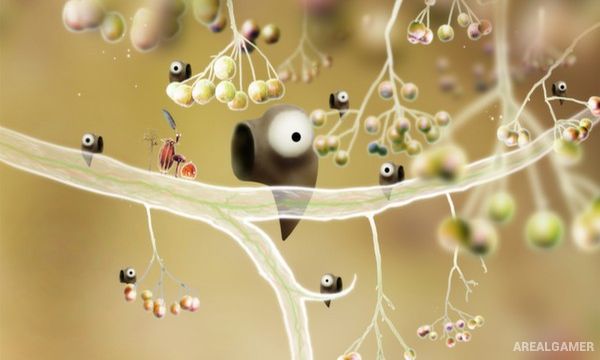
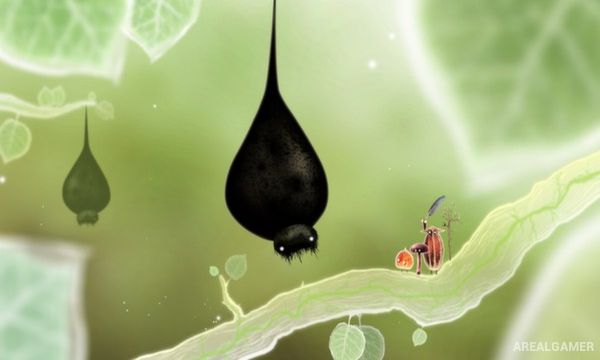
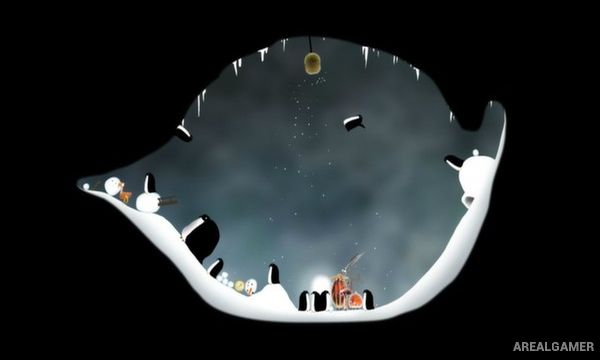
Botanicula is a hand-drawn point-and-click adventure about five tiny tree creatures attempting to save the final seed of their home from dark parasites. Mr. Lantern, Mr. Twig, Mr. Poppy Head, Mr. Feather, and Mrs. Mushroom leave their familiar branch and travel through a strange natural world filled with unusual plants, insects, animals, and mysterious organisms.
The story is told with very little conventional dialogue, relying instead on animation, sounds, reactions, and visual humor. Almost every screen contains playful details that respond to clicks, turning exploration into a mixture of puzzle solving and experimentation.
How the Gameplay Works
Players explore connected scenes with the mouse, clicking objects and creatures to discover interactions. Some actions reveal collectible creatures, while others provide items or clues needed to solve environmental puzzles and continue deeper into the tree.
The five protagonists often work together, although puzzles are generally solved through observation rather than direct character control. Progress involves finding hidden routes, helping strange inhabitants, recovering useful objects, and eventually confronting the parasites threatening the tree.
Main Gameplay Features
Hand-drawn point-and-click adventure
Five tiny playable companions
Tree-based fantasy world
Environmental puzzle solving
Minimal dialogue
Visual storytelling
Interactive creatures and plants
Hidden collectible cards
Mouse-driven controls
Surreal natural environments
Playful animations
Original sound design
Gentle comedy
Exploration-focused progression
Single-player adventure
Screenshots:
Minimum System Requirements:
OS: Windows XP/Vista/7
CPU: 1.8 GHz
RAM: 1 GB
Video Card: 128 MB graphics card compatible with DirectX 9
Space Required: 1 GB
DirectX: 9.0c
How to Install:
Extract the game using Winrar or 7zip.
Open “Botanicula” folder, double click on “Setup” and proceed install.
After installation complete, go to the “Installed Game” location.
Double click on “Botanicula” icon to play the game. Enjoy!
Click the Below Button to Proceed to Download Page
File Password: arealgamer