
Bridge Constructor


Bridge Constructor – Free Download – PC Game
Game Info:
Size: 105.9 MB
Genre: Simulation, Strategy
Release Date: October 16, 2013
Developer: ClockStone
Publisher: Headup
About This Game:
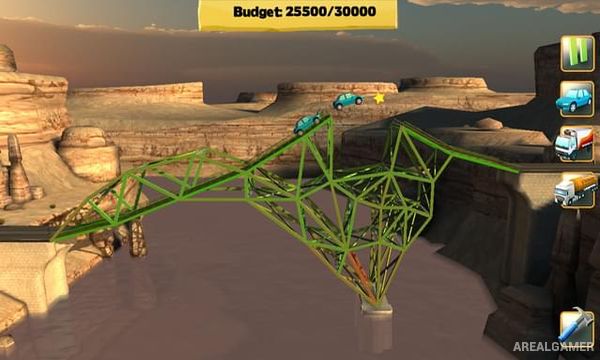
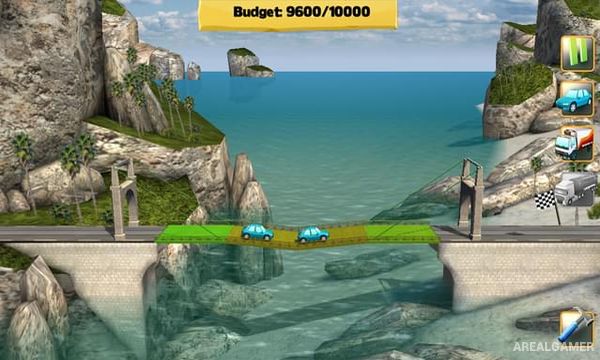
Bridge Constructor is a physics-based engineering puzzle game where players design structures capable of carrying traffic across valleys, rivers, and other gaps. Each level provides a limited budget and a selection of construction materials, requiring designs that are both stable and economical.
Different materials have their own strengths and costs. Wood works well for inexpensive supports, steel handles greater loads, cables can suspend longer sections, and concrete pillars provide strong foundations when the terrain allows them.
How the Gameplay Works
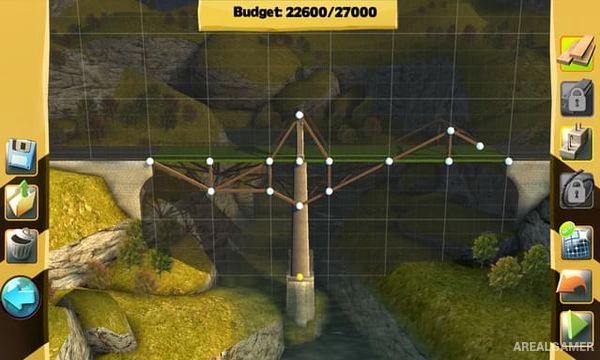
Players connect anchor points with road sections and support beams before testing the bridge under traffic. Stress indicators reveal which pieces are close to breaking as cars and trucks move across the structure.
A bridge only needs to survive long enough to complete the required traffic test, so many different designs can solve the same stage. More demanding levels introduce wider gaps, limited anchor positions, heavier vehicles, and stricter budget restrictions.
Main Gameplay Features
Physics-based bridge construction
Multiple building materials
Wood
Steel
Concrete pillars
Support cables
Budget limitations
Structural stress simulation
Cars and truck testing
Multiple possible solutions
Increasingly difficult gaps
Different landscapes
Design experimentation
Simple construction interface
Engineering-focused puzzles
Screenshots:
Minimum System Requirements:
OS: Windows 7/8/10
CPU: 1.8 GHz
RAM: 1 GB
Video Card: Graphics card compatible with DirectX 9
Space Required: 1 GB
DirectX: 9.0c
How to Install:
Extract the game using Winrar or 7zip.
Open “Bridge Constructor” folder, double click on “Setup” and proceed install.
After installation complete, go to the “Installed Game” location.
Double click on “Game” icon to play the game. Enjoy!
Click the Below Button to Proceed to Download Page
File Password: arealgamer