
Concordia: Digital Edition

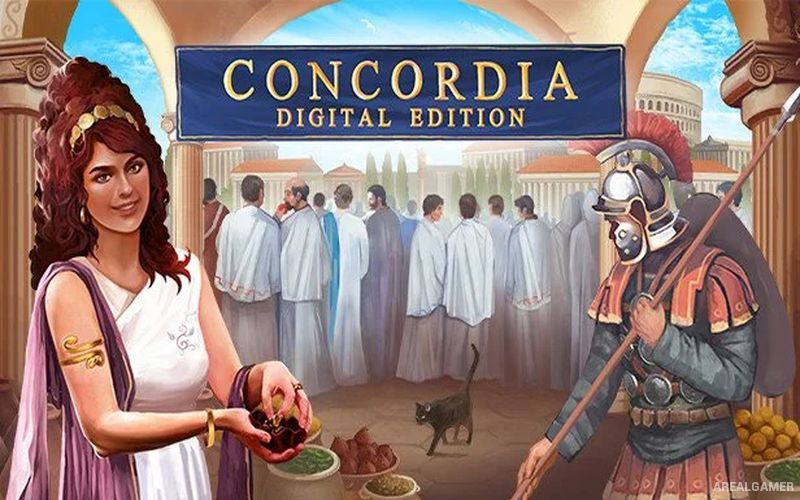
Concordia: Digital Edition – With All DLC’s – Free Download – PC Game
Game Info:
Size: 336 MB
Genre: Strategy
Release Date: September 28, 2021
Developer: Acram Digital
Publisher: Acram Digital
About This Game:
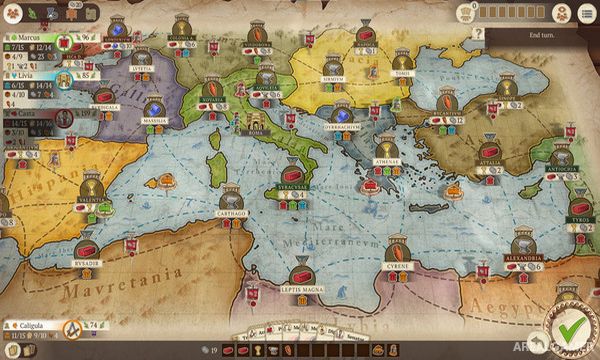
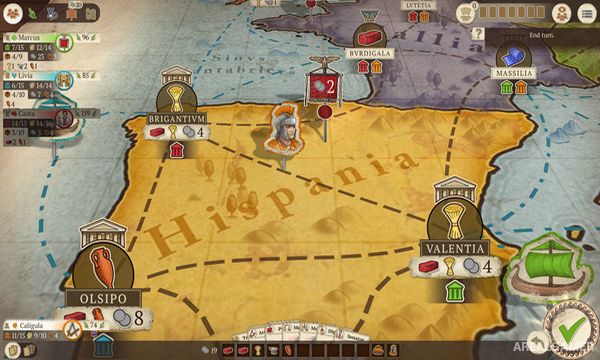
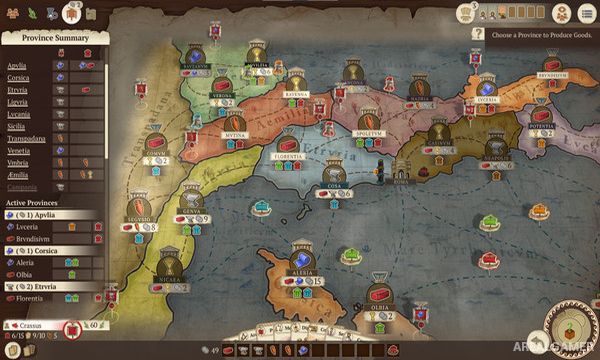
Concordia: Digital Edition adapts the economic strategy board game about merchant families expanding their influence across the Roman world. Players establish trading networks, produce valuable goods, build houses in important cities, and acquire personality cards that provide both actions and end-game scoring opportunities.
The game contains very little direct conflict between players. Competition instead comes from claiming useful locations, purchasing cards before rivals, and building an economic network that scores efficiently under several different categories.
How the Gameplay Works
Players choose one card from their hand each turn and perform the action printed on it. These actions can move colonists, produce resources, trade goods, construct houses, purchase additional cards, or recover previously played cards.
Every newly purchased personality card expands the available actions while also contributing toward final scoring. Success depends on creating a network that matches the scoring opportunities represented by the cards collected during the game.
Main Gameplay Features
Digital board game adaptation
Ancient Roman trading theme
Card-driven turns
Resource production
Buy and sell goods
Build merchant houses
Move land and sea colonists
Multiple maps
Multiple scoring categories
Strategic card acquisition
Single-player against AI
Online and local multiplayer
DLC’s Included:
Gallia & Corsica – Salsa
Screenshots:
Minimum System Requirements:
OS: Windows 7/8/10, 64-bits
CPU: Dual Core 1.6 GHz or better
RAM: 8 GB
Video Card: 256 MB
Space Required: 1 GB
DirectX: 9.0c
How to Install:
Extract the game using Winrar or 7zip.
Open “Concordia: Digital Edition” folder, double click on “Setup” and proceed install.
Now run “DLC Setups” to install DLC’s.
After installation complete, go to the “Installed Game” location.
Double click on “Game” icon to play the game. Enjoy!
Click the Below Button to Proceed to Download Page
File Password: arealgamer