
Crysis Warhead


Crysis Warhead – Free Download – PC Game
Game Info:
Size: 6.49 GB
Genre: Action, Shooter
Release Date: 18 Sep, 2008
Developer: Crytek
Publisher: Electronic Arts
About This Game:
Crysis Warhead is a standalone first-person shooter that takes place alongside the events of the original Crysis. Instead of returning to Nomad, players control Sergeant Michael “Psycho” Sykes and discover what happened on another part of the North Korean island while the original campaign was unfolding.
Psycho’s operation begins around North Korean military forces before the alien threat becomes increasingly important. New weapons, vehicles, locations, and enemies expand the combat while retaining the open battlefield design and Nanosuit abilities that defined the original game.
How the Gameplay Works
The Nanosuit lets players strengthen armor, move at enhanced speed, increase physical power, and use cloaking to approach encounters in different ways. Players can sneak around enemy patrols, attack from a distance, use vehicles, or enter direct firefights depending on the situation.
Weapons can be customized with useful attachments, while Warhead adds equipment including dual-wieldable submachine guns and additional heavy weapons. Vehicle battles and larger combat encounters appear throughout the campaign, giving Psycho a more aggressive sequence of missions while still allowing tactical use of the environment.
Main Gameplay Features
Standalone Crysis campaign
Play as Sergeant “Psycho” Sykes
Story runs parallel to the original Crysis
Nanosuit abilities
Cloaking and enhanced armor
Strength and speed powers
Customizable firearms
New weapons
New vehicles
Open combat environments
North Korean and alien enemies
CryEngine 2 technology
Screenshots:
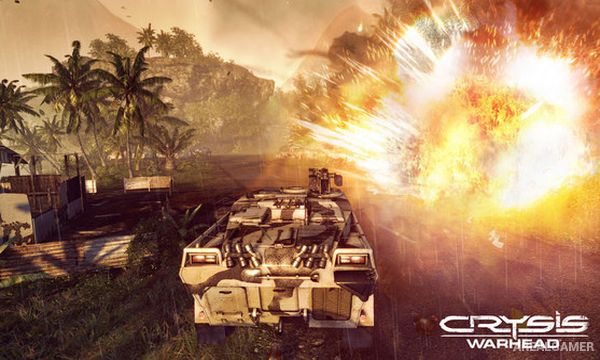
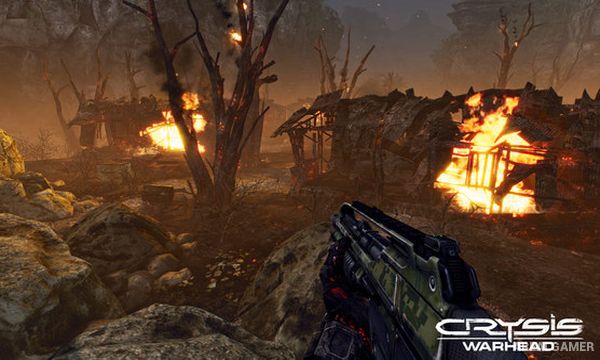
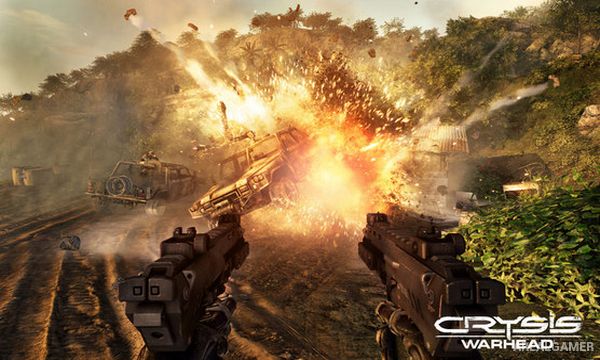
Minimum System Requirements:
OS: Windows 7/8/10, 64-bits
CPU: Intel Core 2 DUO @ 2.2GHz or AMD Athlon 64 X2 4400+
RAM: 2 GB
Video Card: GeForce 6800 GT / ATI Radeon 9800 Pro
Space Required: 10 GB
DirectX: 9.0c
How to Install:
Extract the game using Winrar or 7zip.
Open “Crysis Warhead” folder, double click on “Setup” and proceed install.
After installation complete, go to the “Installed Game” location.
Double click on “Game” icon to play the game. Enjoy!
Click the Below Button to Proceed to Download Page
File Password: arealgamer