
Deadlight

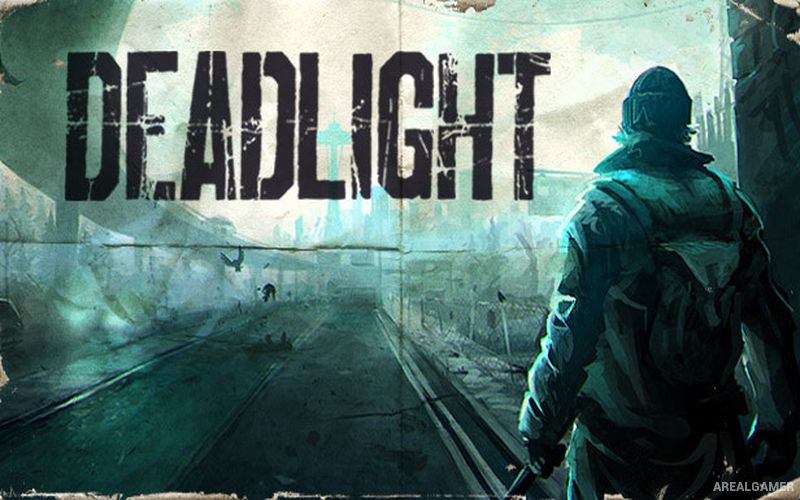
Deadlight – Free Download – PC Game
Game Info:
Size: 3.7 GB
Genre: Horror
Release Date: August 1, 2012
Developer: Tequila Works
Publisher: Microsoft Studios
About This Game:
Deadlight is a cinematic side-scrolling survival platformer set in an alternate 1980s after society has collapsed under a zombie-like outbreak. Players follow Randall Wayne, a survivor traveling through the remains of Seattle while searching for his missing family and trying to stay ahead of both infected creatures and hostile humans.
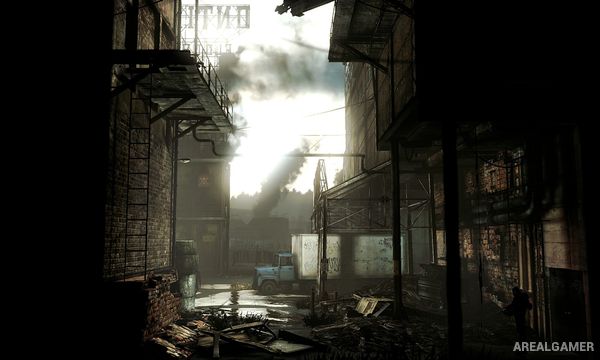
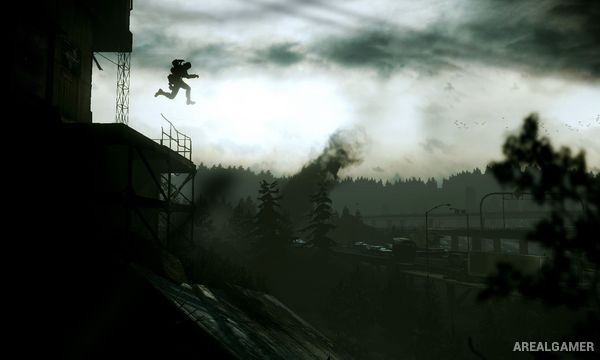
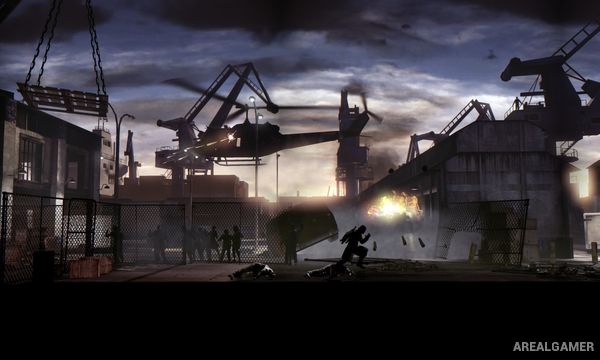
The game places greater emphasis on movement, environmental puzzles, and survival than on eliminating every enemy. Its shadowed visual style presents characters as silhouettes against detailed ruined environments, giving the journey a distinctive graphic-novel appearance.
How the Gameplay Works
Randall can run, jump, climb, hang from ledges, push objects, and interact with parts of the environment to navigate abandoned buildings and city streets. Many sections involve determining a safe route while avoiding traps or groups of enemies.
Weapons are available but ammunition and stamina are limited, making escape or environmental solutions preferable in many situations. Zombies can be distracted, trapped, or avoided, while puzzles often require activating switches, moving objects, and using the environment to create a path forward.
Main Gameplay Features
Side-scrolling survival platforming
Cinematic post-apocalyptic presentation
Running, jumping, and climbing mechanics
Environmental puzzle solving
Limited firearms and ammunition
Melee combat with stamina management
Zombie evasion and distractions
Environmental traps
Story-driven exploration
Hidden collectibles and diary pages
Screenshots:
Minimum System Requirements:
OS: Windows XP
CPU:Intel Core 2 Duo 2,4GHz+ or better
RAM: 2 GB
Video Card: 512 MB video card with Shader model 3.0 support
Space Required: 5 GB
DirectX: 9.0c
How to Install:
Extract the game using Winrar or 7zip.
Open “Deadlight” folder, double click on “Setup” and proceed install.
After installation complete, go to the “Installed Game” location.
Open “Binaries” >> “Win32” Folder, double click on “LOTDGame” icon to play the game. Enjoy!
Click the Below Button to Proceed to Download Page
File Password: arealgamer