
Dragon Ball Xenoverse 1

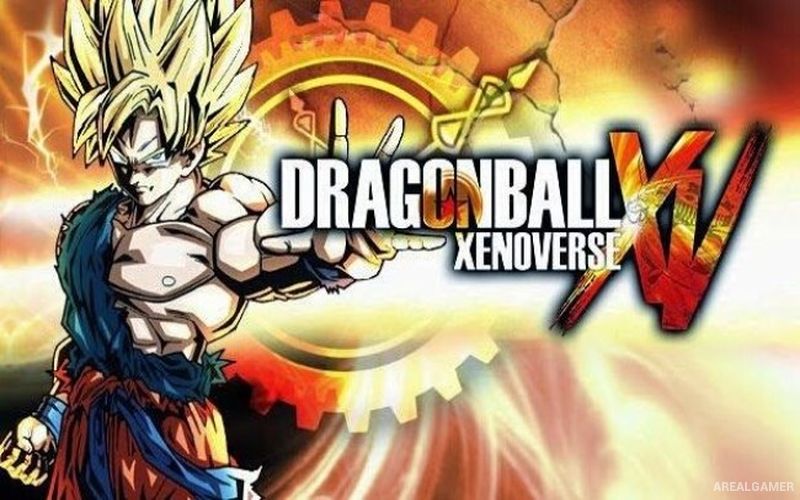
Dragon Ball Xenoverse 1 – Free Download – PC Game
Game Info:
Size: 8.57 GB
Genre: Fighting
Release Date: 27 Feb, 2015
Developer: DIMPS
Publisher: BANDAI NAMCO Entertainment
About This Game:
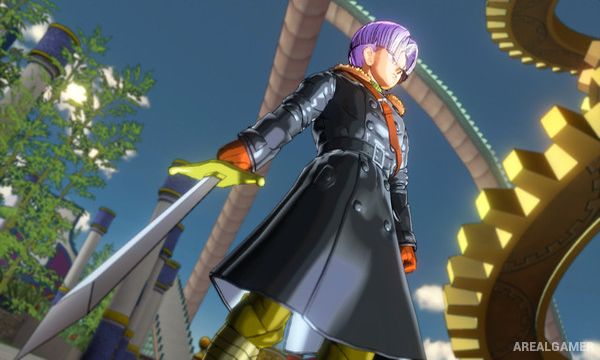
Dragon Ball Xenoverse 1 is an action RPG and arena fighting game built around a custom Time Patroller who travels through altered versions of major Dragon Ball events. Working with Trunks and the Time Patrol, the player attempts to repair history after villains begin changing important battles.
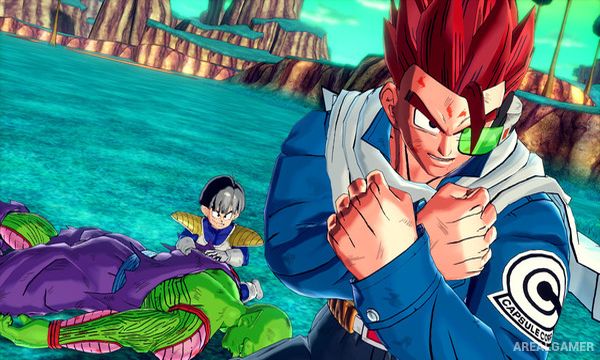
Character creation is central to the game. Players choose a race, appearance, attributes, clothing, equipment, and a growing library of attacks learned from familiar Dragon Ball characters. The hub city connects story missions, side activities, shops, trainers, and multiplayer features.
How the Gameplay Works
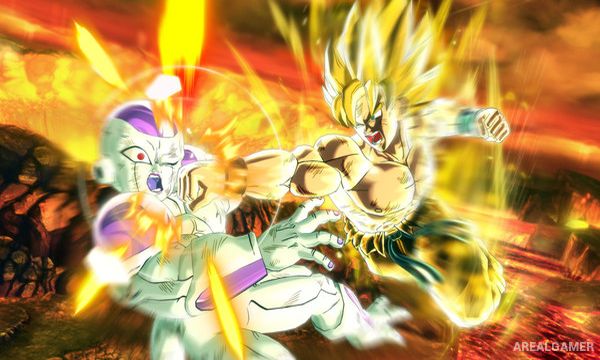
Fights take place in open 3D arenas where characters fly freely, lock onto opponents, use melee strings, ki blasts, evasive moves, throws, and powerful skills. Stamina controls defensive movement and escapes, while ki is spent on special attacks and Ultimate techniques.
Parallel Quests provide repeatable missions with alternate objectives and item drops outside the main story. Masters can train the player’s character and teach signature moves, while equipment and attribute points allow builds to focus on melee, ki attacks, health, stamina, or balanced performance.
Main Gameplay Features
Custom Dragon Ball character creation
Multiple playable races with different strengths
3D aerial arena combat
Melee attacks, ki blasts, skills, and Ultimate techniques
Time Patrol story across altered Dragon Ball history
Parallel Quests with repeatable rewards
Master training and unlockable signature moves
Online hub and multiplayer battles
Screenshots:
Minimum System Requirements:
OS: Windows Vista/7/8
CPU: Intel Core 2 Duo 2.4Ghz / AMD Athlon 64 X2 5200+, 2.6GHz
RAM: 2 GB
Video Card: 512 MB Nvidia GeForce 8800 / ATI Radeon HD 3870
Space Required: 10 GB
DirectX: 9.0c
How to Install:
Extract the game using Winrar or 7zip.
Open “Dragon Ball Xenoverse” folder, double click on “Setup” and proceed install.
After installation complete, open “Crack” folder.
Copy all files and paste it where you “Installed the Game”.
Double click on “DBXV” icon to play the game. Enjoy!
Click the Below Button to Proceed to Download Page
File Password: arealgamer