
Escape from Ever After

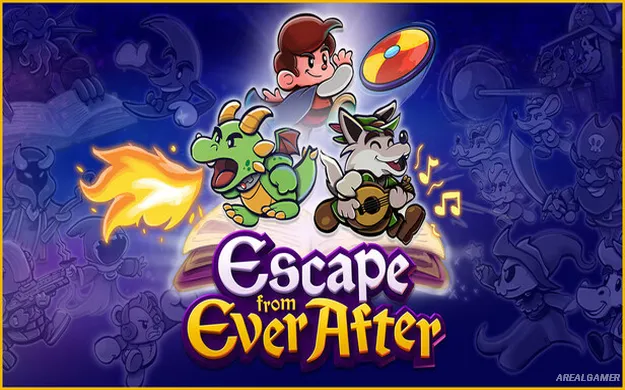
Escape from Ever After – Free Download – PC Game
Game Info:
Size: 1.6 GB
Genre: Adventure, RPG
Release Date: 23 Jan, 2026
Developer: Sleepy Castle Studio, Wing-It! Creative
Publisher: HypeTrain Digital
About This Game:
Escape from Ever After is a colorful role-playing adventure that mixes fairy tales with corporate satire. A real-world megacorporation has discovered that storybook worlds offer a convenient source of cheap labor, leaving familiar fantasy heroes and creatures trapped inside an increasingly ridiculous business empire.
Rather than simply defeating a traditional villain, the heroes must work their way through the company itself, meet other frustrated employees, and push back against the corporation from within. The result combines humorous writing with a larger adventure about reclaiming fairy-tale worlds from corporate control.
How the Gameplay Works:
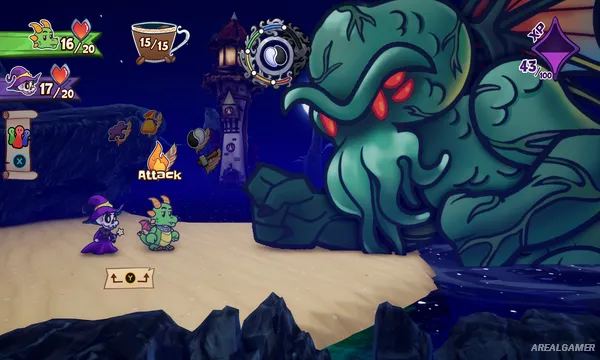
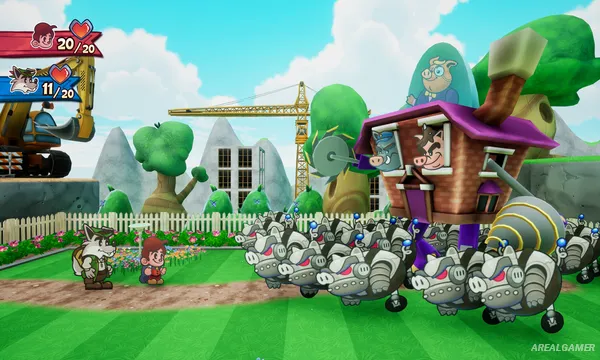
Exploration and conversations lead into party-based battles where characters use distinct abilities in turn-based encounters. Building a useful combination of party members and understanding how their skills interact is important when dealing with tougher enemies.
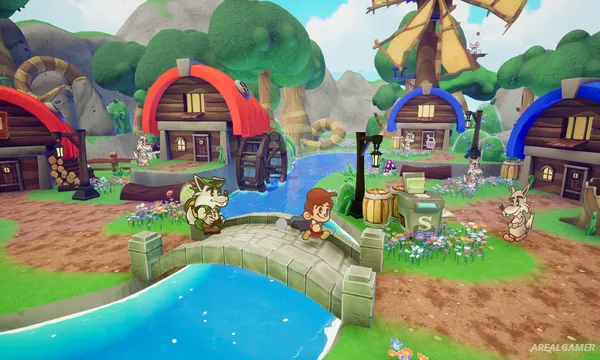
Outside combat, players explore imaginative locations, complete story objectives, meet new allies, and climb through the strange corporate hierarchy. New situations continually reinterpret fairy-tale ideas through offices, management jargon, and other elements borrowed from modern working life.
Main Gameplay Features:
- Story-driven fantasy RPG adventure
- Turn-based party combat
- Fairy-tale worlds mixed with corporate satire
- Distinct characters and combat abilities
- Exploration, dialogue, and humorous storytelling
- Colorful hand-drawn presentation
Screenshots:
Minimum System Requirements:
OS: Windows 10, 64-bit
CPU: 3.0 GHz
RAM: 4 GB
Video Card: 2 GB
Space Required: 3 GB
DirectX: 11
How to Install:
Extract the game using Winrar or 7zip.
Open “Escape from Ever After” >> “Game” folder, double click on “Setup” and proceed install.
After installation complete, go to the “Installed Game” location.
Double click on “Game” icon to play the game. Enjoy!
Click the Below Button to Proceed to Download Page
File Password: arealgamer