
Fishing: Barents Sea

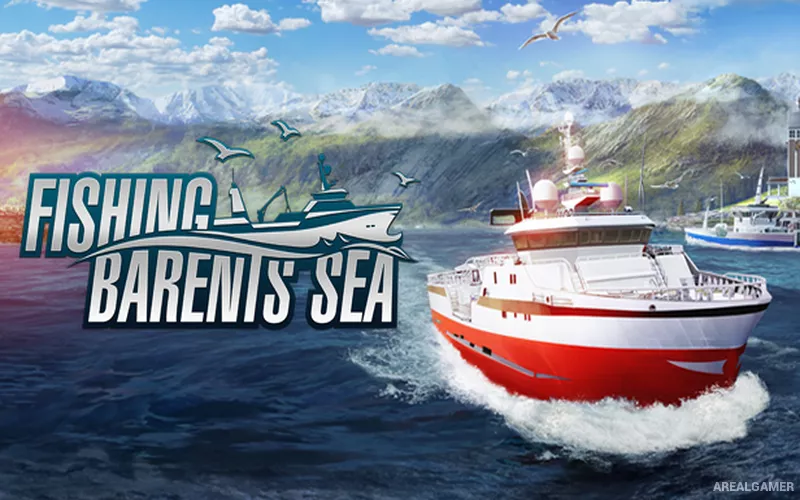
Fishing: Barents Sea – Free Download – PC Game
Game Info:
Size: 5.40 GB
Genre: Simulation
Release Date: 7 Feb, 2018
Developer: Misc Games
Publisher: Misc Games
About This Game:
Fishing: Barents Sea is a commercial fishing simulation set along the coast of northern Norway. Players begin with a small boat inherited from a relative and try to build a profitable fishing business by learning where fish are moving, choosing suitable gear, and investing earnings into better vessels.
The world models seasonal conditions, changing weather, and fish movement, so successful trips depend on more than simply sailing to the same spot every day. Different fishing methods and boat sizes become available as the business expands.
How the Gameplay Works
Players navigate using sonar, radar, GPS, and visual landmarks, then use techniques such as longline fishing, netting, or trawling depending on available equipment. Catches are processed and sold at port, where prices and operating costs affect profit.
Money can be spent on repairs, upgrades, supplies, larger boats, and hired crew. Fishing quotas limit how much of certain species can be taken during a season, encouraging careful planning instead of uncontrolled harvesting.
Main Gameplay Features
Open-world commercial fishing simulation
Northern Norwegian coastal environment
Multiple fishing methods
Sonar, radar, GPS, and navigation tools
Boat purchases and upgrades
Crew hiring and management
Seasonal fish movement and changing weather
Fishing quotas and business finances
Screenshots:


Minimum System Requirements:
OS: Windows Vista/7/8/10, 64-bit
CPU: 3 GHz Dual Core
RAM: 4 GB
Video Card: DirectX 11 compatible graphics card with 1 GB VRAM (Nvidia Geforce GTX 750 or better or comparable AMD card)
Space Required: 10 GB
DirectX: 11
How to Install:
Extract the game using Winrar or 7zip.
Open “Fishing Barents Sea” folder, double click on “Setup” and proceed install.
After installation complete, open “PLAZA” folder.
Copy all files and paste it where you “Installed the Game”.
Double click on “Game” icon to play the game. Enjoy!
Click the Below Button to Proceed to Download Page
File Password: arealgamer