
Fuel

Fuel – Free Download – PC Game
Game Info:
Size: 2.25 GB
Genre: Racing, Open World
Release Date: July 5, 2009
Developer: Asobo Studio
Publisher: Codemasters
About This Game:
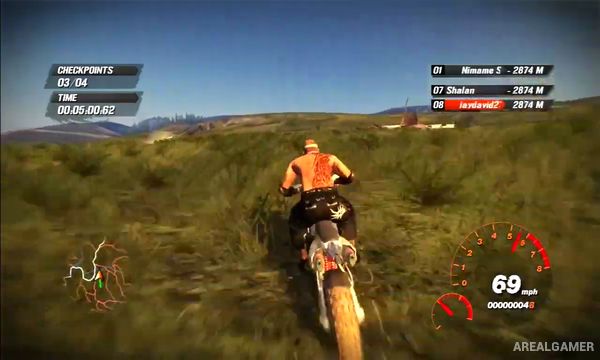
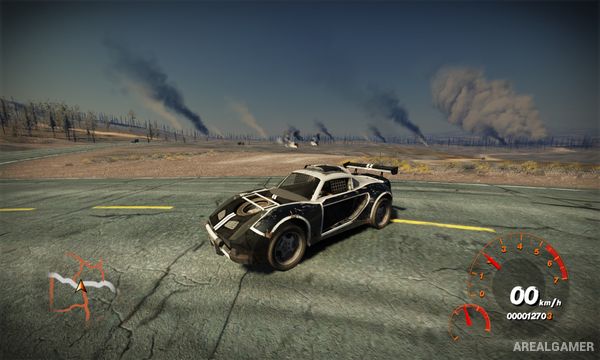
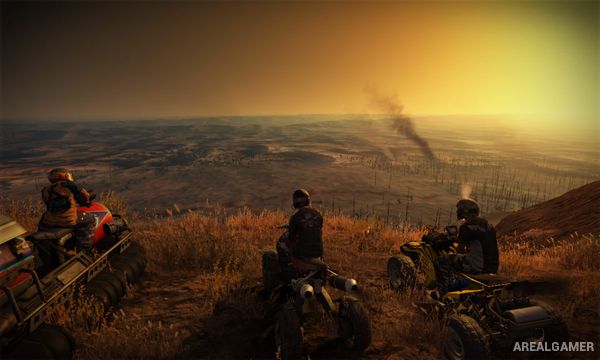
Fuel is an open-world racing game set in an alternate version of North America devastated by extreme climate change. Rather than limiting races to conventional circuits, the game provides a huge landscape of highways, deserts, forests, mountains, flooded areas, and abandoned settlements that can be explored with a wide selection of off-road vehicles.
Motorcycles, ATVs, trucks, muscle cars, buggies, and other machines are suited to different terrain. Weather events such as storms and tornadoes can appear across the world, reinforcing the game’s focus on racing through a hostile environment rather than a controlled motorsport venue.
How the Gameplay Works
Players travel freely between events or select races and challenges from the map. Routes often cross open terrain, allowing drivers to leave roads and search for shortcuts rather than following a fixed racing line.
Winning events earns Fuel that can unlock vehicles and additional content. A GPS system helps guide players through the enormous environment, while changing weather, day-night conditions, terrain, and vehicle type influence which route is fastest or safest.
Main Gameplay Features
Massive open-world racing environment
Free-roaming exploration
Cars, motorcycles, trucks, and ATVs
On-road and off-road racing
Dynamic weather
Tornadoes and storms
Day and night cycle
GPS navigation
Multiple race types
Hidden locations
Vehicle unlocking
Alternative racing routes
Large environmental variety
Arcade handling
Single-player and multiplayer racing
Screenshots:
Minimum System Requirements:
OS: Windows XP/Vista/7/8/10
CPU: 1.8 GHz
RAM: 1 GB
Video Card: 128 MB graphics card compatible with DirectX 9
Space Required: 5 GB
DirectX: 9.0c
How to Install:
Extract the game using Winrar or 7zip.
Open “Fuel” folder, double click on “Setup” and proceed install.
After installation complete, go to the “Installed Game” location.
Double click on “FUEL” icon to play the game. Enjoy!
Click the Below Button to Proceed to Download Page
File Password: arealgamer