
Gibbous – A Cthulhu Adventure

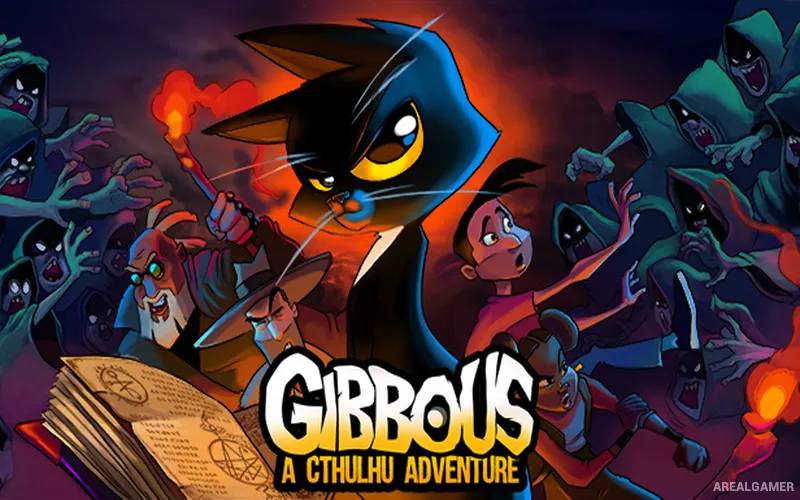
Gibbous – A Cthulhu Adventure – Free Download – PC Game
Game Info:
Size: 4.99 GB
Genre: Adventure, Puzzle
Release Date: 7 Aug, 2019
Developer: Stuck In Attic
Publisher: Stuck In Attic
About This Game:
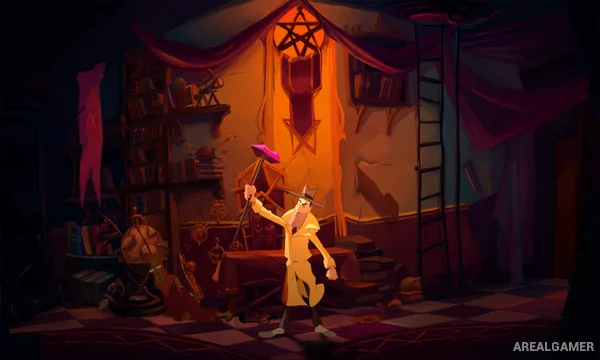
Gibbous – A Cthulhu Adventure is a hand-drawn point-and-click comedy that mixes Lovecraftian horror with absurd humor. The story follows librarian Buzz Kerwan, private detective Don R. Ketype, and a cat named Kitteh after a strange book causes increasingly supernatural problems.
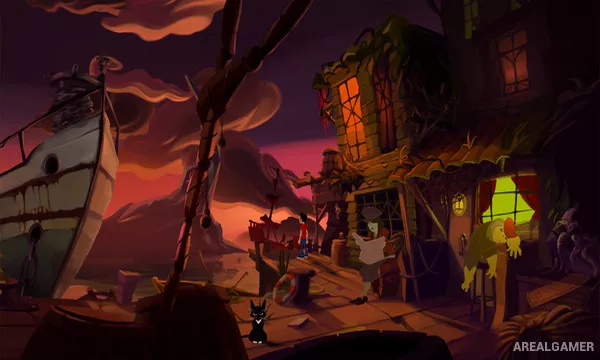
The game visits unusual towns, cult-related locations, dark streets, and other places filled with eccentric characters. Despite the cosmic-horror inspiration, the tone remains playful and frequently makes fun of adventure-game conventions.
How the Gameplay Works
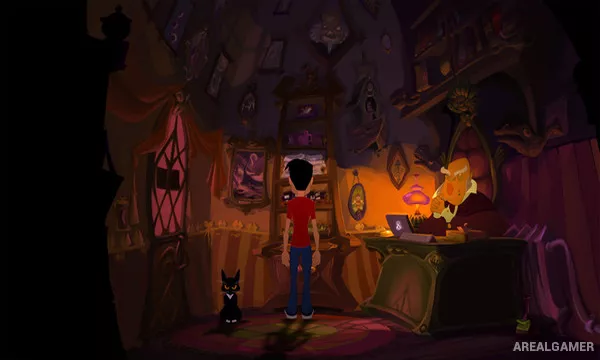
Players explore scenes, inspect objects, collect inventory items, and speak with characters through dialogue trees. Puzzles are solved by combining clues, using objects in unexpected ways, or figuring out how to influence a particular character or environment.
Kitteh becomes an important companion after gaining the ability to speak, providing additional dialogue and story moments. The game uses traditional point-and-click progression with a strong focus on artwork, voice acting, and character comedy.
Main Gameplay Features
Hand-drawn point-and-click adventure
Lovecraft-inspired comedy story
Inventory-based puzzle solving
Dialogue with eccentric characters
Multiple main characters
Talking cat companion Kitteh
Large selection of illustrated locations
Fully voiced story presentation
Screenshots:
Minimum System Requirements:
OS: Windows XP SP2/Vista/7/8/10, 64-bit
CPU: 2.5 GHz, Intel Core i3 or AMD Athlon
RAM: 4 GB
Video Card: Dedicated video graphics card with 2 GB of memory
Space Required: 15 GB
DirectX: 11
How to Install:
Extract the game using Winrar or 7zip.
Open “Gibbous – A Cthulhu Adventure” folder, double click on “Setup” and proceed install.
After installation complete, go to the “Installed Game” location.
Double click on “Game” icon to play the game. Enjoy!
Click the Below Button to Proceed to Download Page
File Password: arealgamer