
GOAL! The Club Manager


GOAL! The Club Manager – Free Download – PC Game
Game Info:
Size: 1.3 GB
Genre: Sports, Simulation
Release Date: 2 Nov, 2022
Developer: 2tainment
Publisher: 2tainment, Toplitz Productions
About This Game:
GOAL! The Club Manager is a football management simulation that gives players control over much more than match tactics. As the person responsible for the club, the player manages its squad, transfers, finances, training, staff, infrastructure, and long-term sporting direction.
Building a successful team requires balancing immediate results with development. Expensive signings can strengthen the squad quickly, while youth development, facilities, and careful financial planning may provide better results over several seasons.
How the Gameplay Works
Players select formations and lineups, organize training, scout players, negotiate transfers, and handle the club’s broader business operations. Tactical choices determine how the team approaches opponents while player fitness and ability influence who should start each match.
Matches are simulated while the manager monitors performance and makes adjustments. League position, club finances, contracts, player development, and board expectations create a continuing management cycle from one season to the next.
Main Gameplay Features
Football club management
Squad and lineup selection
Transfers and contracts
Player training
Scouting
Tactical formations
Club finances
Infrastructure development
Multi-season career progression
Screenshots:
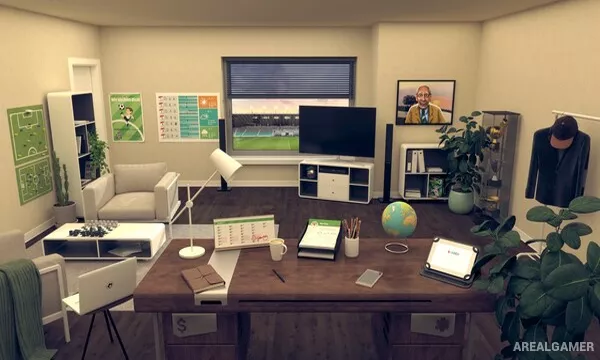
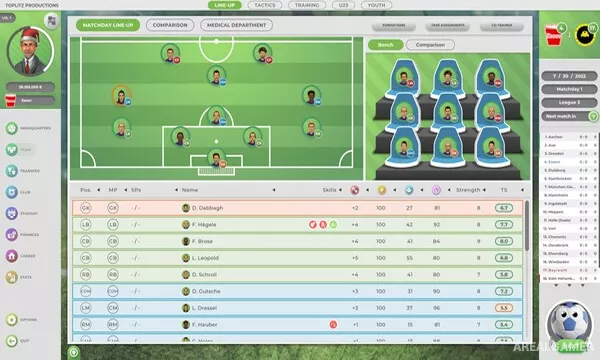
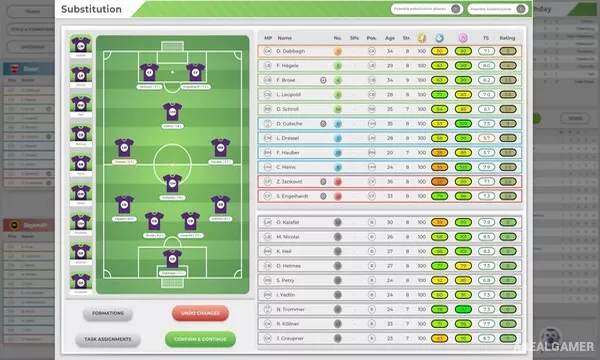
Minimum System Requirements:
OS: Windows 10, 64-bits
CPU: AMD / Intel processor running at 2.6 GHz or higher
RAM: 16 GB
Video Card: AMD/NVIDIA dedicated graphics card, with at least 1GB of dedicated VRAM
Space Required: 3 GB
DirectX: 11
How to Install:
Extract the game using Winrar or 7zip.
Open “GOAL! The Club Manager” folder, double click on “Setup” and proceed install.
After installation complete, go to the “Installed Game” location.
Double click on “Game” icon to play the game. Enjoy!
Click the Below Button to Proceed to Download Page
File Password: arealgamer