
Gone Home


Gone Home – Free Download – PC Game
Game Info:
Size: 1.83 GB
Genre: Adventure
Release Date: 15 Aug, 2013
Developer: Fullbright
Publisher: Fullbright
About This Game:
Gone Home is a first-person exploration game about Katie Greenbriar returning to her family’s new home after spending a year overseas. She arrives late at night expecting to find everyone waiting for her, but the house is empty and a note on the front door immediately raises questions about what happened while she was away.
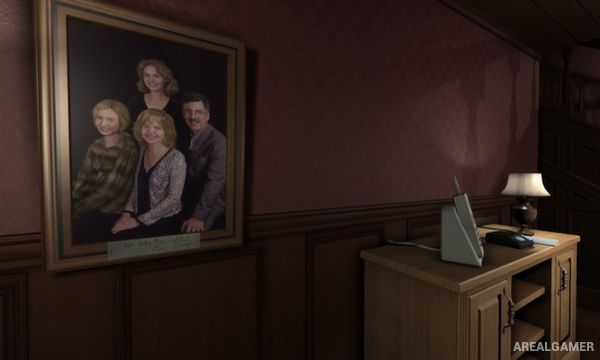
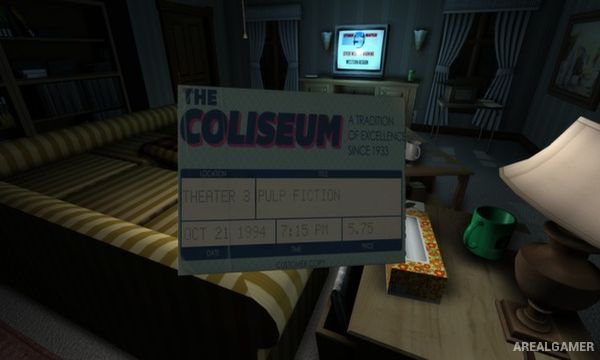
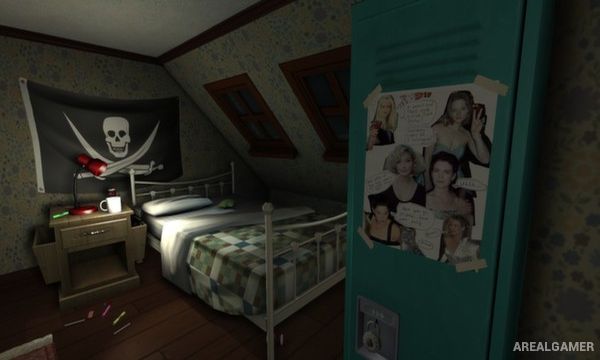
The story is told almost entirely through the objects, letters, photographs, notes, and personal belongings scattered around the house. Rather than presenting a traditional mystery involving combat or danger, the game focuses on reconstructing the experiences of Katie’s family by carefully examining the spaces they lived in.
How the Gameplay Works
Players freely explore rooms from a first-person perspective, opening drawers, cupboards, doors, and containers while inspecting objects for useful information. Certain areas are initially locked and require keys or other discoveries before they can be accessed.
Important objects trigger journal entries that gradually reveal the story of Katie’s younger sister, Sam. There are no enemies or conventional combat mechanics, so progress depends entirely on observation, exploration, and understanding how the information found throughout the house fits together.
Main Gameplay Features
First-person exploration
Story told through environmental details
Large family house to investigate
Letters, notes, photographs, and personal objects
Interactive drawers and containers
Locked rooms and hidden areas
Narrative journal entries
No combat
No traditional enemies
Nonlinear environmental storytelling
Atmospheric sound design
Short story-focused experience
Screenshots:
Minimum System Requirements:
OS: Windows XP/Vista/7/8/10
CPU: 1.8 GHz
RAM: 2 GB
Video Card: Video card with 512MB of VRAM
Space Required: 2 GB
DirectX: 10
How to Install:
Extract the game using Winrar or 7zip.
Open “Gone Home” folder, double click on “Setup” and proceed install.
After installation complete, go to the “Installed Game” location.
Double click on “Game” icon to play the game. Enjoy!
Click the Below Button to Proceed to Download Page
File Password: arealgamer