
Grow Up

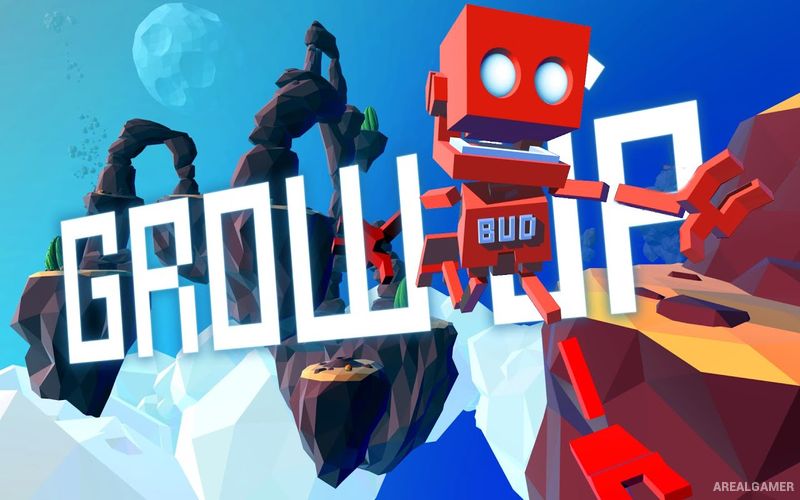
Grow Up – Free Download – PC Game
Game Info:
Size: 313 MB
Genre: Adventure, Open World
Release Date: 16 Aug, 2016
Developer: Reflections, a Ubisoft Studio
Publisher: Ubisoft
About This Game:
Grow Up continues the adventures of the small red robot BUD after his spacecraft is scattered across an entire planet. To rebuild his ship and return to his companion MOM, BUD must explore a large open world stretching from the planet’s surface high into the atmosphere.
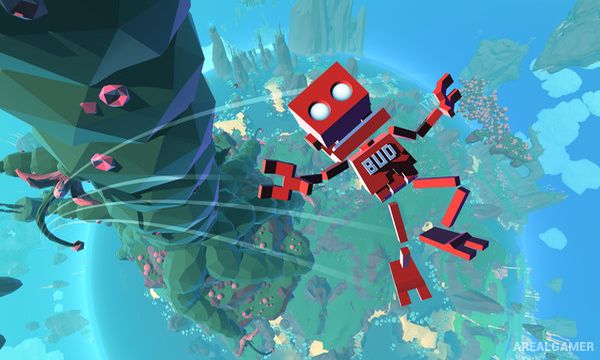
Movement is intentionally physical and playful, allowing BUD to climb almost any surface and use plants, gadgets, and strange environmental features to reach distant locations.
How the Gameplay Works
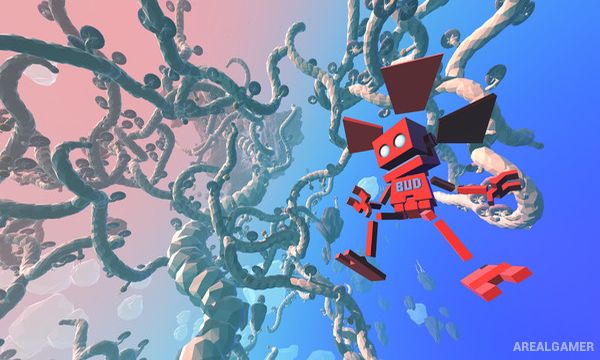
BUD climbs using independently controlled hands, jumps between platforms, and gradually unlocks abilities that improve vertical movement. Plants found around the planet can be scanned and later planted wherever their particular movement ability would be useful.
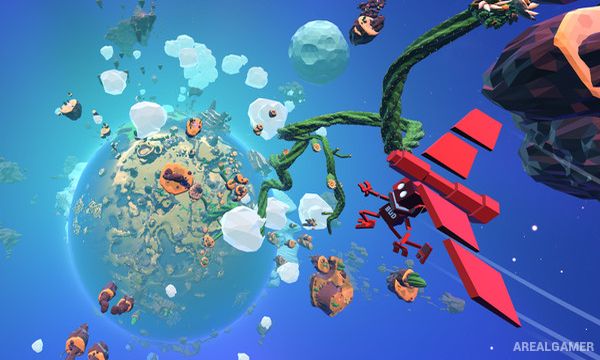
Starplants are grown toward floating energy sources, creating huge natural pathways into the sky. Ship parts and ability upgrades scattered throughout the world encourage exploration far beyond the direct objective.
Main Gameplay Features
Open-world vertical exploration
Free climbing on most surfaces
Physics-based movement
Growable Starplants
Scannable and plantable flora
Jetpack-style movement upgrades
Gliding and launching abilities
Collectible ship parts
Large world extending into the atmosphere
Environmental traversal puzzles
Screenshots:
Minimum System Requirements:
OS: Windows 7/8/10, 64-bits
CPU: Intel i3 550 @ 3.2 GHz or AMD Phenom II X4 955 @ 3.2 GHz
RAM: 4 GB
Video Card: nVidia GeForce 460GTv2 or AMD Radeon HD5770(1024MB VRAM)
Space Required: 1 GB
DirectX: 11
How to Install:
Extract the game using Winrar or 7zip.
Open “Grow Up” folder, double click on “Setup” and proceed install.
After installation complete, go to the “Installed Game” location.
Double click on “Launcher” icon to play the game. Enjoy!
Click the Below Button to Proceed to Download Page
File Password: arealgamer