
GTA 3 (Grand Theft Auto III)

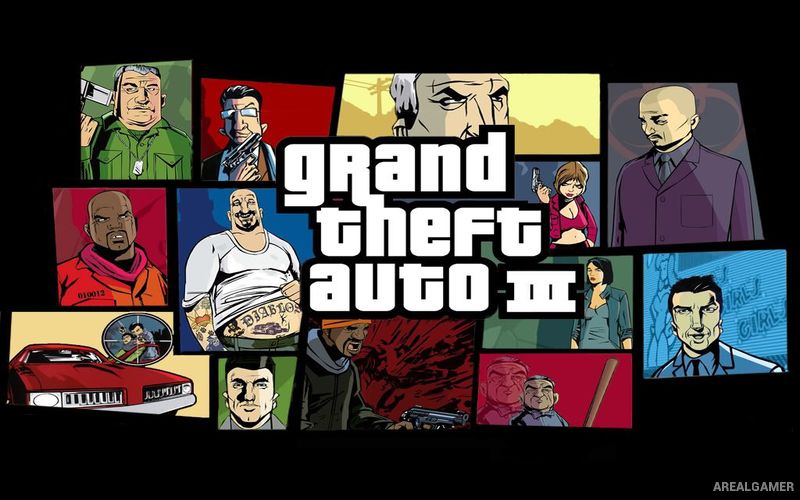
GTA 3 (Grand Theft Auto III) – Free Download – PC Game
Game Info:
Size: 92 MB
Genre: Open World, Action, Adventure
Release Date: October 22, 2001
Developer: DMA Design
Publisher: Rockstar Games
About This Game:
GTA 3 (Grand Theft Auto III) is an open-world crime action game set in Liberty City. After being betrayed during a robbery, silent protagonist Claude works for criminal organizations and gradually moves deeper into the city’s underworld.
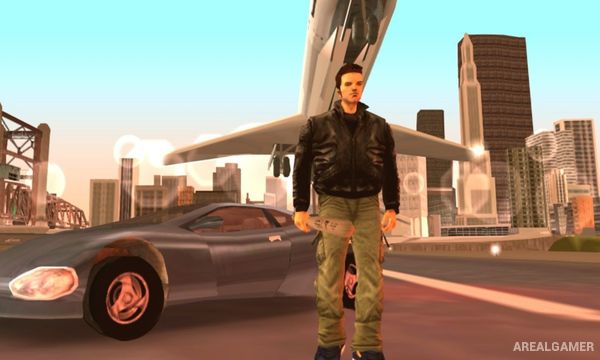
The game helped establish the modern 3D open-world structure by allowing players to move freely between missions, steal vehicles, explore districts, and create unscripted chaos.
How the Gameplay Works
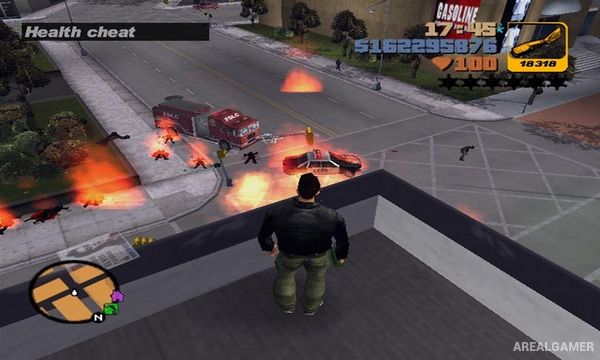
Players drive cars, trucks, boats, and other vehicles, use firearms and explosives, complete story missions, and evade police when crimes raise the wanted level. Missions include chases, assassinations, deliveries, shootouts, and vehicle tasks.
Liberty City opens in stages as the story progresses, with side missions such as taxi, vigilante, ambulance, and hidden collectible challenges adding extra activities.
Main Gameplay Features
Open-world Liberty City
Vehicle theft and driving
Third-person gunplay
Wanted-level police system
Story missions for criminal factions
Taxi, ambulance, and vigilante side activities
Multiple city districts
Hidden packages and stunt opportunities
Screenshots:

Minimum System Requirements:
OS: Windows 98/ME/2000/XP
CPU: Pentium 3 @ 450 MHz
RAM: 128 MB
Video Card: 16 MB
Space Required: 500 MB
DirectX: Any
How to Install:
Extract the game using Winrar or 7zip.
Open “GTA 3” folder, double click on “Installer” and proceed install.
After installation complete, go to the “Installed Game” location.
Open folder, double click on “Setup” and “Wait for 1 Minute” to complete.
Now double click on “Gta3” icon to play the game. Enjoy!
Click the Below Button to Proceed to Download Page
File Password: arealgamer
i want to play this game